
Telegram Trigger
Starts the workflow on messages, bot commands, button presses, edits and channel posts sent to your Telegram bot.
The Telegram Trigger starts your workflow when something is sent to your Telegram bot. Buni.ai points the bot's webhook at the trigger and checks each update's secret token.
Where you find it
Drag Telegram Trigger from the Triggers group of an automation project's node palette. A workflow can have several triggers; each one starts the workflow from its own output.
When to use it
- Run a job when someone sends your bot a command such as
/status. - React to button presses on messages your bot sent.
- To hold a conversation in Telegram, use a chatbot project instead.
Before you start
Add a Telegram connection with your bot's Bot Token in the project's Integrations tab.
Settings
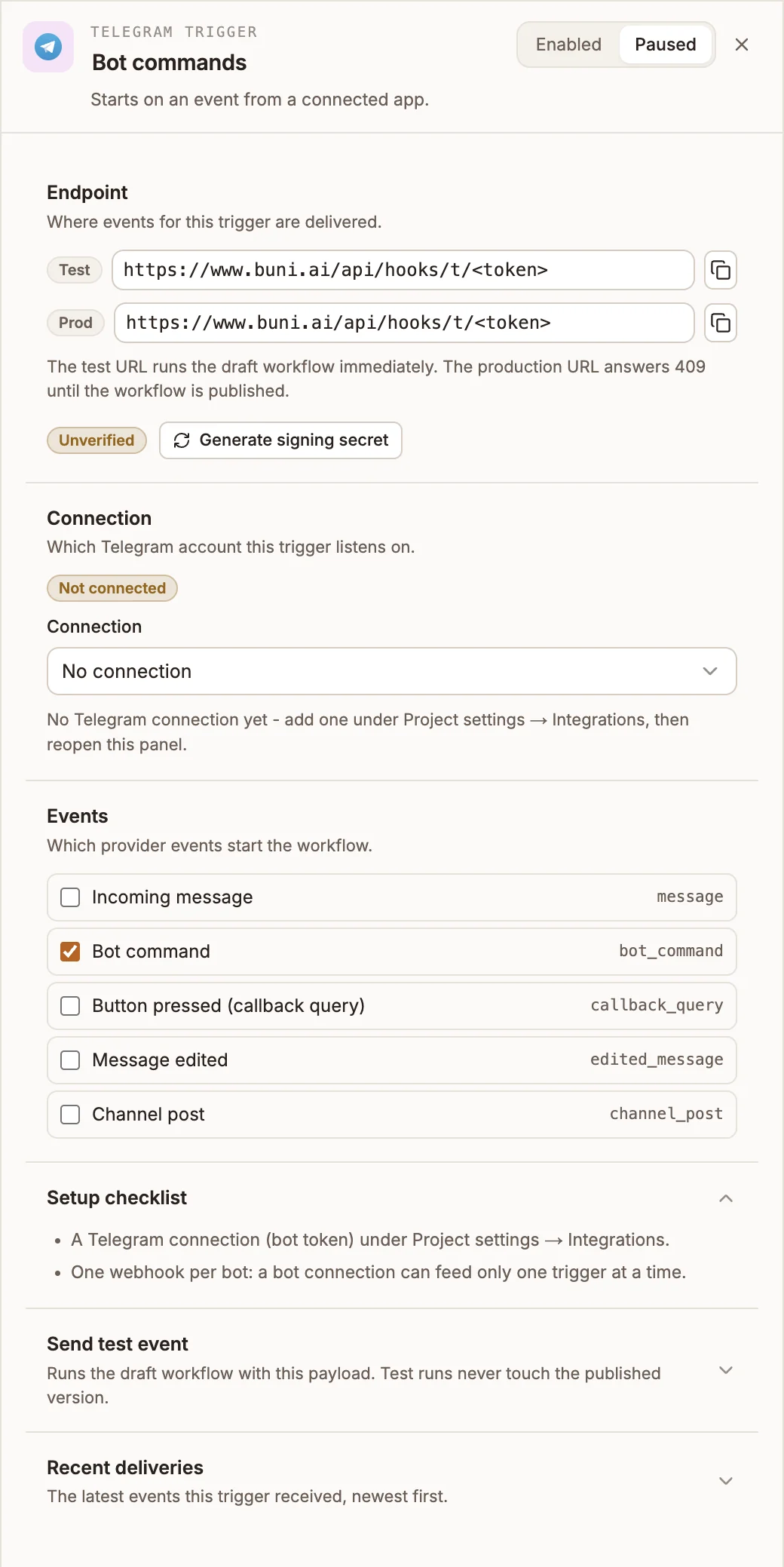
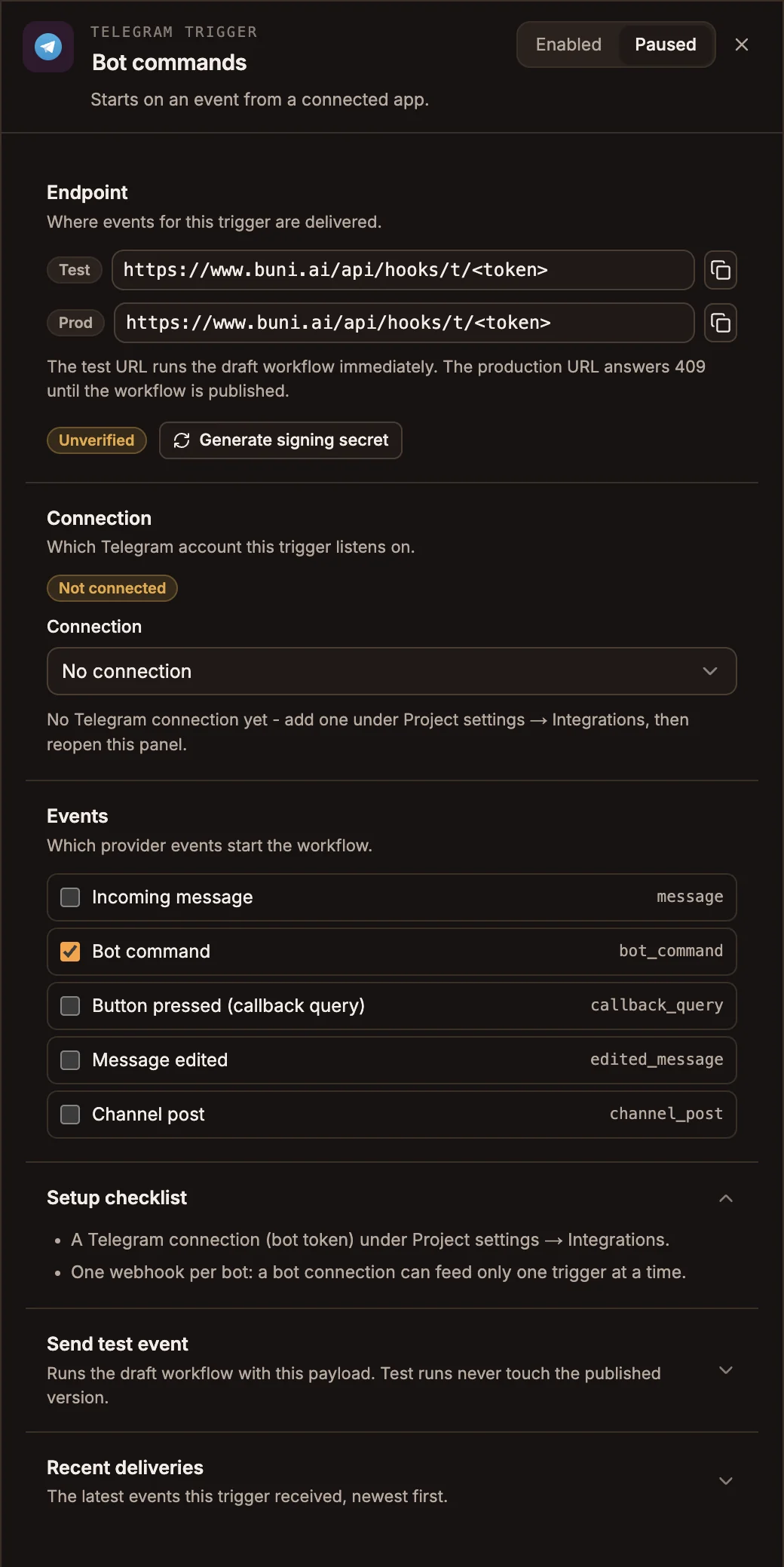
The panel header has an Enabled / Paused switch. New triggers start Enabled; a paused trigger shows Paused on its canvas card and starts no runs.
Prop
Type
| Event | Starts a run when |
|---|---|
| Incoming message | Someone sends the bot a message. |
| Bot command | Someone sends a message starting with /. |
| Button pressed (callback query) | Someone presses an inline button on a bot message. |
| Message edited | Someone edits a message they sent the bot. |
| Channel post | The bot sees a post in a channel it belongs to. |
Once the trigger has a connection and at least one event, saving the workflow points the bot at the Test URL, and publishing points it at the Prod URL.
Leave the signing secret alone
Buni.ai stores the signing secret Telegram issues and checks every delivery with it, even though the Endpoint section still shows Unverified. Do not select Generate signing secret on this trigger: a generated secret replaces Telegram's, and deliveries fail verification.
Send test event takes a Sample payload and shows what the trigger would pass to the workflow, without running the workflow's nodes. Recent deliveries lists the latest runs this trigger started, newest first, with their status and duration.
Outputs
input.payload is the Telegram update, for example input.payload.message.text. {{state.trigger.type}} is WEBHOOK.
Tips and limits
- A message starting with
/counts as Bot command, not Incoming message. Select both to receive everything. - A Telegram bot delivers to one place at a time. Pointing a bot at this trigger stops it delivering anywhere else, including a chatbot project that uses the same bot. Use a separate bot for each.
- Removing the trigger removes the bot's webhook.