
Called by another flow Trigger
Makes an automation a shared workflow that other projects in your organisation run with a Run workflow step, with the inputs it takes and how long its answer can be reused.
The Called by another flow trigger makes an automation a shared workflow. Other projects in your organisation run it with a Run workflow step, passing the inputs it takes, and use what its Return step answers.
Where you find it
Drag Called by another flow Trigger from the Triggers group of an automation project's palette. A shared workflow has one of these triggers.
When to use it
- Steps that several projects need, such as finding a client in your CRM or getting an access token for an API.
- A lookup a USSD menu, a chatbot and an automation should all do the same way.
- To start a workflow from outside Buni.ai, use a Webhook Trigger instead.
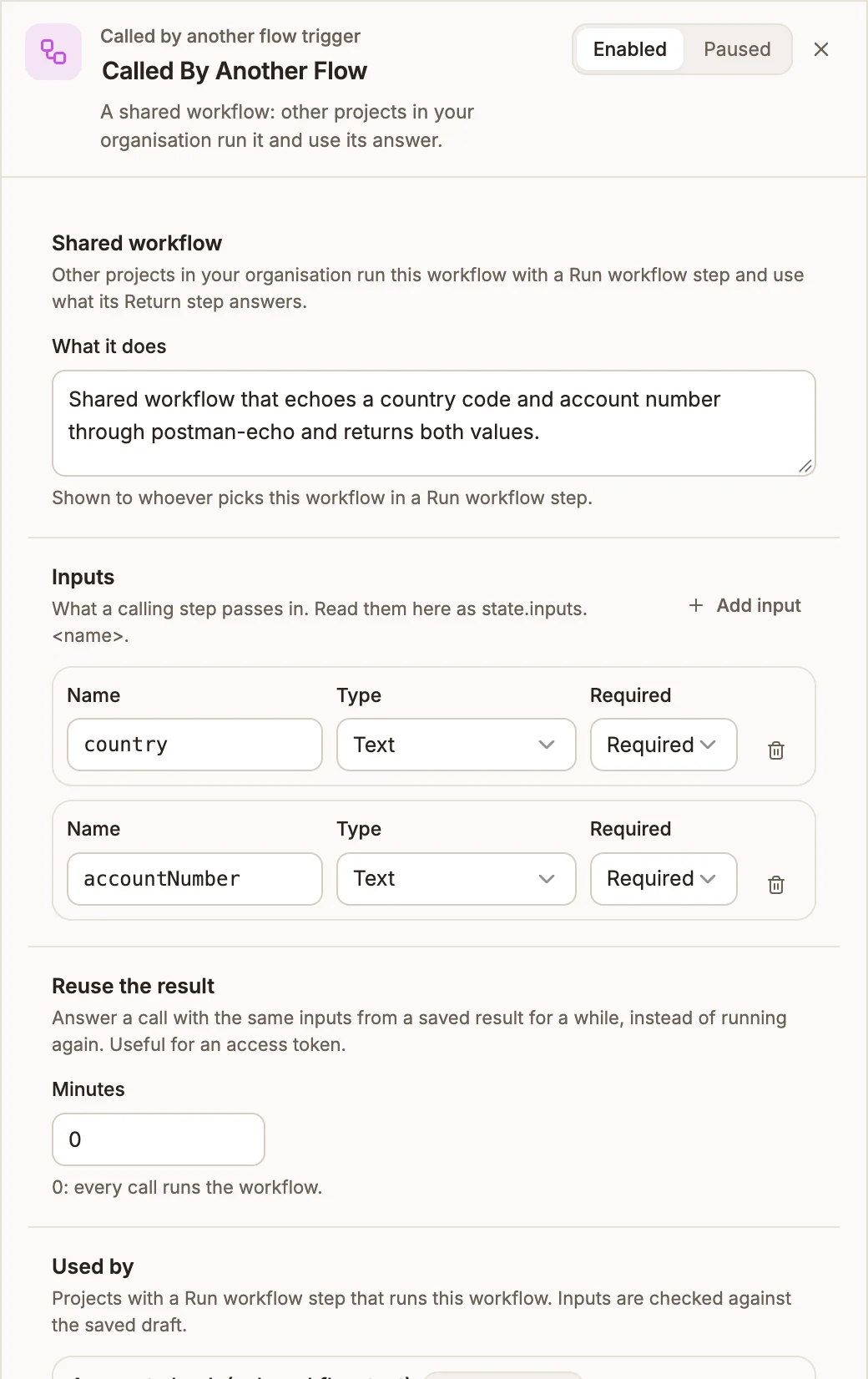
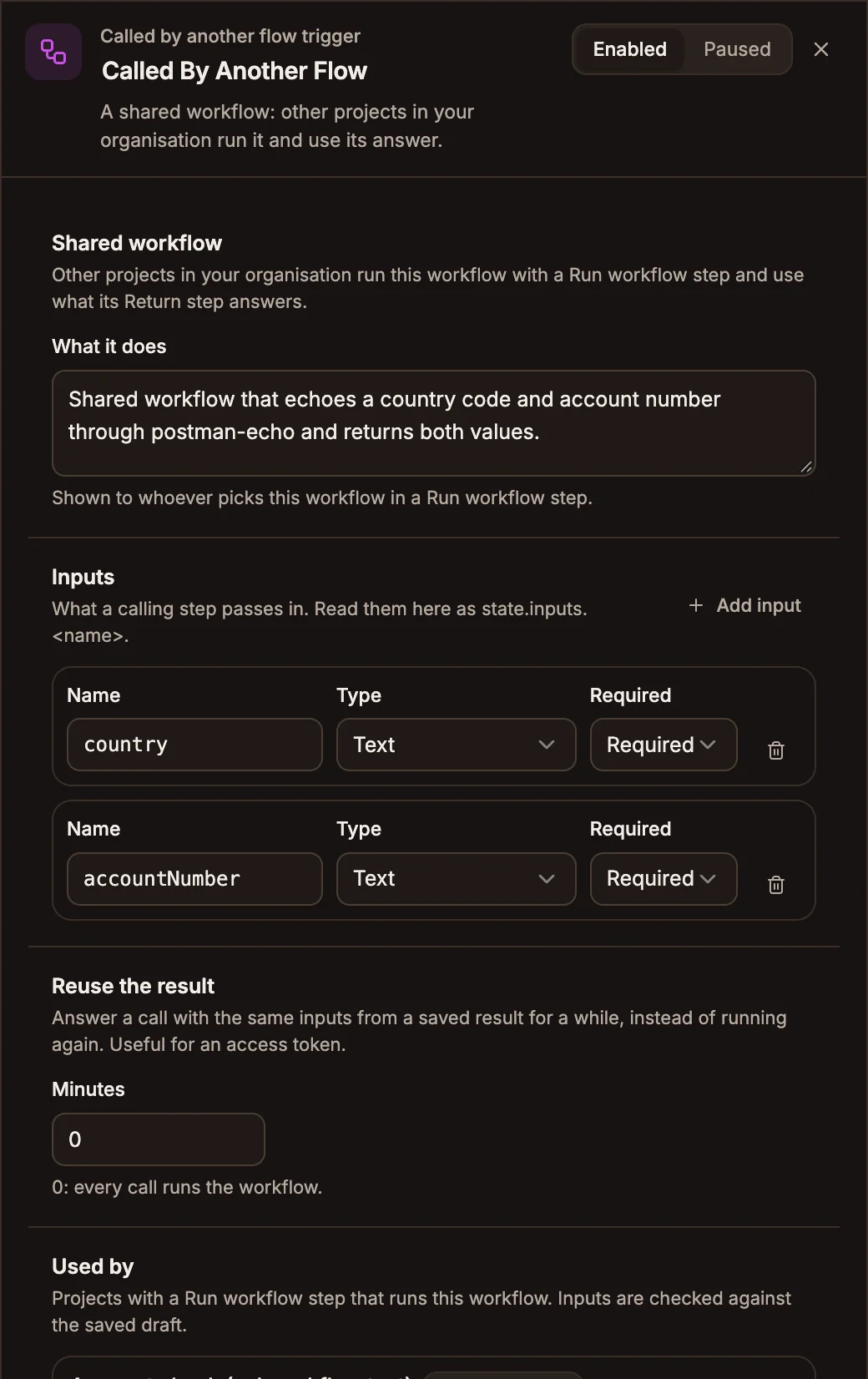
Settings
Shared workflow
What it does is shown to whoever picks this workflow in a Run workflow step. Say what it answers, for example Finds a client by account number and answers their id and first name.
Inputs
What a calling step passes in. Steps in the workflow read an input as {{state.inputs.accountNumber}}. Select Add input for each one, up to 20.
Prop
Type
With no inputs, callers run the workflow without passing anything.
Reuse the result
Minutes, from 0 to 60, lets a call with the same inputs be answered from a saved result for that long, instead of running the workflow again. Use it for an answer that stays valid for a while, such as an access token, and keep it shorter than that. At 0, the default, every call runs the workflow.
Only successful answers are saved, and a caller can choose Always run it on its own step.
Used by
The projects with a Run workflow step that runs this workflow, with their type and whether they're live. A step that leaves out a required input is flagged here, so check this list before you add a required input.
Outputs
The trigger starts the workflow from its single output. During a call:
| Variable | What it holds |
|---|---|
state.inputs.<name> | Each input the caller passed, converted to its type. |
state.trigger.type | WORKFLOW_CALL |
state.trigger.caller | The calling project and its type. |
state.trigger.correlationId | The caller's session ID for USSD and chatbot callers, or the calling run's ID for an automation, so you can match the two in logs. |
Tips and limits
- A shared workflow answers right away, because the flow that ran it is waiting. It can't contain a Wait, Approval, Collect Payment or Respond Webhook step, and the canvas shows Cannot Run in a Shared Workflow for one.
- End every path with a Return step. Without one, callers get an empty output.
- Publish it before the projects that run it. A published project only runs the workflow's live version, and can't be published while the workflow has none.
- Only projects in your organisation can run it.
Related
Error Trigger
Starts the workflow when another run in the same project fails, with the failure's details, so one handler can alert your team.
Stripe Trigger
Starts the workflow on Stripe events such as a successful payment, a completed checkout or a new subscription. Buni.ai registers the webhook in Stripe for you.