
Record
Record the caller, either as voicemail that ends the call or as a recording the flow continues past.
The Record node records a call. It takes a message and ends the call like voicemail, takes a message and continues the flow, or records the whole call in the background while the flow keeps running. Recordings are stored privately and only workspace members with access can play them.
When to use it
- Take a voicemail after hours or when a Warm Transfer is not answered.
- Capture a spoken message, such as a complaint, and then carry on with the call.
- Record an entire conversation, for example before a Transfer to an agent.
To collect keypad digits or a short spoken answer instead of a recording, use Gather Input.
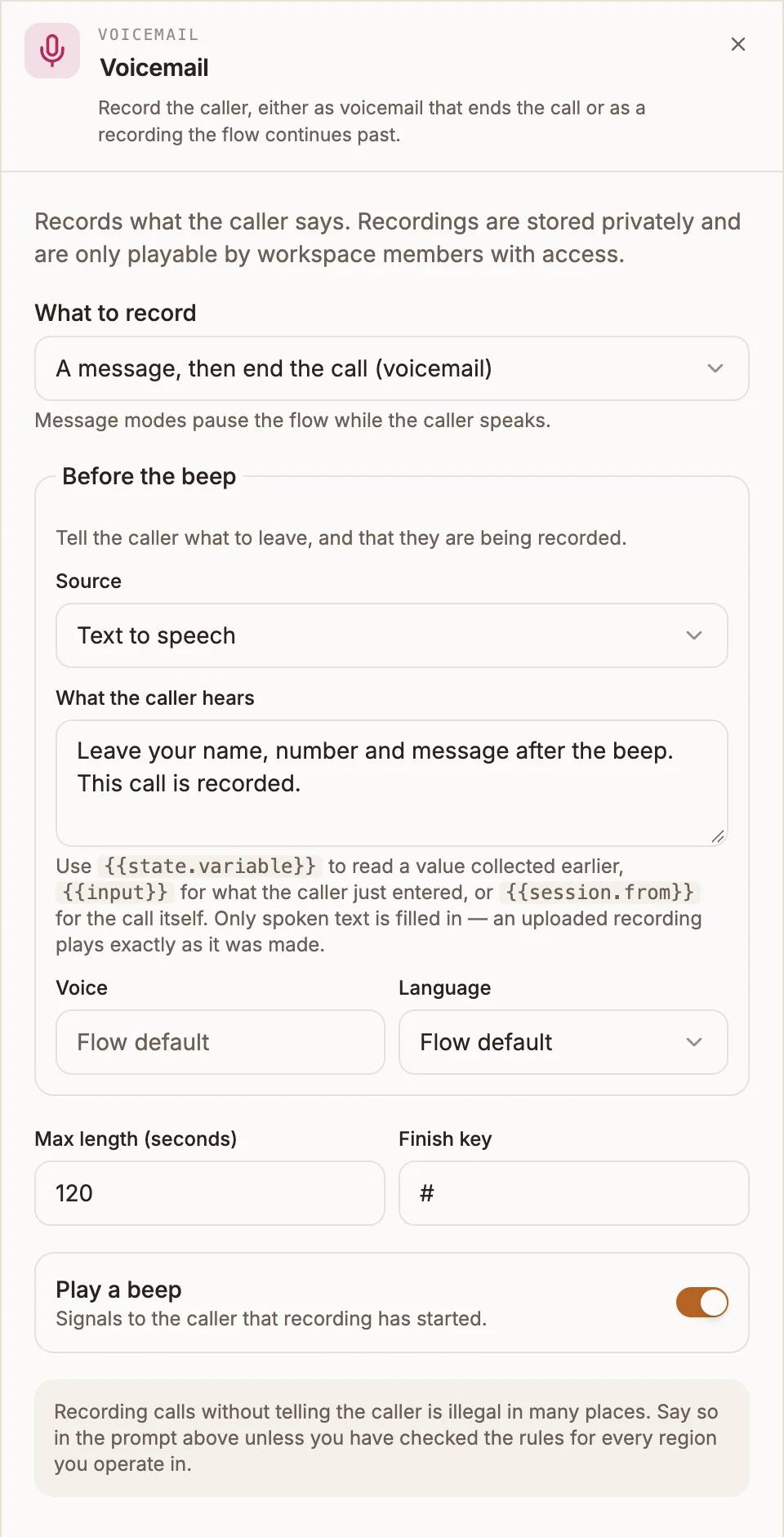
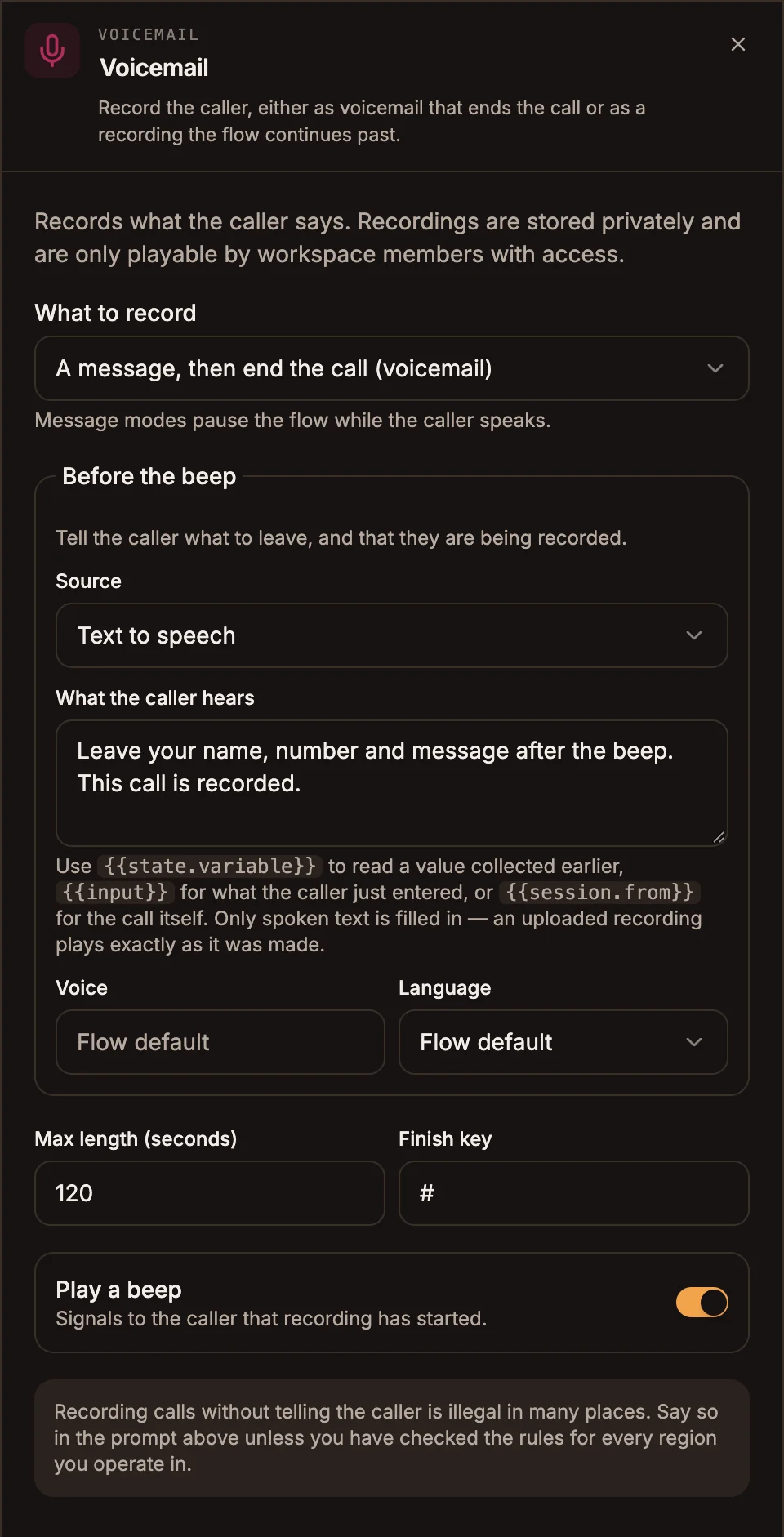
Settings
Prop
Type
Before the beep uses the shared voice prompt editor: Text to speech (with Voice, Language and variables), Uploaded audio, or Audio URL.
How the modes differ
| Mode | Pauses the flow | After recording |
|---|---|---|
| The whole call (flow continues) | No | The flow moves on immediately and the recording runs in the background. |
| A message, then end the call (voicemail) | Yes, while the caller speaks | The call ends. |
| A message, then continue the flow | Yes, while the caller speaks | The flow continues to the next node. |
Outputs
| Mode | Handles |
|---|---|
| Voicemail | None. The call ends after the message. |
| A message, then continue the flow | One output, taken when the recording finishes. |
| The whole call | One output, taken straight away. |
To listen to a recording, open the project's Activity tab. Calls with a recording have an Open the recording button, and you can transcribe the recording into text from the same row.
Example
An after-hours line takes a voicemail.
Call Start
  → Router (outside opening hours)
      └─ closed → Play ("Sorry, we are closed.")
                   → Record (A message, then end the call)
                       Before the beep: "Leave your name, number and message after the beep. This call is recorded."
                       Max length: 120
Tips and limits
- Tell callers they are recorded. Recording without telling the caller is illegal in many places. In message modes, say it in Before the beep; validation warns if that prompt is empty. For whole-call recording, announce it in your greeting.
- Connect the continuing modes. A Record node set to continue with nothing connected after it fails validation with "Record continues to nothing".
- Whole-call recording depends on the carrier. Africa's Talking cannot record a call in the background. On that carrier the node is skipped, the call is not recorded, and flow validation warns you. Twilio and Infobip support it.
- A loop back through a whole-call Record node does not start a second recording.