
Wait
Pauses the flow for a fixed duration before continuing. In automations the wait is durable, so hour- and day-long waits resume reliably.
Wait pauses the flow for a set time, then carries on to the next node. How long a wait can be depends on the project type: an automation can wait for days, a phone call only for seconds.
When to use it
- Send a follow-up message a day after a form is submitted.
- Give an external system a few seconds to finish before you check its result.
- Space out two messages in a conversation.
- To wait for a person rather than a clock, use Approval.
- To space out many repeated calls, use the pacing setting on Loop.
Not for USSD projects
Wait appears in the USSD palette, but the USSD runtime has no implementation for it, so a USSD flow that reaches it fails. A USSD session cannot be held open anyway: the network ends it after a short time.
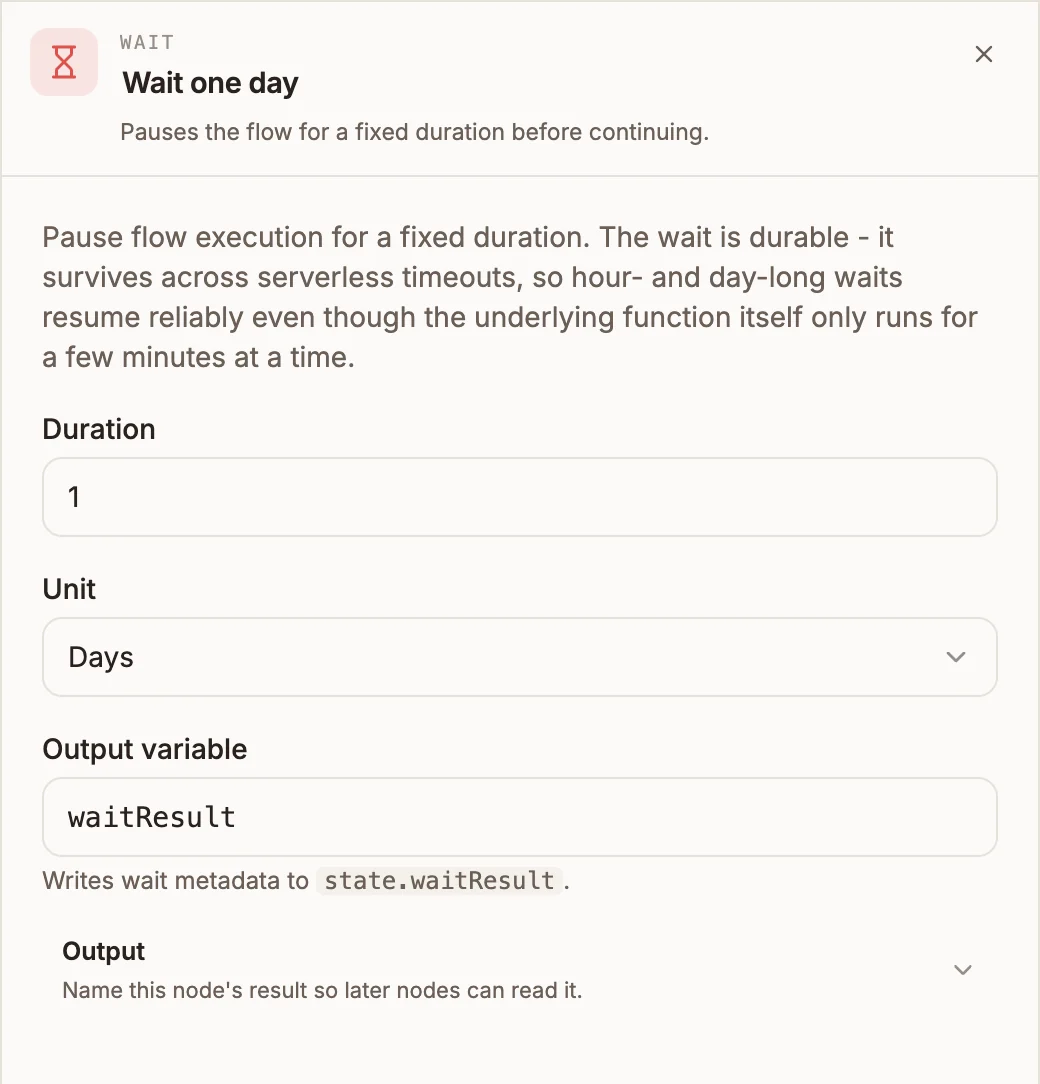
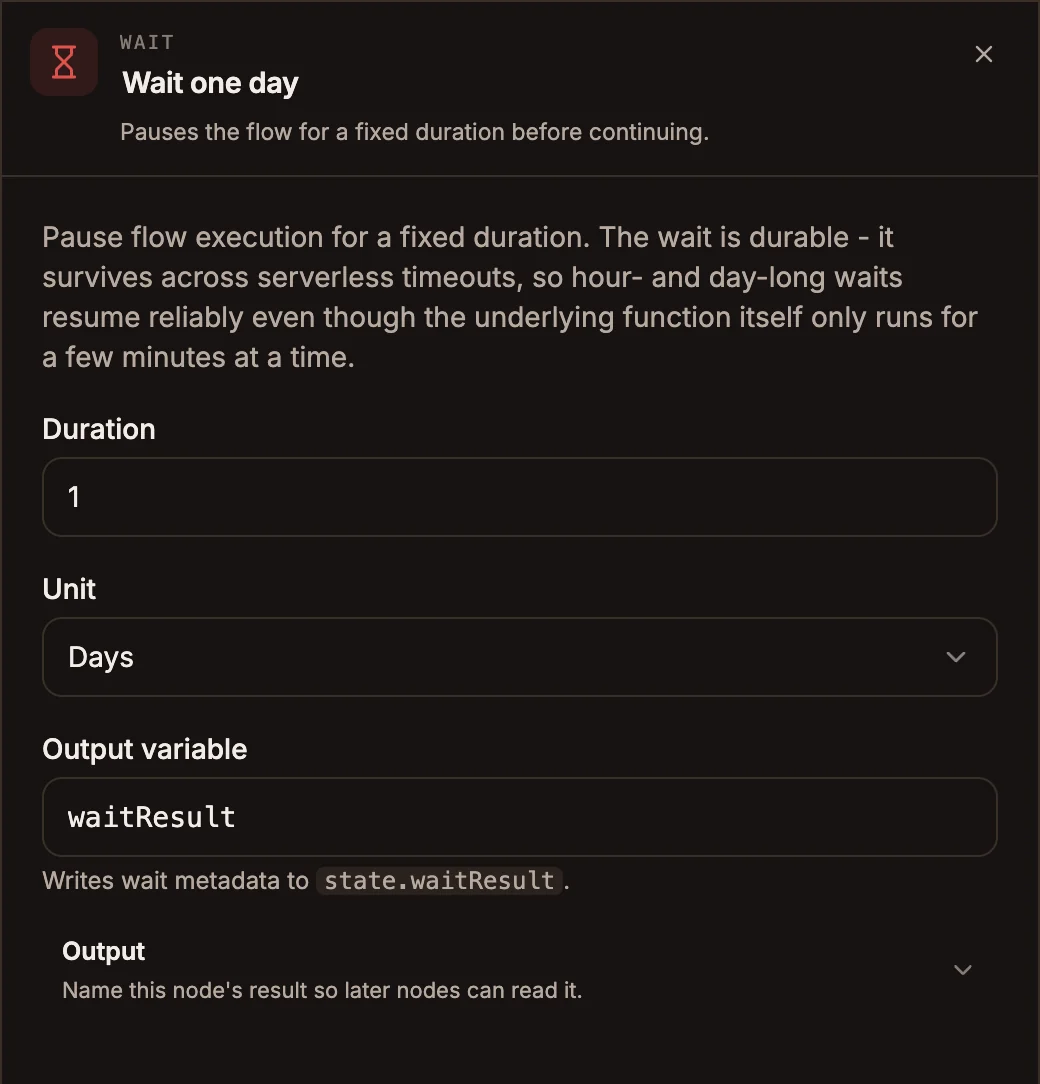
Settings
Prop
Type
The panel also shows the generic Output section. The runtime ignores it: the wait's details always go to the variable named in Output variable above.
Outputs
One output, taken when the wait is over. The data passing through is unchanged.
In automations, {{state.waitResult}} holds duration, unit, durationMs and resumeAt (when the run is due to continue); a wait that runs in place also records resumedAt. In chatbots it holds duration, unit, durationMs and completedAt.
How each project type waits
| Project type | Behaviour |
|---|---|
| Automation | Durable. The run is saved, the project stops, and Buni.ai resumes it from the next node when the time is up. Hours and days are fine. |
| Chatbot | The reply is held while the node waits. Use seconds. Only Milliseconds, Seconds and Minutes are honoured: Hours and Days are treated as seconds. |
| Voice | The caller hears silence for the duration, between 1 and 30 seconds. Longer values are cut to 30 seconds. |
| USSD | Not supported. |
When an automation cannot pause
A durable wait needs a run that Buni.ai is tracking: one started by a schedule, a hosted form, the Trigger API or Run on the canvas. A run started by a direct call to the project's webhook URL has nothing to save against, so the wait happens inside the run instead, and the whole run is limited to 180 seconds. Keep waits in webhook-started automations short, or start them through the Trigger API.
Example
A hosted-form automation thanks the person straight away and checks in a day later:
- Form trigger receives the submission.
- Messaging sends "Thanks, we have your request."
- Wait, 1 Days.
- Messaging sends "Did we solve your problem? Reply YES or NO."
Tips and limits
- Not allowed inside a Loop body or a Parallel branch. The loop's position cannot survive a pause, so publishing fails.
- While an automation is paused, the run shows as suspended in the project's Activity tab, with the time it will resume.
- Resuming continues the same run; it is not counted as a new run.
- On a call, prefer a Play Message that tells the caller what is happening over a long silent wait.