
Google Sheets Trigger
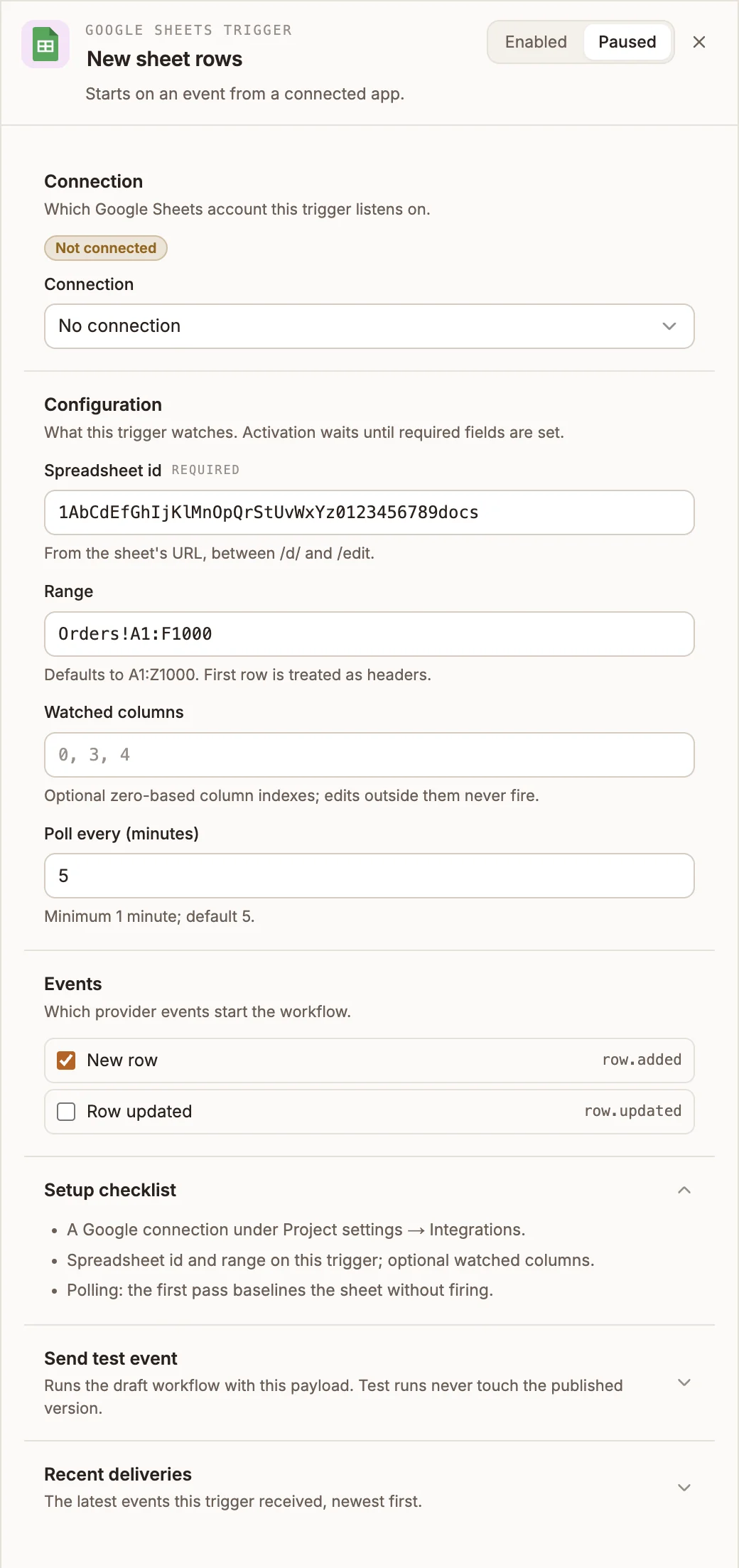
Starts the workflow when a row is added to a Google Sheets range, or when a row in it changes.
The Google Sheets Trigger checks a range of a spreadsheet on a schedule you set, and starts your workflow once for each new or changed row. It reads the sheet through your workspace's Google Sheets connection.
Where you find it
Drag Google Sheets Trigger from the Triggers group of an automation project's node palette. A workflow can have several triggers; each one starts the workflow from its own output.
When to use it
- Process orders or sign-ups that people or another tool add to a sheet.
- Tell someone when a row's status column changes.
- Copy new rows into a data store or another system.
Before you start
Connect Google Sheets in the project's Integrations tab: select Connect and sign in with a Google account that can open the spreadsheet. The trigger's Connection list then offers Google Sheets (OAuth).
Settings
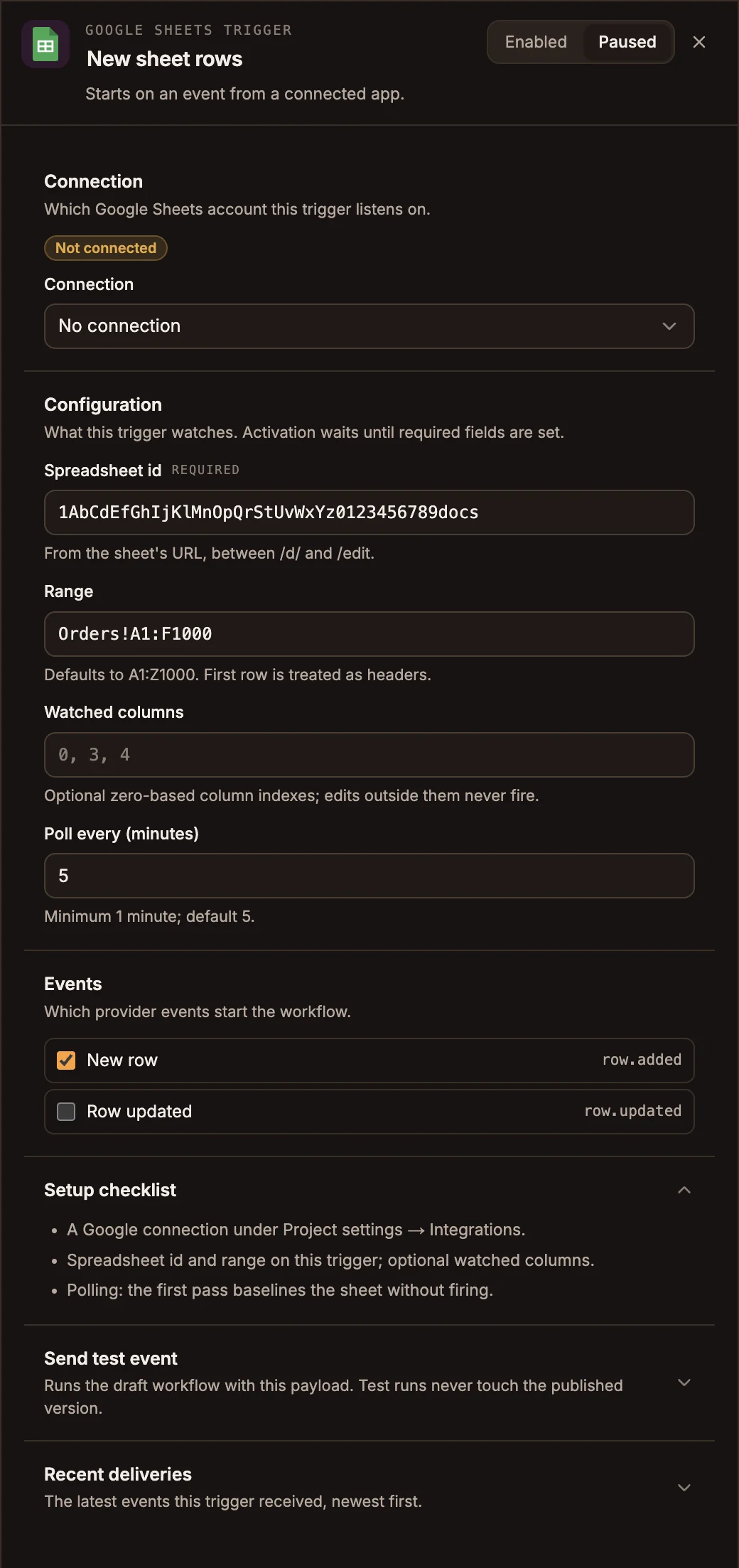
The panel header has an Enabled / Paused switch. New triggers start Enabled; a paused trigger shows Paused on its canvas card and starts no runs.
Prop
Type
| Event | Starts a run when |
|---|---|
| New row | A row appears below the last row the trigger has seen. |
| Row updated | A cell in an existing row changes, in the watched columns if you set any. |
When the trigger first starts, it records the sheet as it is and does not fire for rows that are already there.
Send test event takes a Sample payload and shows what the trigger would pass to the workflow, without running the workflow's nodes. Recent deliveries lists the latest runs this trigger started, newest first, with their status and duration.
Outputs
| Field | Contains |
|---|---|
input.payload.row | The row as an object keyed by the header row, for example { "Order": "ord_12345", "Amount": "49.00" }. A column with no header is named column_ and its number, counted from 0. |
input.payload.rowIndex | The row's number in the sheet, for example 42. |
input.payload.spreadsheetId | The spreadsheet id. |
input.payload.range | The range the trigger watches. |
Values arrive as text, the way the sheet displays them. Convert numbers and dates before you calculate with them.
{{state.trigger.type}} is WEBHOOK.
Tips and limits
- Rows are matched by their position. Inserting, deleting or sorting rows moves the rows below, and each moved row fires Row updated. Add new rows at the bottom, and don't sort a range this trigger watches.
- Make the range tall enough to grow into: rows below it are never read.
- The trigger checks the sheet every few minutes, not the moment it changes. Several edits to one row between checks start one run, with the latest values.
- A row changed back to values it was already reported with in the past week does not fire again.
- Renaming a header changes that field's name in later runs.