
USSDChatbotVoice (IVR)Automation
Date & Time
Gets the current time, formats and parses dates, adds or subtracts durations, computes differences and finds the start or end of a period.
Date & Time does one date operation and saves the result in state. Pick an operation, point it at a date, and read the answer from {{state.dateResult}}.
When to use it
- Stamp the current time on a record before saving it.
- Work out a due date: today plus 14 days.
- Count the days until an appointment, or since a last payment.
- Turn a stored timestamp into something readable, such as
2026-09-24 14:30. - For anything these operations cannot express (time zones, weekday names, business days), use a Function node.
Not for USSD projects
Date & Time appears in the USSD palette, but the USSD runtime has no implementation for it, so a USSD flow that reaches it fails. Use a Function node on USSD.
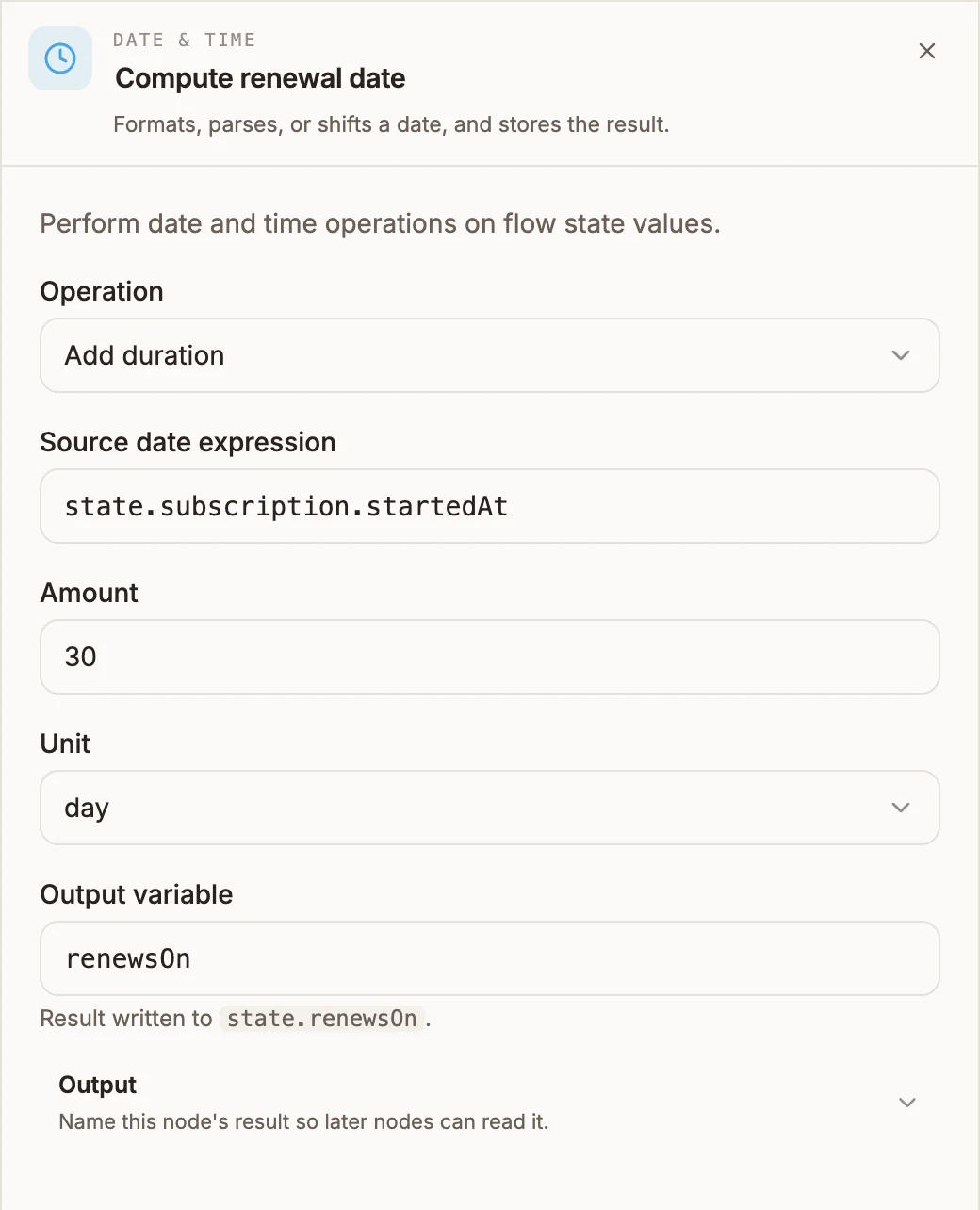
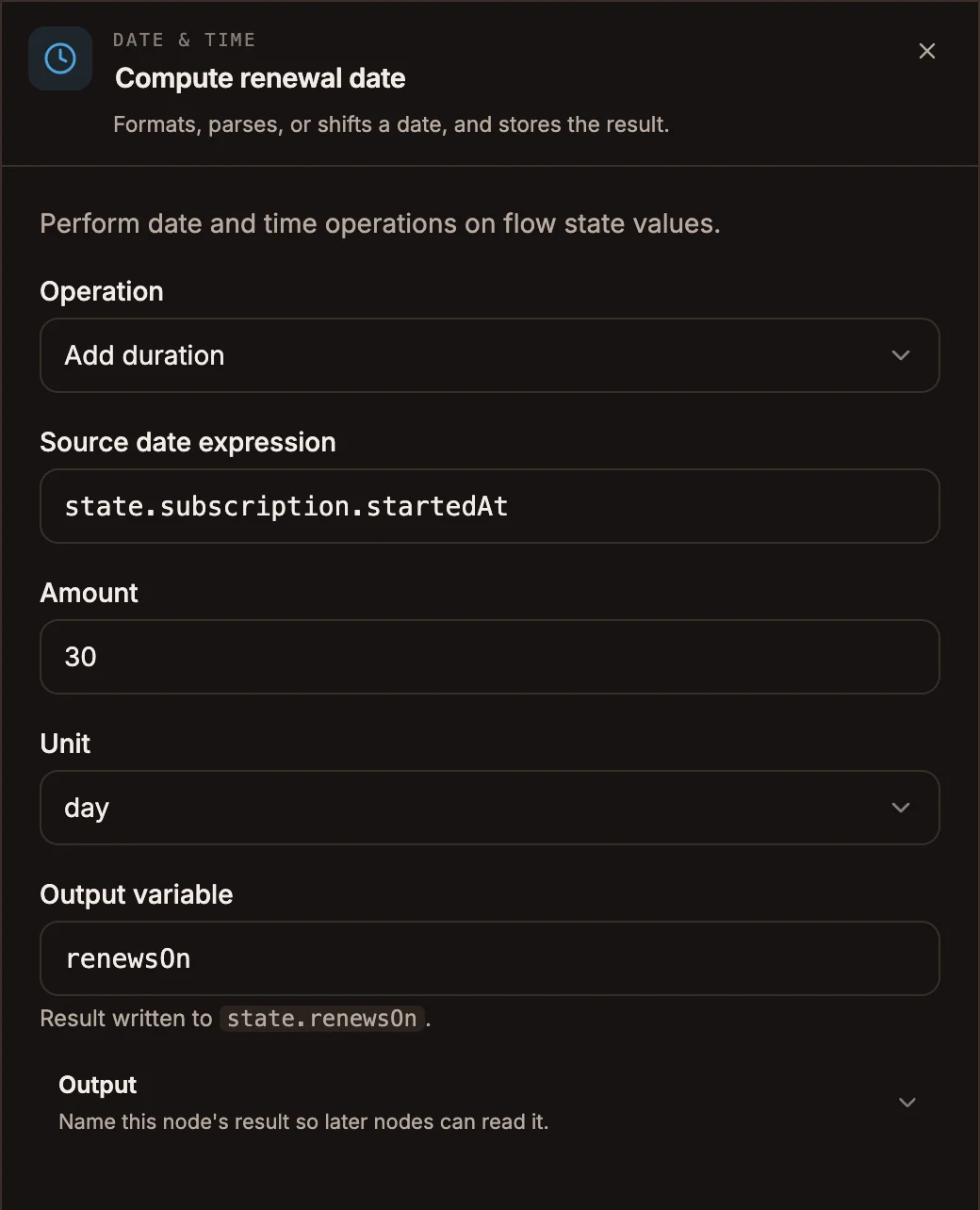
Settings
The fields shown depend on the operation.
Prop
Type
The generic Output section below these fields is not used; the result always goes to the variable in Output variable above.
Operations and results
| Operation | Result in {{state.dateResult}} |
|---|---|
| Get current time (now) | The current time as an ISO timestamp, for example 2026-09-24T14:30:00.000Z. |
| Format date | The source date as text in your format, for example 2026-09-24 14:30:00. |
| Parse string to date | The source date as an ISO timestamp. |
| Add duration / Subtract duration | The shifted date as an ISO timestamp. |
| Difference between dates | A whole number: source date minus second date, in the chosen unit. Positive when the source date is later. |
| Start of unit / End of unit | The first or last moment of that day, week, month, year, hour or minute, as an ISO timestamp. Weeks run Sunday to Saturday. |
Example
A chatbot tells a customer when their subscription renews:
- Data Store GET loads the subscription as
subscription. - Date & Time, Add duration, source
state.subscription.startedAt, amount30, unitday, outputrenewsOn. - Date & Time, Format date, source
state.renewsOn, formatDD/MM/YYYY, outputrenewsOnText. - Reply: "Your plan renews on
{{state.renewsOnText}}."
Tips and limits
- Times are in UTC. The runtimes' clocks are UTC, so now, Format date and Start of day work in UTC, not your local or project time zone. Shift by hours with Add duration first if you need local time.
- Each format token is replaced once.
DD/MM/YYYYworks; a format that repeats a token only fills the first. - Month and year are fixed lengths on chatbot and automation projects: 30 and 365 days. Adding 1 month to 31 January lands on 2 March. Voice projects move the calendar month instead.
- The date fields take an expression on chatbot and automation projects (
state.createdAt, not{{state.createdAt}}), and a template on voice projects ({{state.createdAt}}). On voice, a barestate.createdAtis read as text and the node falls back to the current time. - An unreadable date makes the node fail on chatbot and automation projects (Format date instead puts
NaNwhere each number should be). On voice projects it falls back to the current time. - On voice projects, now returns the time in the Format string (so a caller can hear it), Start of unit and End of unit always use the day whatever unit you pick, and the difference is rounded rather than rounded down.
Related
Last reviewed 24 September 2026