
Welcome to Buni.ai
Buni.ai is a visual studio for conversational apps and automation workflows. Start here to learn what it does and where to go next.
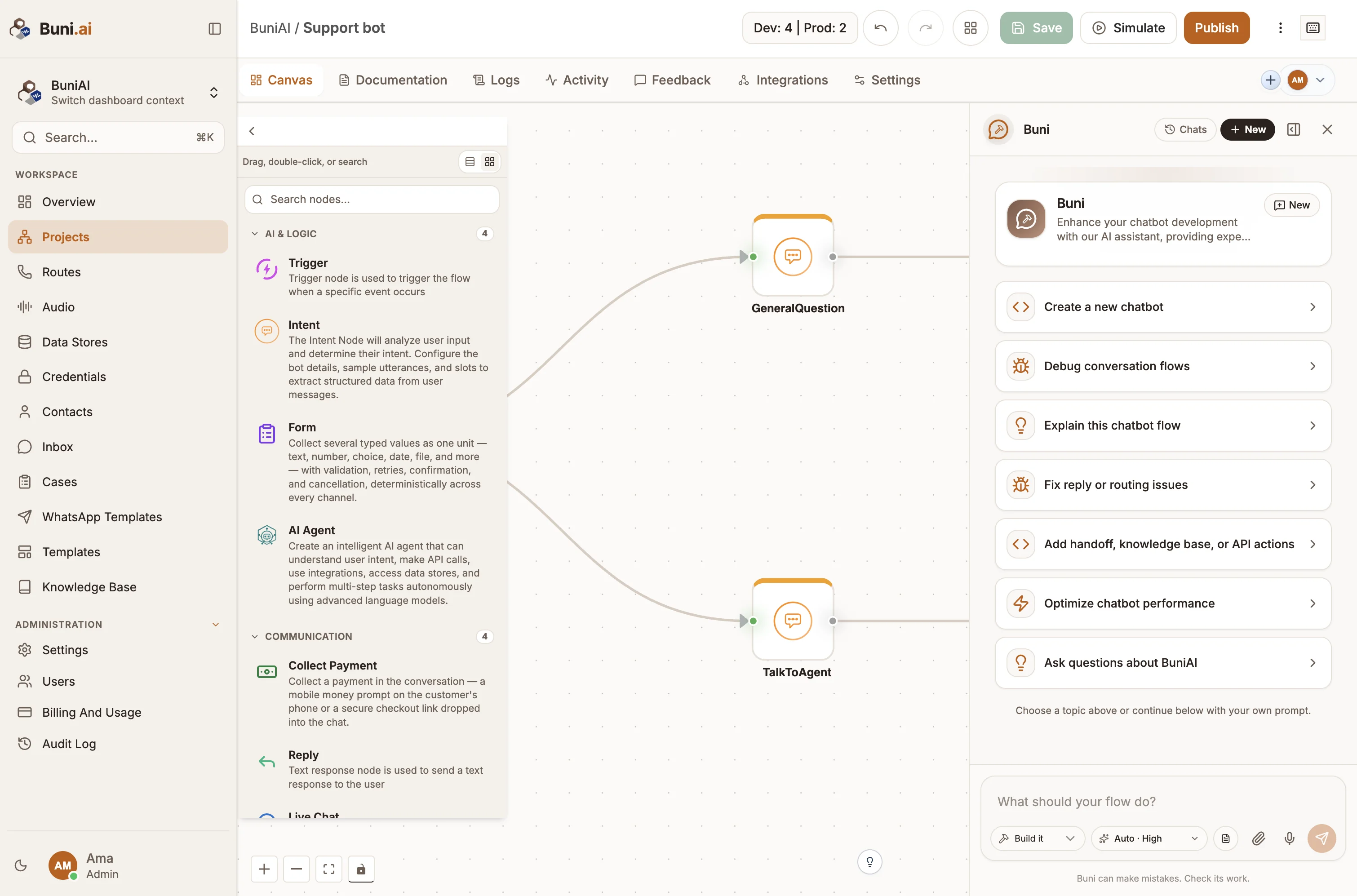
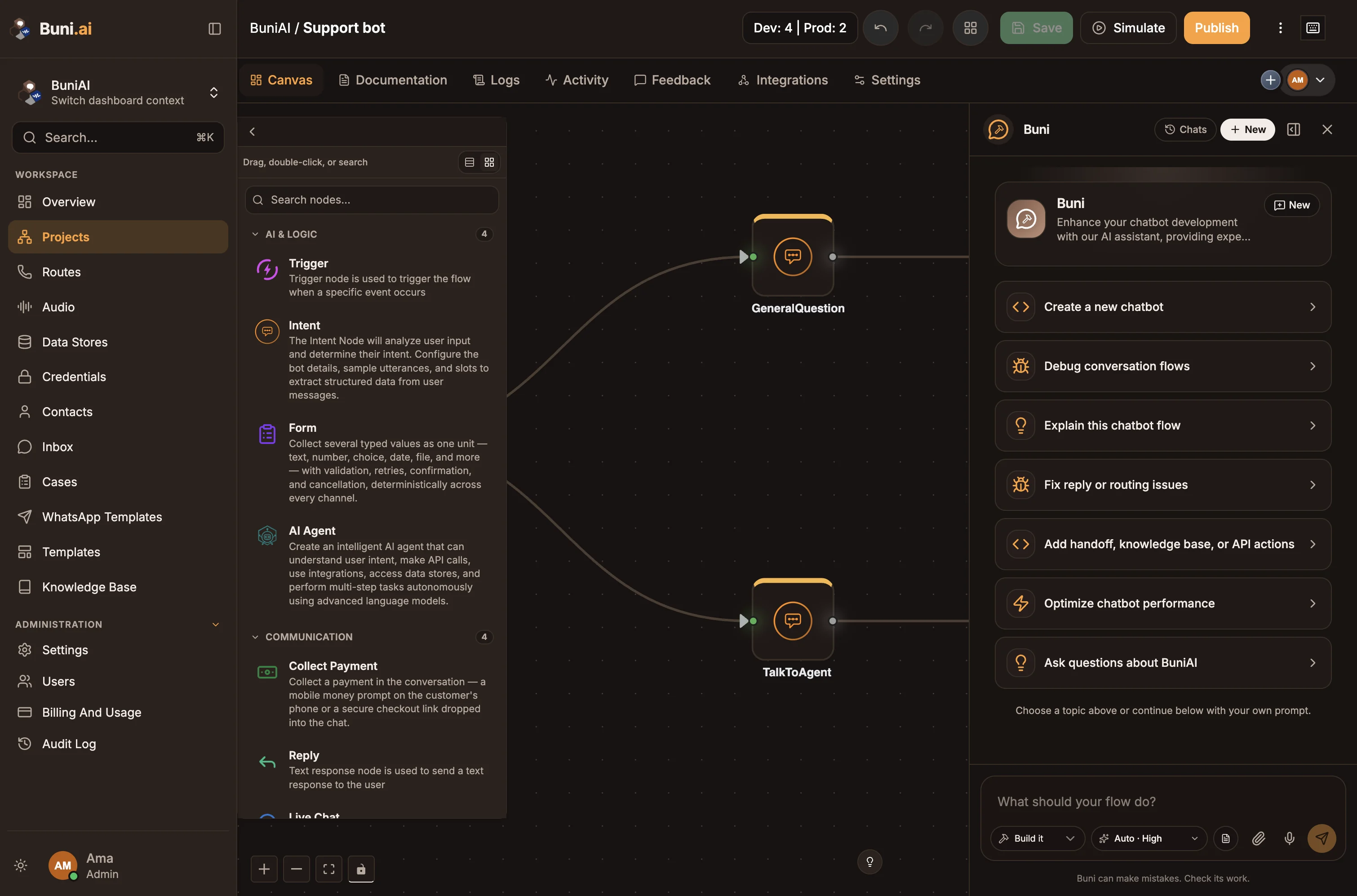
Buni.ai is a visual studio for building conversational apps and automation workflows. You design a flow on a canvas by connecting nodes, build it with help from Buni, the AI assistant inside the app, test it in a simulator, and publish it to the channels your users already use.
What you can build
| You want to… | Build a | People reach it through |
|---|---|---|
| Answer customers in chat, with AI and live-agent handoff | Chatbot | WhatsApp, web chat, Telegram, Messenger, Instagram and Slack |
| Offer a menu on any mobile phone, no data needed | USSD app | A short code such as *789# |
| Answer or place phone calls | Voice (IVR) app | A phone number |
| Run work in the background | Automation | A webhook, a hosted form or a schedule |
Flows can also send SMS messages, call your APIs, read and write data stores, look things up in a knowledge base and collect payments. See Choose a project type for a full comparison.
How you build
- Describe it. Write what the project should do when you create it, and Buni drafts the flow for you. Keep asking Buni for changes as you go.
- Or build it by hand. Drag nodes from the Nodes Library onto the canvas and connect them.
- Test before anyone sees it. Every project type has a simulator that runs your draft and highlights each node as it runs.
- Publish when ready. Publishing makes the current flow live. Every save and publish is versioned, so you can roll back.
- Operate it. Hand conversations to people in the Inbox, and follow what happened in logs and activity.
Who it is for
- Support and operations teams that want a chatbot answering from their own documents, with a clean handoff to a person.
- Product and engineering teams that need USSD, SMS or voice services without running telecom infrastructure.
- Anyone automating a process: turn a form submission or a webhook into a set of steps that run on their own.
You do not need to write code. When you do need custom logic, the Function node runs JavaScript and the API node calls any HTTP endpoint.
Start here
How Buni.ai works
Organizations, projects, flows, environments and channels, in one page.
Quickstart
Build, test and publish your first chatbot in about ten minutes.
Choose a project type
Chatbot, USSD, Voice (IVR) or Automation: which one fits.
Glossary
The terms used across the app and these docs.
Explore the docs
Build
Projects, the canvas, the AI assistant and each project type.
Node reference
Every node on the canvas, with its settings and outputs.
Channels
Connect WhatsApp, web chat, Telegram, Messenger, Instagram, Slack, SMS, USSD codes and phone numbers.
Operate
Inbox, knowledge base, contacts, data stores, routes and logs.
Workspace
Your organization, users and roles, credentials and billing.
Developers
Run projects from your own systems with the public API and webhooks.