
Approval
Pauses an automation until someone on your team approves or rejects it, then continues down the matching path.
Approval puts a person in the loop. When a run reaches it, the automation pauses and everyone with edit access to the project is asked to decide. Approving continues down the approved path; rejecting continues down rejected. You can also have it decide on its own if nobody responds in time.
When to use it
- A refund, discount or payout above a limit needs a manager's sign-off.
- A message drafted by an AI Agent should be checked before it goes to customers.
- A record should only be deleted once someone confirms it.
- To pause for a fixed time rather than for a person, use Wait.
Works in automation projects
Approval appears in the USSD and chatbot palettes too, but only the automation runtime pauses for a decision. A chatbot flow passes straight through the node without asking anyone, and the USSD runtime has no implementation for it. Use it in automation projects.
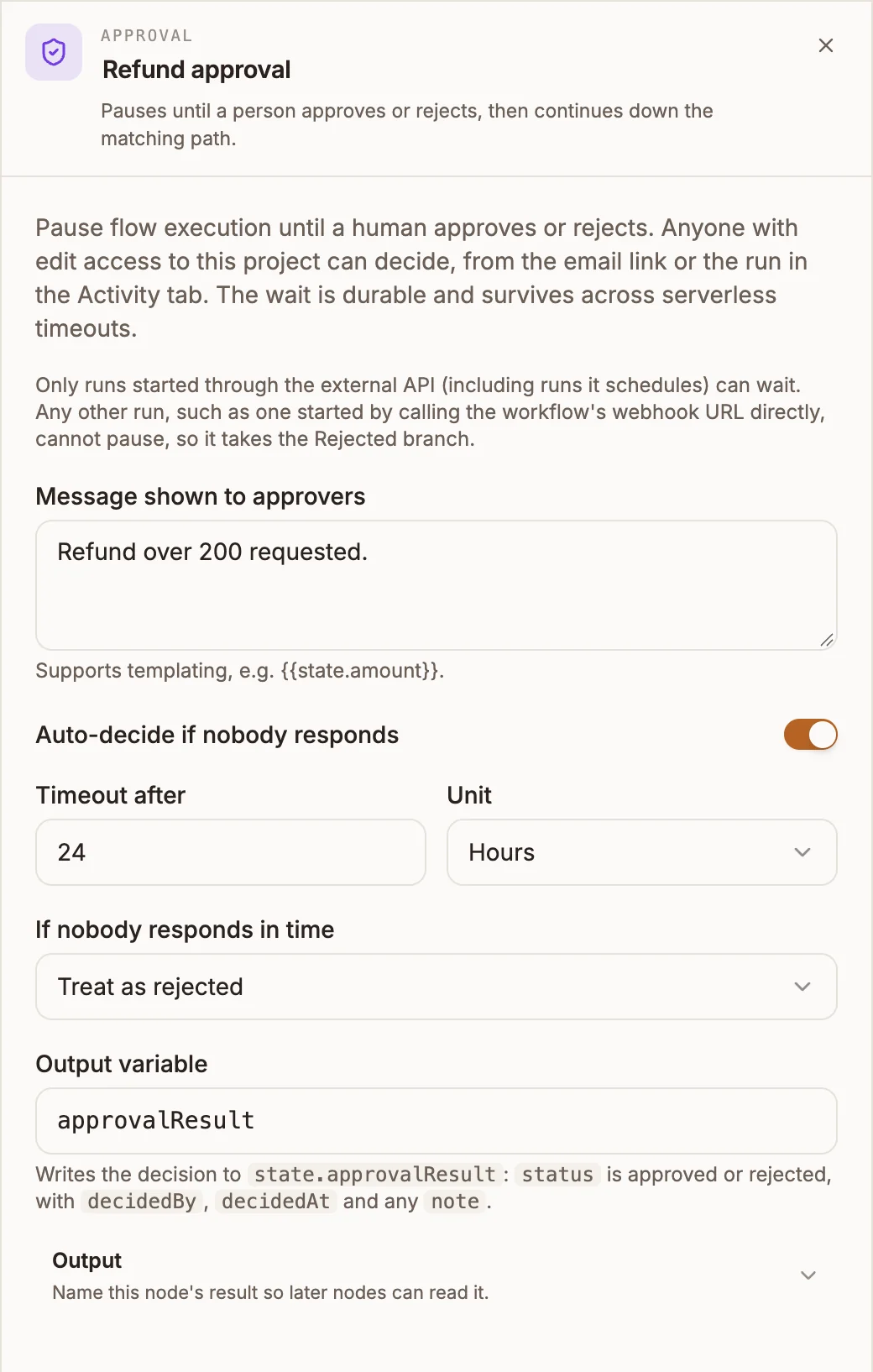
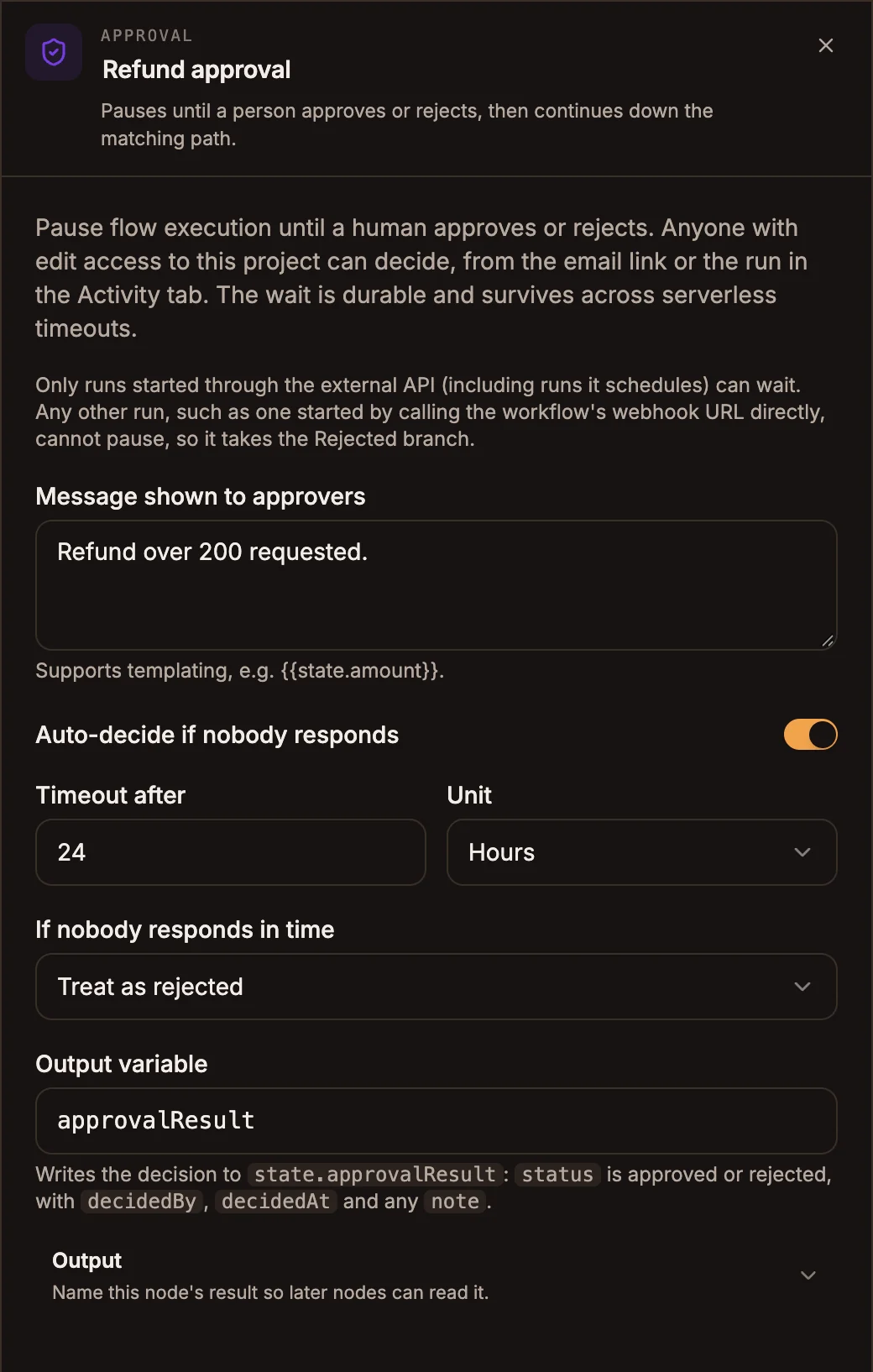
Settings
Prop
Type
How approvers decide
When the run pauses, Buni.ai notifies every member of your organization with edit access to the project:
- An in-app notification, Approval requested in your project's name.
- An email, An automation is waiting on you, with the message, the timeout if there is one, and a Review request button.
- Review request opens the project. On its Activity tab, open the paused run: its details show the message with Approve and Reject buttons.
The first decision wins; after that the run shows who decided and when. Only signed-in members with edit or owner access to the project can decide. An API key cannot approve or reject. See Approvals for the full walkthrough.
Outputs
| Handle | When the run takes it |
|---|---|
| approved | Someone selected Approve, or the timeout passed with Treat as approved. |
| rejected | Someone selected Reject, the timeout passed with Treat as rejected, or the run could not pause (see below). |
The first node after the decision receives the decision as input.__approvalDecision, with decision (approved or rejected), decidedBy (the person, or timeout) and decidedAt.
{{state.approvalResult}} is written when the run pauses: status (pending), message, timeoutEnabled and resumeAt. It is not updated with the decision; use the handle, or input.__approvalDecision, to know the outcome.
Example
An automation handles refund requests from a hosted form:
- Form trigger collects the order number and amount.
- Router:
state.refund.amount > 200goes to the Approval node; everything else goes straight to the refund. - Approval, message "Refund over 200 requested", auto-decide after 24 Hours, Treat as rejected.
- approved: API node issues the refund, then Messaging confirms to the customer.
- rejected: Messaging tells the customer a team member will contact them.
Tips and limits
- The run must be one Buni.ai is tracking to pause: started by a schedule, a hosted form, the Trigger API or Run on the canvas. A run started by a direct call to the project's webhook URL cannot pause, so it goes straight down rejected, with
decidedByset tosystem. - Not allowed inside a Loop body or a Parallel branch. Publishing fails.
- Without auto-decide, a run can stay paused indefinitely. Turn it on for anything time-sensitive.
- The email only goes to members who have an email address on their account; everyone with edit access still gets the in-app notification.