
AI Voice Agent
Hold a spoken conversation with the caller, with limits on length and cost and a handoff path to a person.
The AI Voice Agent node holds a spoken conversation with the caller. It listens, replies, and keeps going until the conversation is over, a limit is reached, or it hands the caller to a person. It can search your knowledge base and call tools you give it while the caller waits.
When to use it
- Callers ask open-ended questions that a keypad menu cannot cover, such as order status or opening times.
- You want an agent that looks things up or takes an action mid-call through an API or a custom function.
- You want a first line of support that hands off to your team when it cannot help.
For a single AI step, such as classifying what the caller said and then routing, use AI Agent. For fixed choices, an IVR Menu is faster and cheaper.
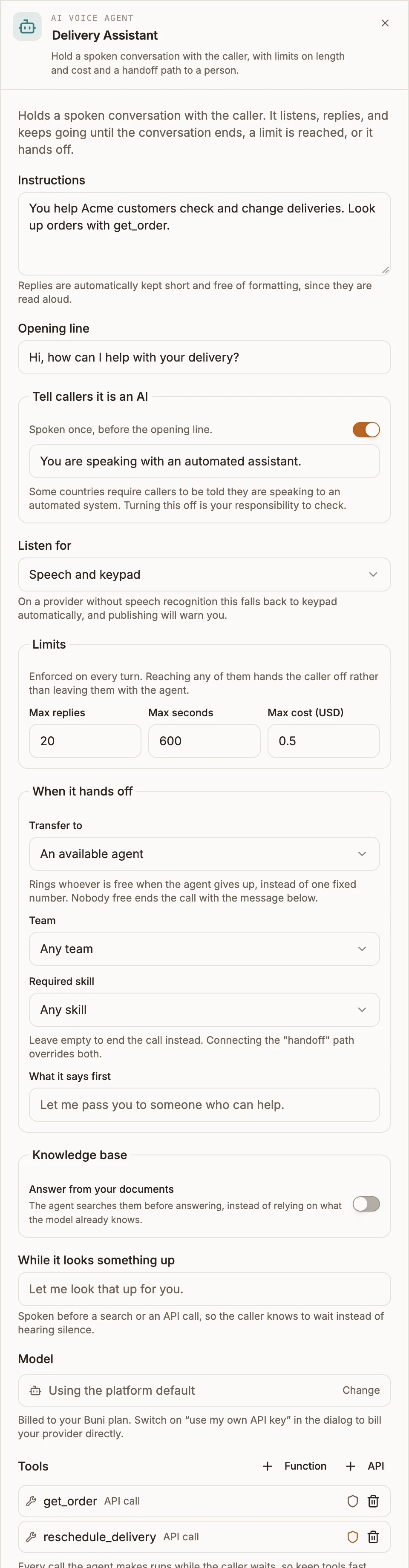
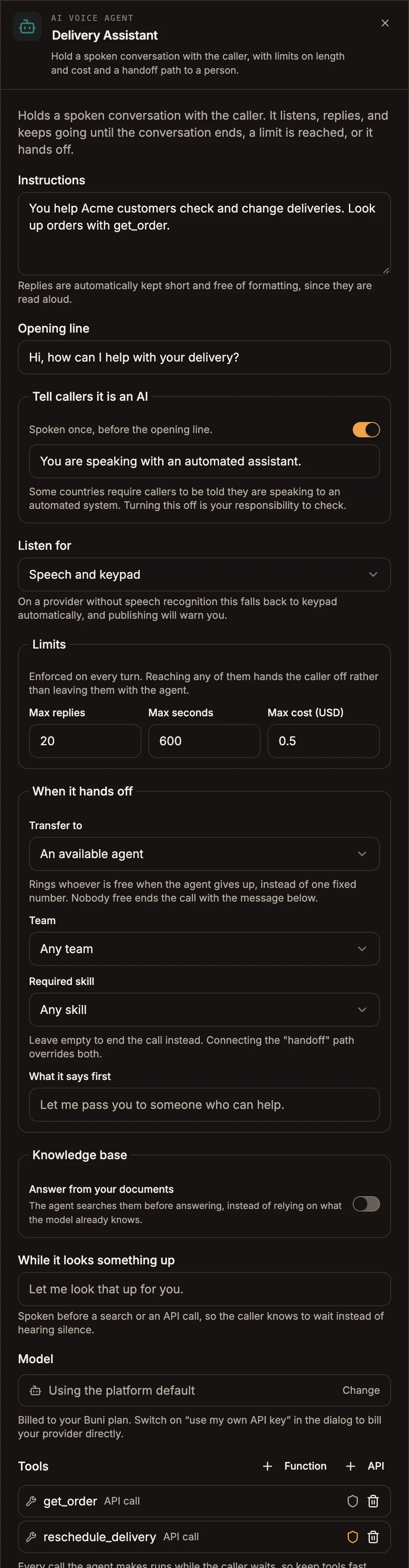
Settings
Conversation
Prop
Type
Limits
Limits are enforced on every turn. Reaching any of them sends the caller down the handoff path.
Prop
Type
When it hands off
Prop
Type
With An available agent, the call rings whoever is free when the agent gives up. If nobody is free, the call ends with the handoff message. Connecting the handoff path overrides both the transfer target and ending the call.
Knowledge and tools
Prop
Type
Model usage is billed to your Buni.ai plan unless you switch on use my own API key in the model dialog, in which case your provider bills you directly.
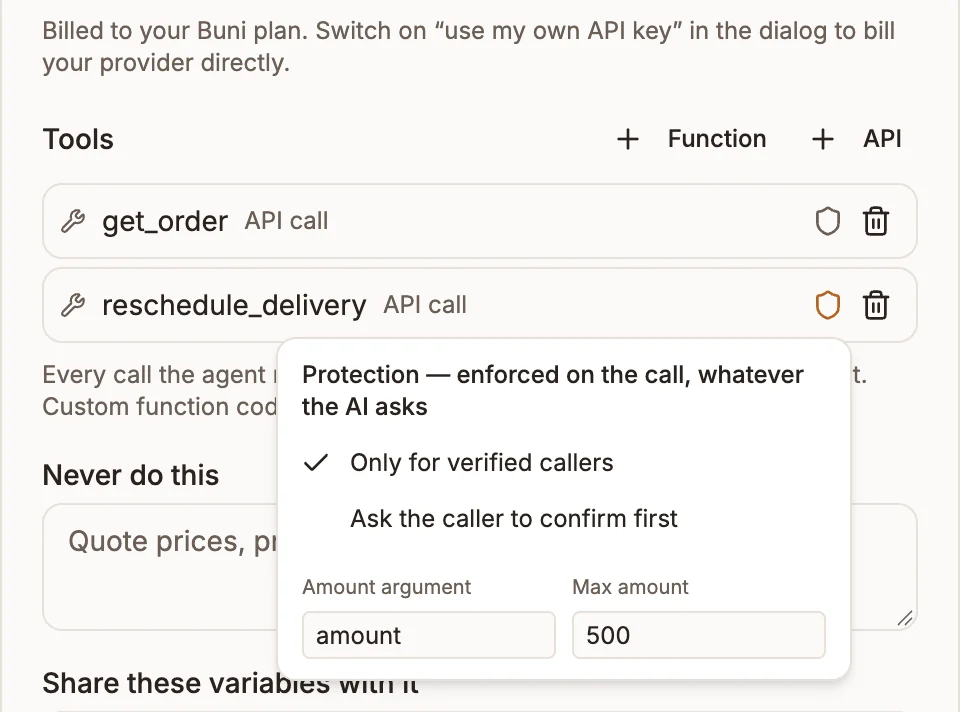
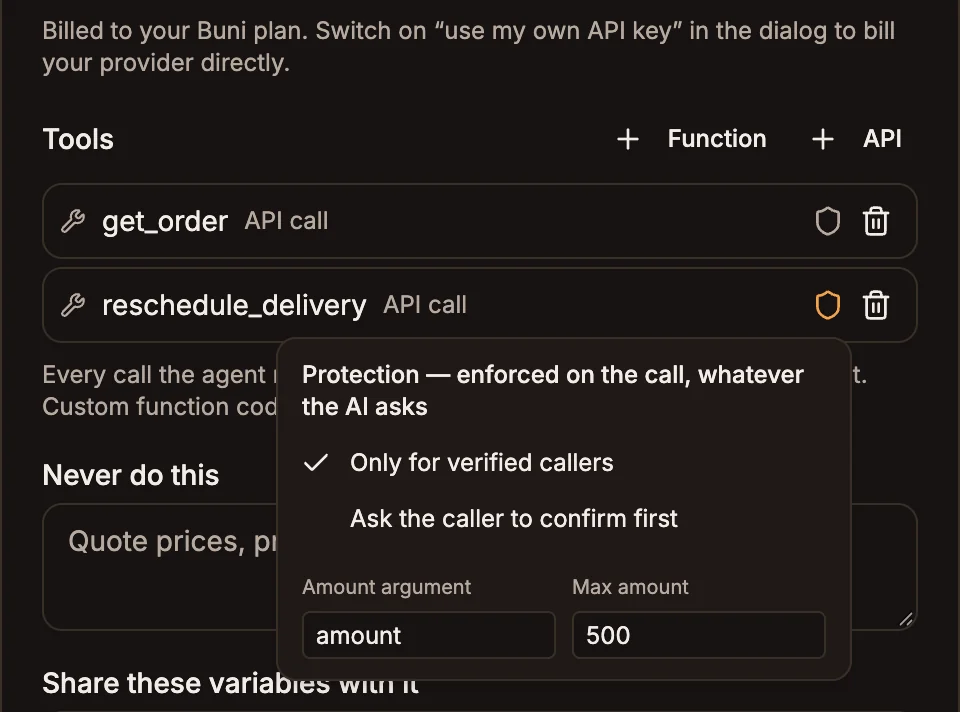
Tool protection
Select the shield icon next to a tool to protect it. Protection is enforced by the call engine, whatever the model asks for.
| Option | Effect |
|---|---|
| Only for verified callers | The tool refuses to run until the caller has passed a Verify Caller node on this call. The model is told the tool needs verification first. |
| Ask the caller to confirm first | The caller is asked to confirm before the tool runs. |
| Amount argument and Max amount | Name the tool argument that holds an amount, and the highest amount allowed. Above it, or if the amount cannot be read as a number, the tool refuses and the agent offers a person instead. |
Protection is set on the AI Voice Agent's tools only.
Outputs
| Handle | When the call takes it |
|---|---|
| done | The agent decided the conversation is over. It says its farewell, then the flow continues from here. |
| handoff | A limit was reached, the agent could not continue, or it decided the caller needs a person. |
If handoff is not connected, the agent says What it says first and transfers to the Transfer to target, or ends the call if there is none.
The agent writes no flow variables.
Example
Call Start
  → Verify Caller
      ├─ verified → AI Voice Agent
      │     Instructions: "You help Acme customers check and change deliveries. Look up orders with get_order."
      │     Opening line: "Hi, how can I help with your delivery?"
      │     Tools: get_order (API), reschedule_delivery (API, Only for verified callers)
      │     Share these variables with it: session.from
      │     ├─ done ────→ End Call ("Thanks for calling Acme.")
      │     └─ handoff ─→ Transfer (An available agent, Team: Support)
      └─ failed ──→ Transfer (An available agent, Team: Support)
Tips and limits
- Give it a way out. If neither handoff is connected nor a transfer target is set, validation warns "No human fallback": a caller who needed a person never reaches one.
- Set a cost ceiling. Max cost (USD) of 0 means no cap. Validation warns when there is no cost ceiling and Max replies is above 30.
- Keep tools fast. Every tool call runs while the caller waits. Set While it looks something up so they do not hear silence.
- Speech needs a carrier that supports it. Africa's Talking has no speech recognition, so the agent falls back to keypad input there and validation warns you. Twilio and Infobip support speech.
- Some models cannot use tools on calls. If you add tools and pick a Gemini or Cloudflare model, publishing fails. Anthropic, OpenAI and OpenAI-compatible providers work. Groq, Mistral, Cohere, GLM, Microsoft and custom providers also need your own API key, and Microsoft and custom providers need an endpoint URL.
- Integration tools are not available here. The panel adds custom functions and API calls only.
- The agent speaks in the flow's voice and language, set in Voice settings. Voice settings also has a project-wide AI disclosure. To let callers interrupt the agent mid-reply, turn on streaming audio.