
Remove Duplicates
Removes duplicate items from a list in state, comparing whole items or one field, and keeps the first or last occurrence.
Remove Duplicates takes a list from state and writes a copy with the repeats removed. Items can be compared whole, or on a single field such as phone or id.
When to use it
- Make sure a broadcast list has each phone number once before a Loop sends to it.
- Merge results from two queries or API calls and drop the overlap.
- Keep only the latest record per customer from a history list, with Keep set to Last occurrence.
- To remove duplicate records from a data store permanently, you need Data Store DELETE actions; this node only changes a list in the flow.
Not for USSD projects
Remove Duplicates appears in the USSD palette, but the USSD runtime has no implementation for it, so a USSD flow that reaches it fails. Use a Function node on USSD.
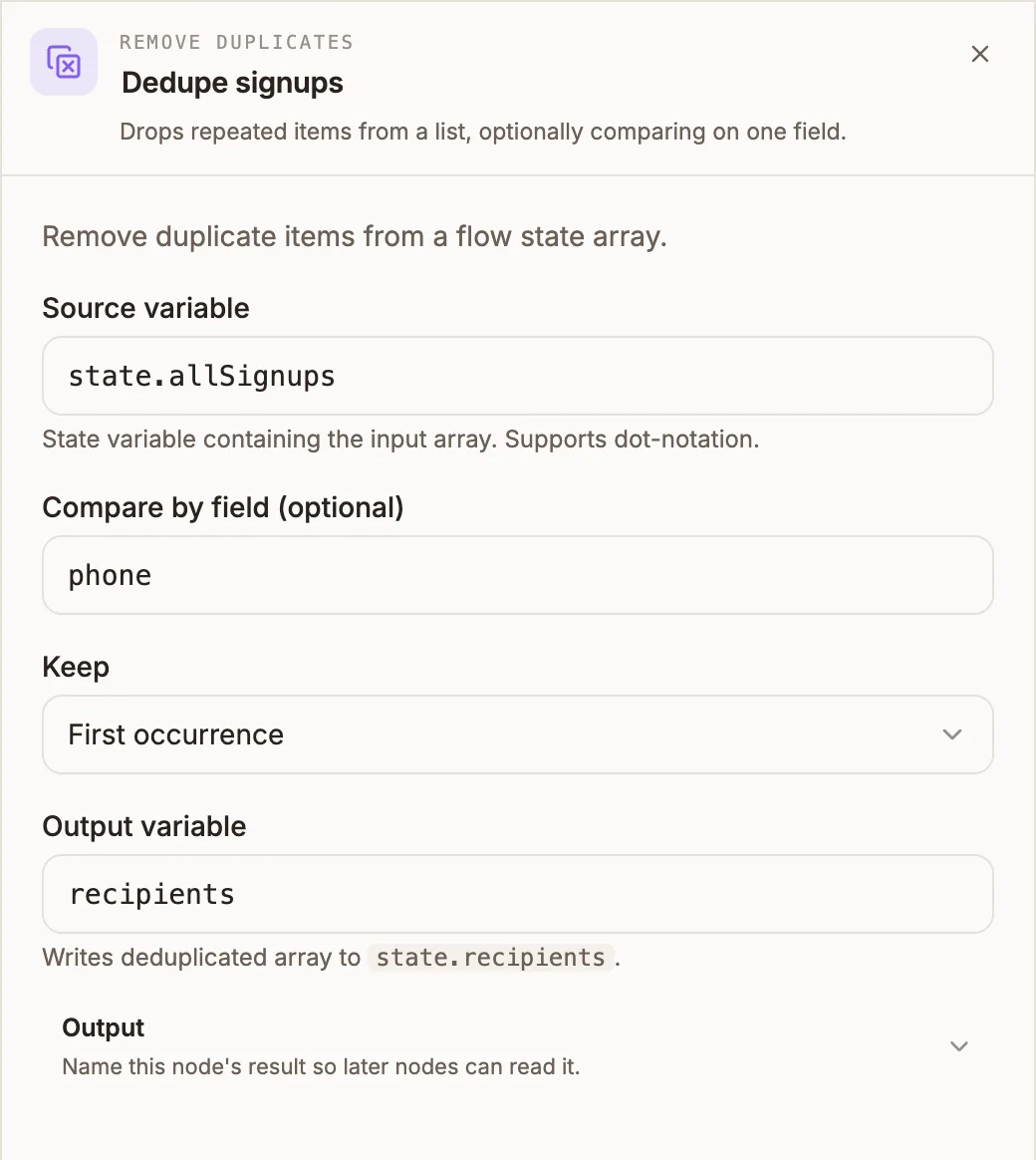
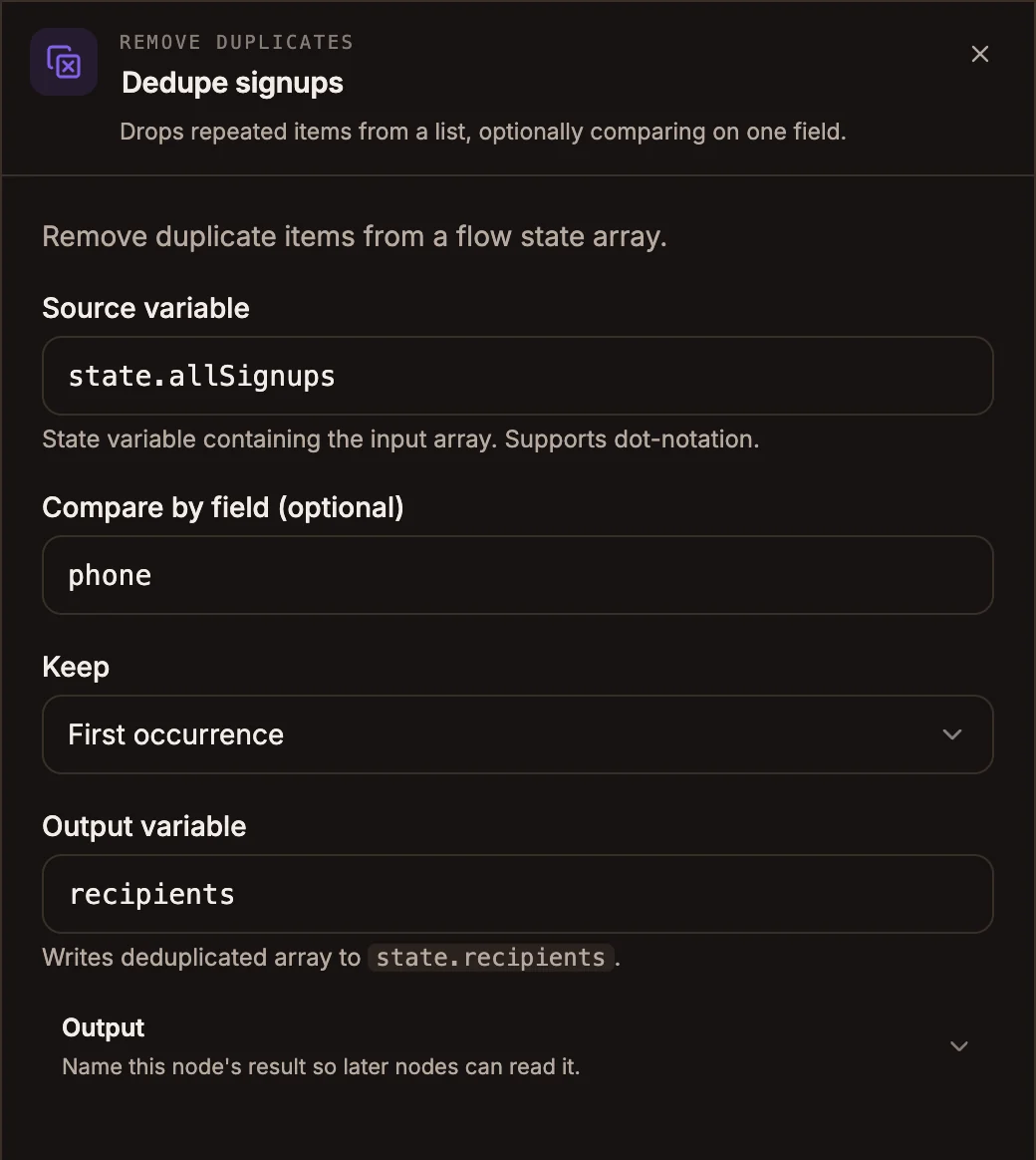
Settings
Prop
Type
The generic Output section below these fields is not used; the list always goes to the Output variable above.
Outputs
One output. The de-duplicated list is written to {{state.outputVariable}}; the source list is left unchanged. The data passing to the next node is unchanged.
Items keep their original order. Comparison is exact: Ama and ama, or 0241234567 and +233241234567, are different values. Normalise them first with a Function node if needed.
Example
An automation collects sign-ups from two sources and messages each person once:
- Data Store GET from
webSignups, outputweb. - Data Store GET from
eventSignups, outputevent. - Function:
(input) => [...(input.state.web || []), ...(input.state.event || [])], outputallSignups. - Remove Duplicates: source
state.allSignups, compare byphone, keep First occurrence, outputrecipients. - Loop over
state.recipients.
Tips and limits
- Source variable is an expression on chatbot and automation projects: write
state.results, not{{state.results}}. On voice projects write the variable's name or path. - A chatbot or automation Remove Duplicates node without a source or output variable does nothing: chatbot projects refuse to publish, and automations skip it with a warning.
- On voice projects, leaving Output variable empty replaces the source list with the de-duplicated one.