
Outbound Call
Where a call your IVR project places begins, with separate paths for answered, voicemail and no-answer outcomes.
The Outbound Call node is the entry point for calls the platform places, such as reminders, payment follow-ups and callbacks. Whatever places the call supplies the number to ring and any values the flow needs. The flow runs once someone answers, and the node gives you separate paths for voicemail and for calls nobody picks up. It has no input handle.
IVR only
This node appears only in IVR projects.
When to use it
- Your project calls people rather than waiting for them to call.
- You want a different path when an answering machine picks up, or when nobody answers.
If people call your number, use Incoming Call. A project can hold one of each, and an outbound call always enters at the Outbound Call node, never at the inbound greeting.
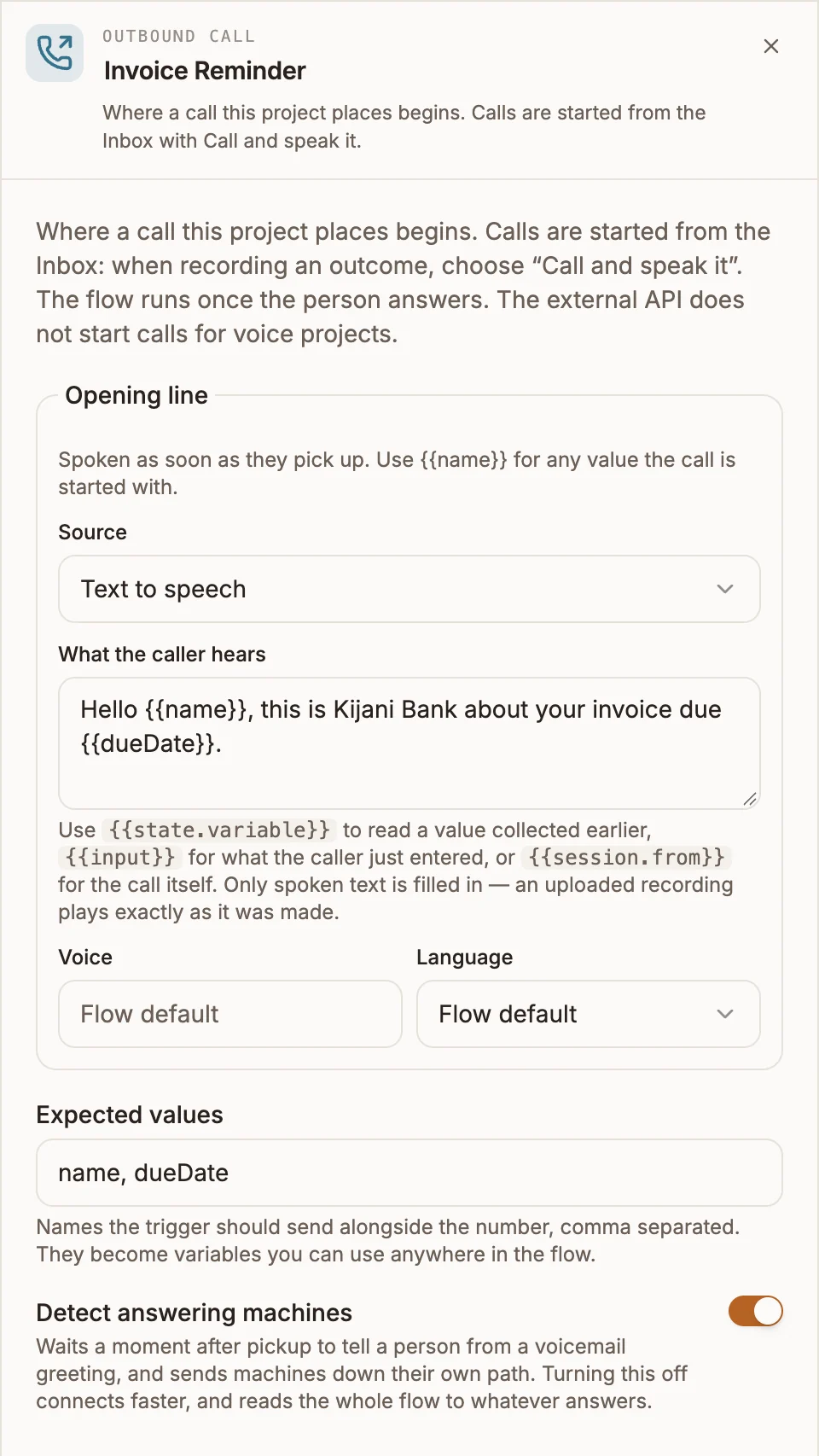
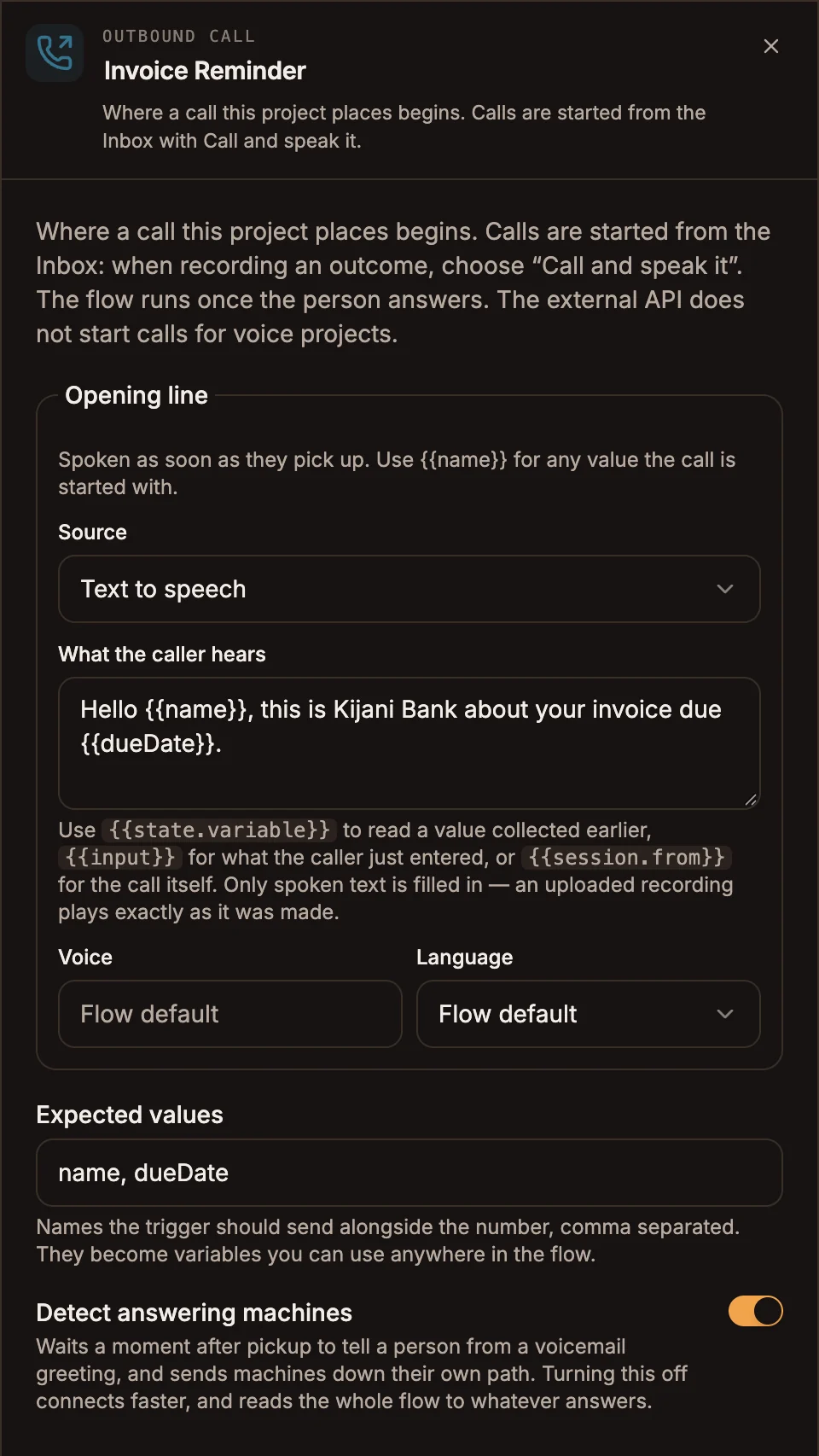
Settings
Prop
Type
Expected values documents what the flow assumes for whoever writes the trigger. The runtime does not check it, so a missing value is simply empty when the flow reads it.
Turning off Detect answering machines connects faster, but the whole flow then plays to whatever answers, including a voicemail greeting.
Outputs
| Handle | When the call takes it |
|---|---|
| answered | A person picked up. The opening line plays, then the flow continues. |
| voicemail | Answering-machine detection decided a machine picked up. |
| no answer | Nobody picked up, or the call failed to connect. |
Both voicemail and no answer are optional. If one is not connected, that attempt ends quietly instead of playing your script to a beep or a dead line.
The values sent in the call request's variables object become call variables. Read them as {{name}} or {{state.name}} in any text-to-speech prompt, and in the nodes that follow.
Example
A payment reminder that leaves a message when voicemail answers:
Outbound Call (Opening line: "Hello {{name}}, this is Kijani Bank about your invoice due {{dueDate}}.")
  ├─ answered  → Menu ("Press 1 to pay now, 2 to speak to accounts.")
  ├─ voicemail → Play Message ("Please call us back on 0302 000 000.") → End Call
  └─ no answer → End Call
To place calls, see Outbound calls.
Tips and limits
- A flow can contain at most one Outbound Call node.
- A
ringingstatus means the carrier accepted the call, not that anyone answered. The outcome shows up on the path the flow takes. - The project must be published before it can place calls.
- When an agent replies to a caller by voice from a case or a conversation, Buni.ai places the call through this node and passes the reply text as the call variable
outcomeMessage. Speak{{outcomeMessage}}in the opening line or a later node so the person hears it. The voice reply option is offered only when the published flow has an Outbound Call node. - Uploaded audio and audio URLs play as recorded. Only text-to-speech prompts fill in variables.
- Outbound calling is regulated, and the rules differ by country. Say who is calling in the opening line and honour opt-outs.