
Intent
Recognises what the person wants from your sample utterances and pulls the details you name into parameters.
The Intent node recognises what a person wants. You give it a name, such as BookAppointment, and sample phrases people might send. Buni.ai matches each incoming message against every Intent node in the project and runs the one that fits. Details in the message, such as a date or a city, are pulled out into parameters (slots) that later nodes can read.
Runs in chatbot projects only
Intent appears in the Automation palette too, but the automation engine does not run it: an Intent node in an automation is passed over and the payload continues to the next node unchanged.
When to use it
- Start a conversation path from what the person says, for example "I want to book an appointment".
- Pick up one or two details from the same message, such as the date in "book me for Friday".
- To collect several answers in a fixed order with validation, review and cancellation, use a Form. While a form is running, replies are never mistaken for other intents.
- To branch on a value you already have, use a Router.
Settings
The panel has three tabs and an Output section below them.
Basic Settings
Prop
Type
Utterances
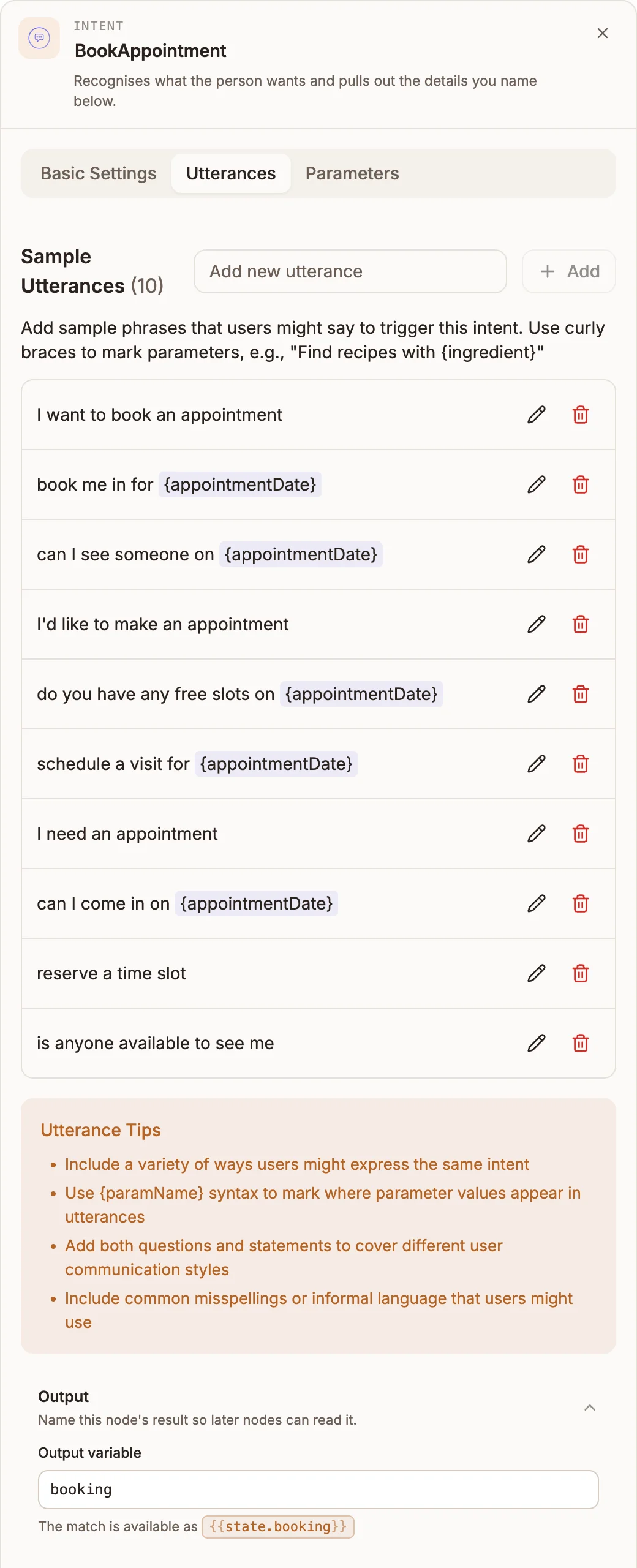
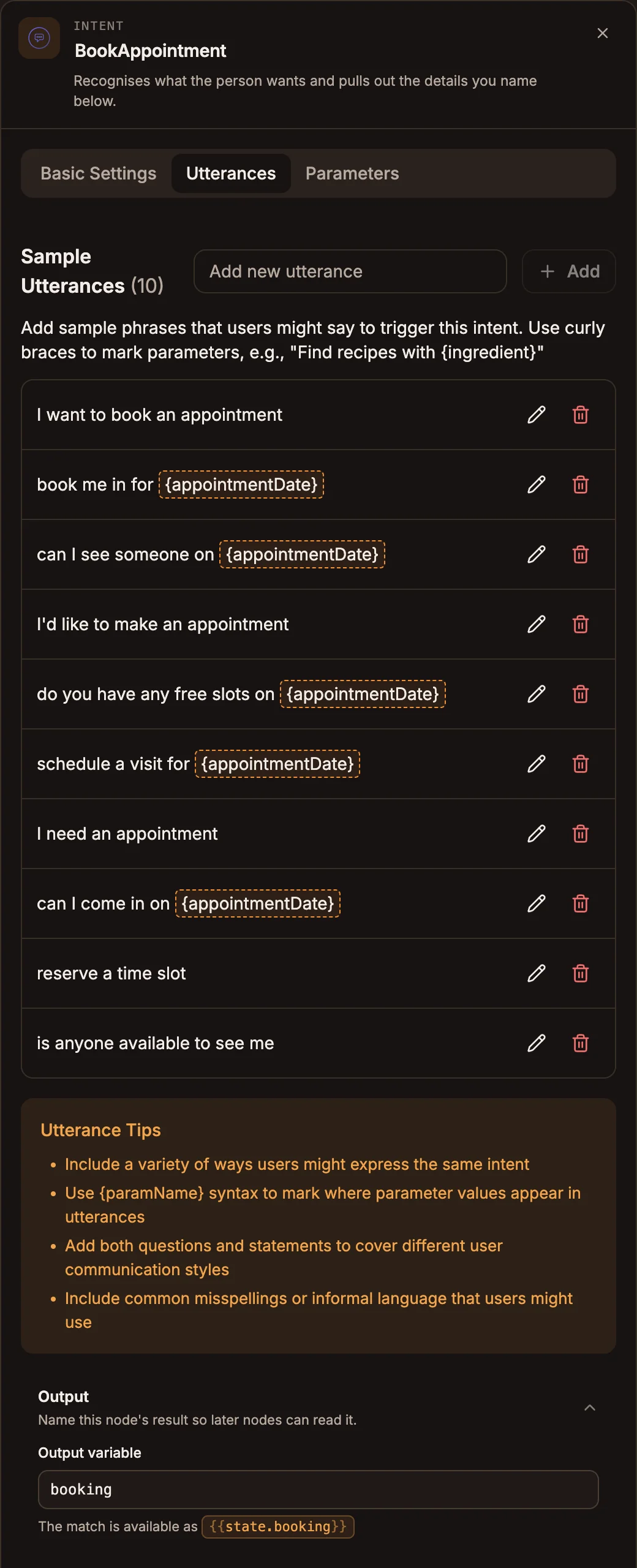
Type a phrase in Add new utterance and press Enter or click Add. The title shows the count, and the panel suggests "Aim for at least 10, varied in wording." until you have 10.
Mark a parameter with curly braces, for example Book me in for {date}. Parameters in a phrase are highlighted. If a phrase names a parameter that doesn't exist, the panel shows "Found 1 undefined parameter" with a Create Parameter button, and you can also click the highlighted name to create it.
Sample utterances must be:
- present, if the node is connected from the Trigger;
- unique within the intent and across all Intent nodes in the project;
- one line each, under 200 characters;
- written with
{name}placeholders, not${name}, and separated from neighbouring words by a space.
Parameters
Click Add Parameter to open the parameter editor.
Prop
Type
Save stays disabled until the parameter has a name and at least one prompt, and, for a custom parameter, a valid Parameter Type Name and at least one sample value.
Parameter types
| Parameter Type | Recognises |
|---|---|
| Airport, City, Country, State, Street Name | Place names |
| Alpha Numeric | Words made of letters and numbers, such as an order reference |
| Date, Time, Duration | Dates, times and durations, converted to a standard format |
| Email Address, Phone Number | Contact details |
| First Name, Last Name | Names |
| Number, Percentage | Numbers and percentages |
| Speed Unit, Weight Unit | Units |
| Geolocation (GeoPoint) | Latitude and longitude from a shared location, for example on WhatsApp or Telegram |
| Phrase | A run of free text |
| Free Form Input | Any text; can't be used as a placeholder in an utterance |
| Custom Parameter | One of your own Sample Values |
Output
Prop
Type
Required parameters
When a message matches an intent but a Required parameter is missing, Buni.ai asks for it with the first Elicitation Prompt before any node after the Intent runs. It keeps asking until every required parameter has a value, up to 3 times per parameter; after that the person gets "I'm having trouble collecting the" followed by the parameter name, and the intent ends.
Because this happens before the flow continues, a reply that asks for a parameter produces no node activity in your logs. If you see a question you didn't expect and no nodes ran, check the intent's required parameters.
Outputs
The node has one output. Connect it to the node that should run when the intent matches.
The parameters are written to state as an object keyed by parameter name. With Output variable booking and a parameter appointmentDate, the value is at {{state.booking.appointmentDate}}. The next node also receives the parameters as its input.
Handling messages nothing matches
A message that matches no intent is sent to your fallback intent: an Intent node whose only sample utterance is Fallback, or whose name contains "fallback" (for example UnknownFallback, since FallbackIntent itself is reserved). Connect it to the reply you want unrecognised messages to get. Without one, those messages get "Sorry, I don't understand that. Can you try again?" and the checker warns No Fallback Intent.
Example
An appointment bot:
- The Trigger connects to an Intent node named
BookAppointmentwith Output variablebookingand utterances such asI want to book an appointment,book me in for {appointmentDate}andcan I see someone on {appointmentDate}. appointmentDateis a Date parameter, Required, with the prompt "Which day would you like to come in?"- The Intent connects to a Reply: "You're booked for" followed by
{{state.booking.appointmentDate}}.
"Book me in for Friday" goes straight to the reply. "I want to book an appointment" gets "Which day would you like to come in?" first.
Tips and limits
- Connections. An Intent node can't be connected from a Reply or Live Chat node.
- Follow-up intents. An Intent node connected from another node (not the Trigger) doesn't need sample utterances. When the flow reaches it, the conversation is handed to that intent, which asks for its required parameters.
- One idea per intent. Keep each intent to one request, and don't repeat a phrase across intents; the checker flags repeated utterances.
- Use a Form for many details. If you find yourself adding four or five required parameters, a Form gives you validation, review and cancellation.