
Webhook Trigger
Gives the workflow its own URL. Each HTTP request to it starts a run with the request body, with optional request signing and a synchronous response mode.
The Webhook Trigger gives your workflow two URLs, one for testing and one for production. Any system that can send an HTTP request, such as a payment provider, a form tool or your own backend, can start a run by calling it.
Where you find it
Drag Webhook Trigger from the Triggers group of an automation project's node palette. A workflow can have several triggers; each one starts the workflow from its own output.
When to use it
- Another product can call a webhook URL when something happens.
- Your own backend should start a workflow and optionally wait for its result.
- For a product Buni.ai connects to directly, such as Stripe or GitHub, an app trigger is simpler: it registers the webhook for you.
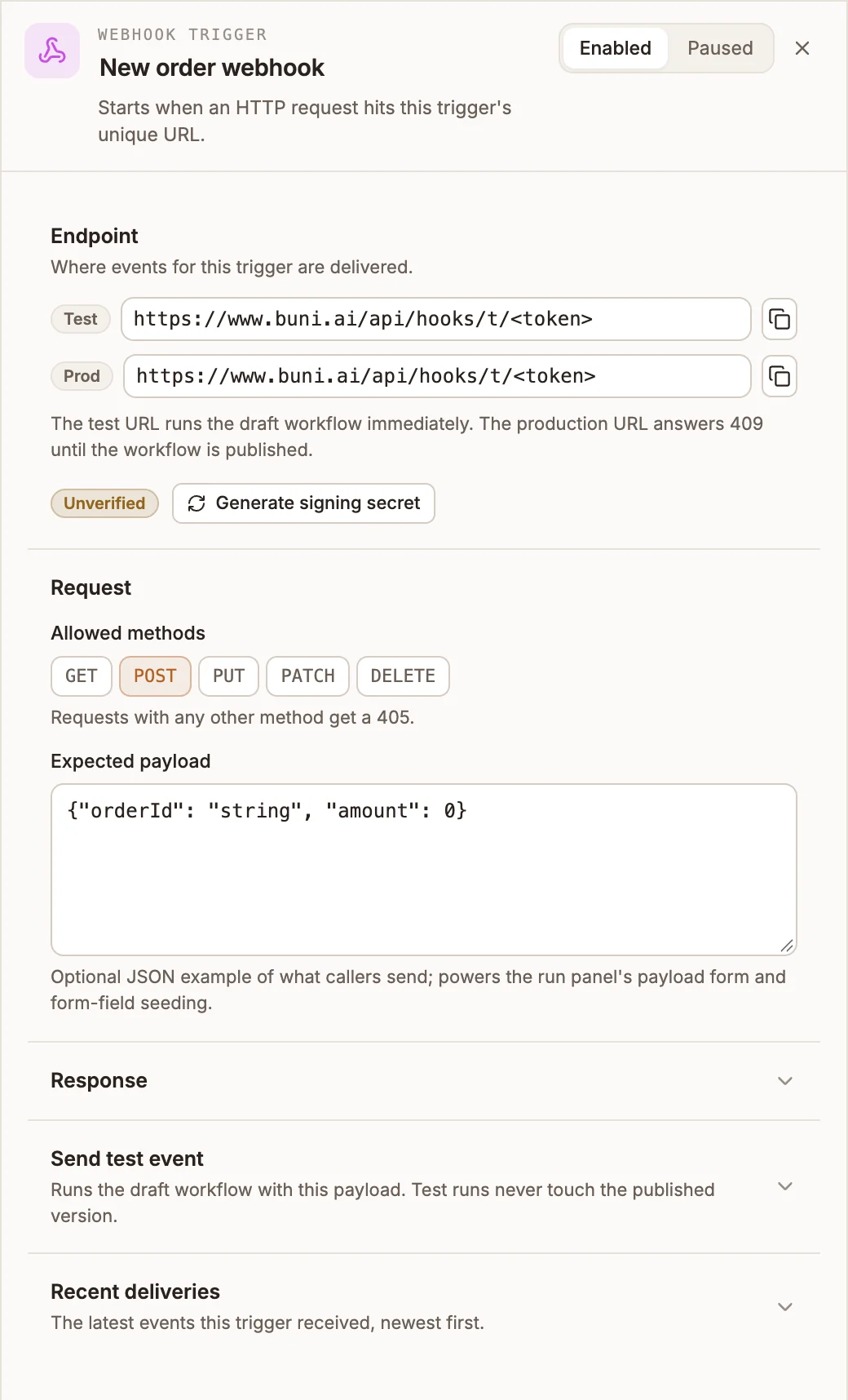
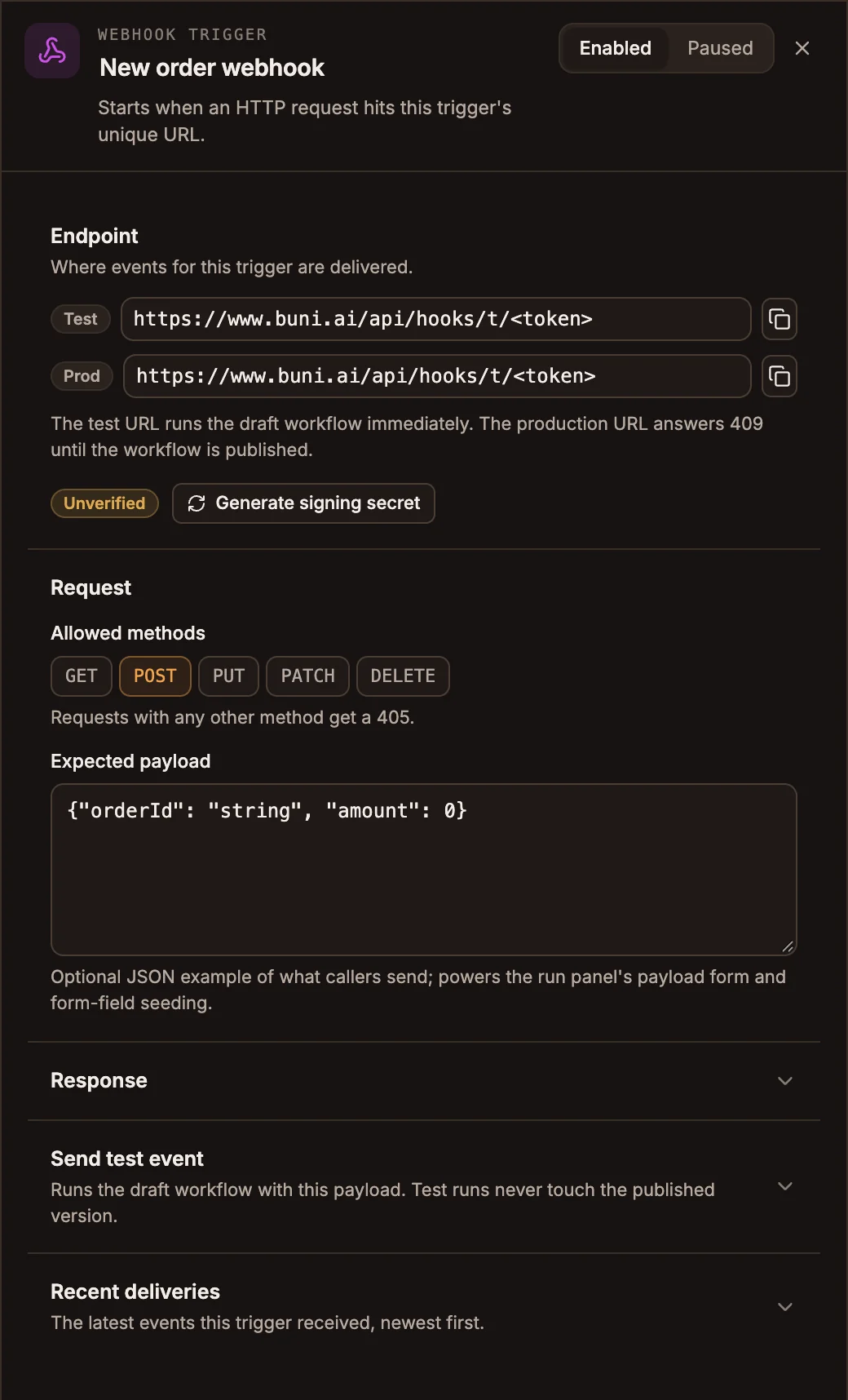
Settings
The panel header has an Enabled / Paused switch. New triggers start Enabled; a paused trigger shows Paused on its canvas card and starts no runs.
Endpoint
- Test runs your draft workflow straight away.
- Prod runs the published workflow, and answers
409until you publish.
Both URLs stay the same across publishes. Copy them with the button beside each one.
Until you add a secret the trigger shows Unverified and accepts any request to its URL. Select Generate signing secret and copy the secret; it is shown once. The trigger then shows Signed and rejects requests without a valid signature. See Signing requests.
Request
Prop
Type
Response
Prop
Type
A Respond Webhook node in the workflow sets the reply for sync mode exactly: its status, headers and body win.
Send test event takes a Sample payload and shows what the trigger would pass to the workflow, without running the workflow's nodes. Recent deliveries lists the latest runs this trigger started, newest first, with their status and duration.
Signing requests
Sign each request with HMAC-SHA256 over the raw request body and send it in the x-buni-signature header, as sha256=<hex>:
import crypto from 'node:crypto';

const body = JSON.stringify({ orderId: 'ord_12345' });
const timestamp = Math.floor(Date.now() / 1000).toString();
const signature = crypto
  .createHmac('sha256', process.env.BUNI_TRIGGER_SECRET)
  .update(`${timestamp}.${body}`)
  .digest('hex');

await fetch(TRIGGER_URL, {
  method: 'POST',
  headers: {
    'Content-Type': 'application/json',
    'x-buni-signature': `sha256=${signature}`,
    'x-buni-timestamp': timestamp,
  },
  body,
});
x-buni-timestamp is optional replay protection. When you send it, the signature covers <timestamp>.<raw body> and requests more than five minutes old are rejected. Without it, sign the raw body alone.
Responses
| Status | Meaning |
|---|---|
202 | Accepted (async mode). The body includes the invocationId. |
200 | Sync mode result, or a repeat of an x-idempotency-key the trigger already accepted ("deduplicated": true). |
401 | Signature verification failed. |
404 | No trigger has this URL. |
405 | Method not in Allowed methods. The Allow header lists the accepted ones. |
409 | The trigger is paused, or the Prod URL was called before the workflow was published. |
410 | The trigger was removed from its workflow. Add it back in the editor, or use the new trigger's URL. |
413 | The body is larger than 1 MB. |
429 | Too many requests. |
Outputs
The next node reads the request as input:
| Field | Contains |
|---|---|
input.payload | The parsed JSON or form-encoded body. Query-string parameters are under input.payload.__query. |
input.event | webhook.received. |
{{state.trigger.type}} is WEBHOOK for the whole run.
Example
An online shop posts each paid order:
Webhook Trigger (POST, Async)
  → Filter (input.payload.amount greater than 0)
  → Messaging (WhatsApp to the customer: "Thanks, order ... is confirmed.")
Tips and limits
- To stop a retried request from running the workflow twice, send an
x-idempotency-keyheader. Without one, every request starts a run. - If the body has a top-level
payloadobject, the run receives that object (plus a top-levelevent, if there is one) and other top-level keys are dropped. - A trigger accepts up to 120 requests a minute per URL by default; more get
429.