
Reply
Send text, an image, buttons, quick replies or a WhatsApp template to the person in a chatbot conversation.
The Reply node sends a message back to the person in the conversation. You build the message from response elements (text, an image, buttons, quick replies or a WhatsApp template), or turn on data-driven mode to build one message per item in a list, such as products from an API call. The flow continues to the next node straight away; the Reply node does not wait for an answer.
When to use it
- Answer a question or confirm an action with a fixed message that includes
{{state.firstName}}-style variables. - Offer choices as buttons or quick replies, and send each tap straight to the intent that handles it.
- Show a list of records (products, branches, appointments) that another node fetched.
- Send an approved WhatsApp template.
To let a model write the answer, use AI Agent. To collect several answers in a row with validation, use Form. To send an SMS outside the conversation, use Messaging.
Chatbot projects only
The Reply node is in the chatbot palette only. USSD flows show text with a Menu node, and automation projects have no conversation to reply to.
Settings
The panel has four tabs: Response Content, Data-Driven, Preview and Docs.
Response Content
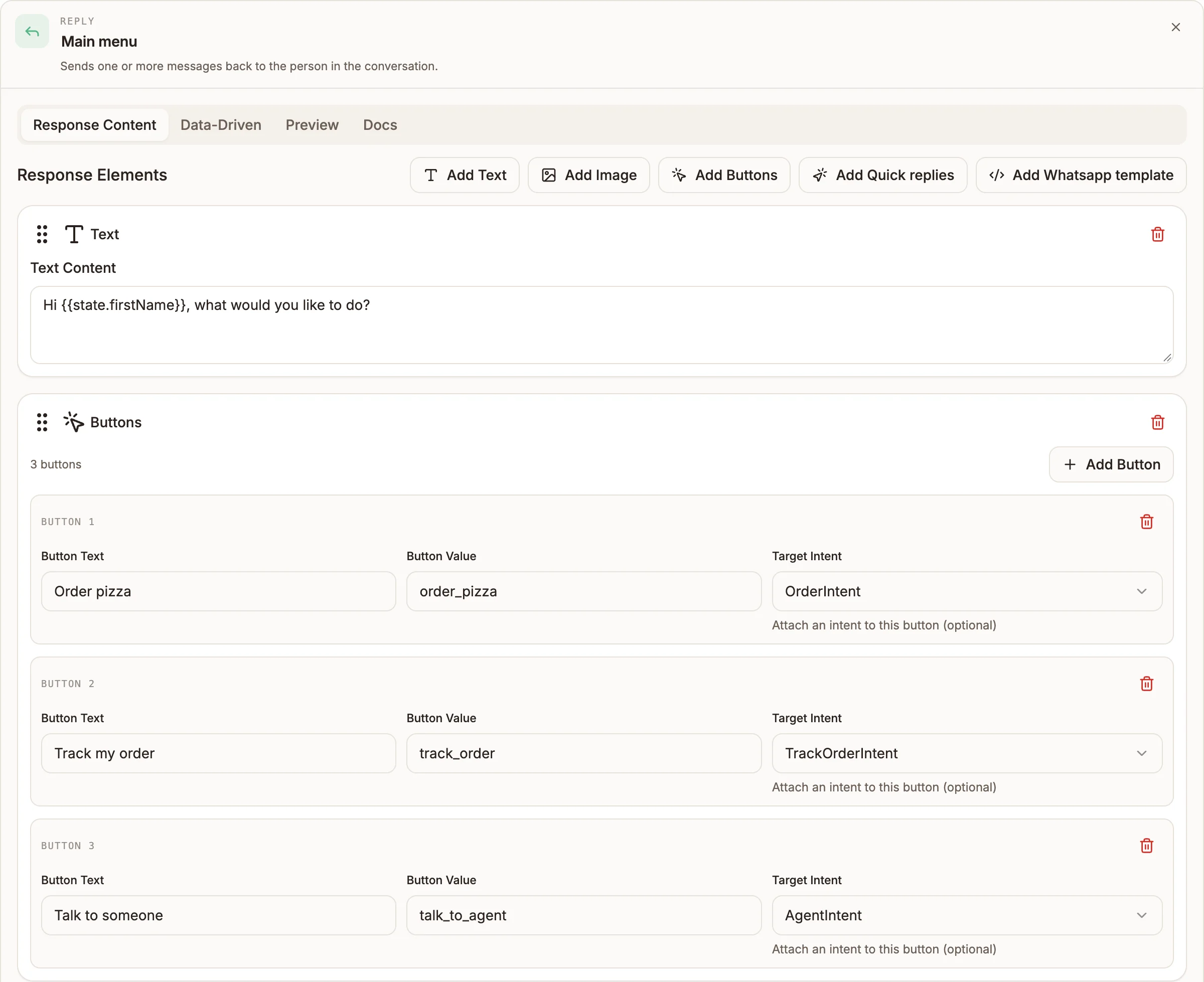
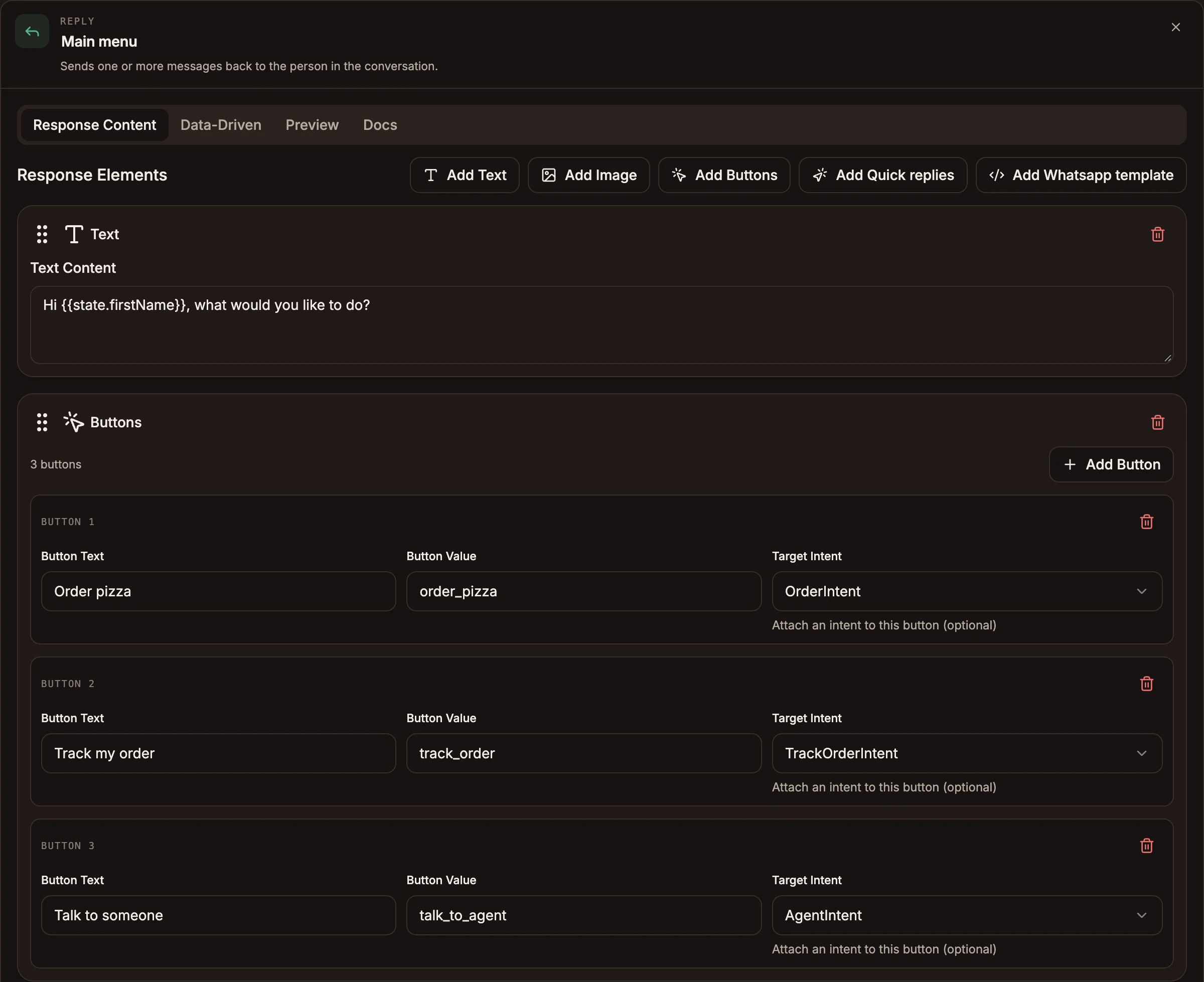
Add elements with the Add Text, Add Image, Add Buttons, Add Quick replies and Add Whatsapp template buttons. Drag an element by its handle to reorder it, or use the delete icon to remove it. Every text field accepts variables, written as {{state.orderId}} or ${state.orderId}.
| Element | Field | Notes |
|---|---|---|
| Text | Text Content | Required. |
| Image | Image URL | Required. A public link to the image. |
| Image | Caption (Optional) | Used as the card title when the node has no text element. |
| Buttons | Button Text | Required for each button. Add more with Add Button. |
| Buttons | Button Value | What the tap sends back. |
| Buttons | Target Intent | Optional. The intent a tap goes to directly. None by default. |
| Quick replies | Reply Text | Required for each reply. Add more with Add Reply. |
| Quick replies | Reply Value | What the tap sends back. |
| Quick replies | Target Intent | Optional, as for buttons. |
The panel warns you when a Buttons element has more than three buttons, because WhatsApp and Messenger show only the first three.
WhatsApp template
A Whatsapp template element sends a template from your project's WhatsApp template library.
Prop
Type
Save Template saves your edits to the library, Apply To Response copies them into this element only, and Archive Template archives the library entry. The library needs WhatsApp Business credentials on the project; connect WhatsApp in the flow's trigger first. When you publish, templates used by Reply nodes are synced to your WhatsApp Business account. A sync failure is shown as a publish warning and does not stop the publish. See WhatsApp templates.
Data-Driven
Turn on Enable Data-Driven Responses to build messages from an array.
Prop
Type
You must map at least one field. Test Data (JSON) holds sample items for the Preview tab only; it is never sent. Static elements from Response Content still apply: text and images are sent before the items, and buttons or quick replies are attached to the last item.
Outputs
The node has one output. The next node runs in the same turn, and its messages are sent after this node's. The Reply node writes nothing to state.
When the person taps a button or quick reply, the tap arrives as their next message:
- With a Target Intent (or Intent Field), the conversation goes straight to that intent, and the value is passed on as the intent's input.
- Without one, the tap is matched against your intents like a typed message.
Example
A pizza bot greets the person after the Welcome intent and offers three choices.
| Element | Setting |
|---|---|
| Text | Text Content: Hi {{state.firstName}}, what would you like to do? |
| Buttons | Order pizza → Target Intent OrderIntent |
Track my order → Target Intent TrackOrderIntent | |
Talk to someone → Target Intent AgentIntent |
To show the menu, an API node fetches the pizzas and a second Reply node uses data-driven mode with Data Source Variable input.data, Message Grouping Carousel, Title Field name, Image URL Field image, Button Text Field price, Button Value Field id and Intent Field OrderIntent.
Tips and limits
- One message per node. Build each Reply around one text element. If there is an image, the text becomes the card title and the buttons are attached to the card. To send several separate messages, chain Reply nodes.
- A template replaces the rest. If the node has a WhatsApp template element, only the template is sent.
- Buttons beat quick replies on WhatsApp. When a node has both, WhatsApp sends the buttons. Quick replies on their own are sent as reply buttons.
- No path to an Intent node. An Intent node cannot come after a Reply node anywhere downstream, and publishing fails if one does. Use Target Intent instead.
Channels trim what they cannot show:
| Channel | Limits applied when sending |
|---|---|
 WhatsApp WhatsApp | First 3 buttons; labels cut to 20 characters; values to 256. Text over 1,024 characters is split into several messages, with the buttons on the last one. A carousel is sent as one card per message; a list is sent as numbered text with at most 3 buttons. |
 Messenger Messenger | First 3 buttons, labels cut to 20 characters. Up to 13 quick replies, titles cut to 20 characters. Card titles and subtitles cut to 80 characters. Carousels show up to 10 cards; lists show the first 4 items. |
 Telegram Telegram | Button values cut to 63 characters. |