
Loop
Repeats the nodes on its body handle once for each item in a list, with optional pacing, then continues with the collected results.
Loop runs part of an automation once per item in a list. The nodes connected to its each item handle run for the first item, then the second, and so on, one at a time. When every item is done, the flow continues from the done handle with all the results collected.
When to use it
- Send a WhatsApp message to every contact in a list.
- Create one record per row returned by an API or a Data Store query.
- Call a rate-limited API for many items without tripping its limit, using pacing.
- To run a few different steps at the same time rather than the same steps many times, use Parallel.
- To drop repeated items before looping, put Remove Duplicates in front.
Automation projects only
Loop appears only in the palette of automation projects.
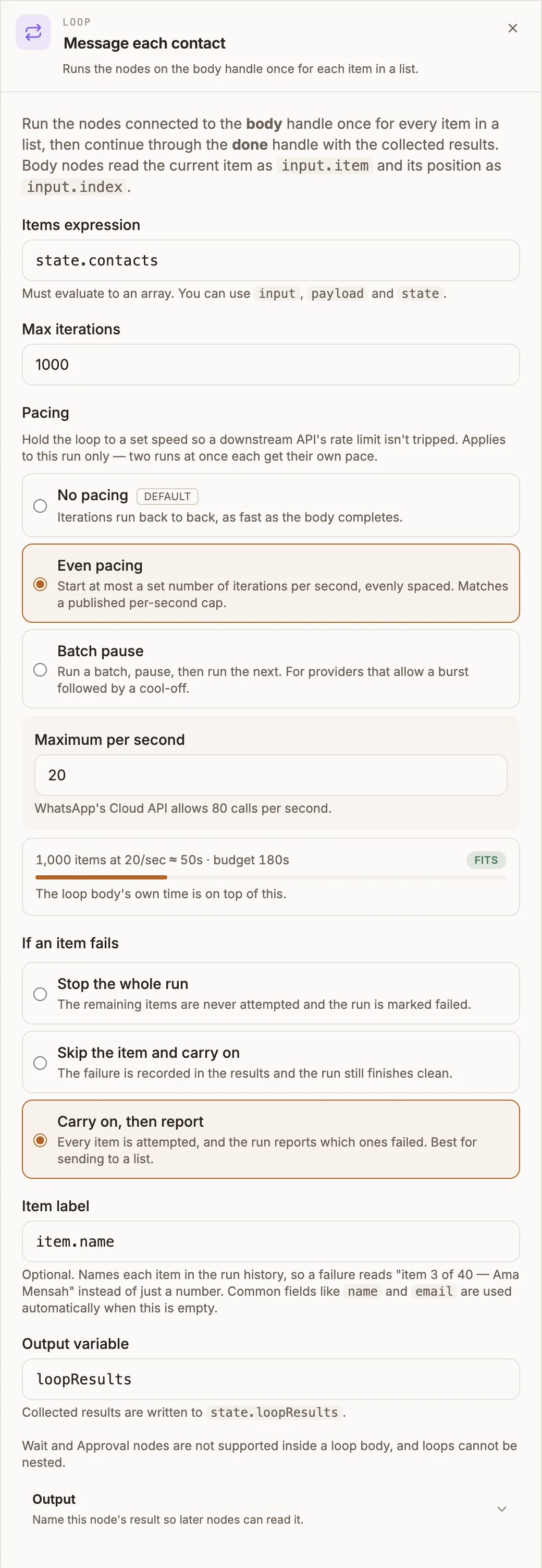
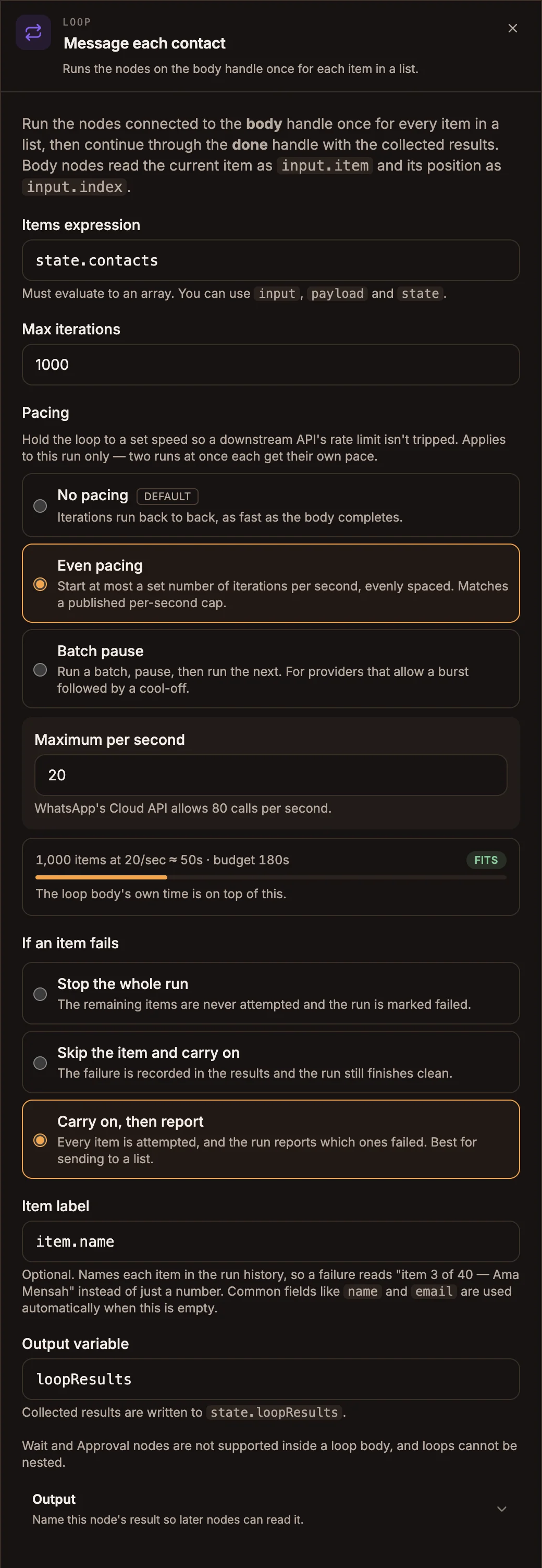
Settings
Prop
Type
When you choose a pacing mode, the panel estimates how long the pacing alone takes at Max iterations and compares it with the 180-second run budget: Fits, Tight (over half the budget) or Over budget.
If an item fails
| Option | What happens |
|---|---|
| Stop the whole run | The remaining items are never attempted and the run is marked failed. |
| Skip the item and carry on | The failure is recorded in the results and the run finishes as a success. |
| Carry on, then report | Every item is attempted. The run finishes, and a summary of which items failed is written to {{state.loopResultsSummary}} and shown in the run's activity. Best for sending to a list. |
Outputs
| Handle | What runs |
|---|---|
| each item | Once per item. Every node on this branch can read input.item (the current item), input.index (its position, from 0) and input.loop. |
| done | Once, after the last item. Its input is the loop's input plus the results under the output variable's name. |
Written to state:
{{state.loopResults}}: an array with one entry per item, the value the body's last node returned. A skipped item is recorded as{ loopIterationError, index }.{{state.loopResultsSummary}}(with Carry on, then report only):{ total, succeeded, failed, failures }, where each failure hasindex,label,messageand the node that failed.
The names follow Output variable: set it to sent and you get state.sent and state.sentSummary.
Example
A scheduled automation reminds everyone with a booking tomorrow:
- Schedule trigger runs daily at 17:00.
- Data Store, GET bookings for tomorrow, output variable
bookings. - Loop, Items expression
state.bookings, Even pacing at 20 per second, Carry on, then report. - On each item: Messaging sends a WhatsApp template to
${input.item.phone}. - On done: Messaging sends the operations lead "Reminders sent:
${state.loopResultsSummary.succeeded}".
Tips and limits
- The whole run has 180 seconds. Pacing spends that budget, it does not extend it. For long lists, lower Max iterations and run the automation more often, or split the list across runs.
- Iterations run one after another, never at the same time.
- Not allowed in the body: Wait, Approval, Collect Payment, Respond Webhook, Parallel, or another Loop. The body must not connect back to the loop or into the done branch. Publishing fails with an error naming the node if it does.
- The Items expression is JavaScript, not a template: write
state.contacts, not{{state.contacts}}. input.itemstays readable after a node in the body replaces the flowing data (an API response, for example), so later body nodes can still reach the current item.