
Play Message
Speaks a message to the caller, or plays an uploaded or hosted audio file, then moves straight on to the next node.
Play Message says something to the caller and continues. It collects nothing: the flow moves to the next node as soon as the message is queued. Use it for greetings, confirmations, disclaimers and anything else the caller only needs to hear.
IVR projects only
Play Message appears only in the palette of an IVR project.
When to use it
- Greet the caller or explain what happens next ("One moment while I check that.").
- Read back a value collected earlier, such as a balance or an order status.
- Play a recorded announcement, such as an opening-hours message.
- When you need an answer from the caller, use Menu (voice) or Collect Input instead. Both have their own prompt, so the question is asked and listened for in one step.
- To say goodbye and end the call, use End Call, which has its own farewell message.
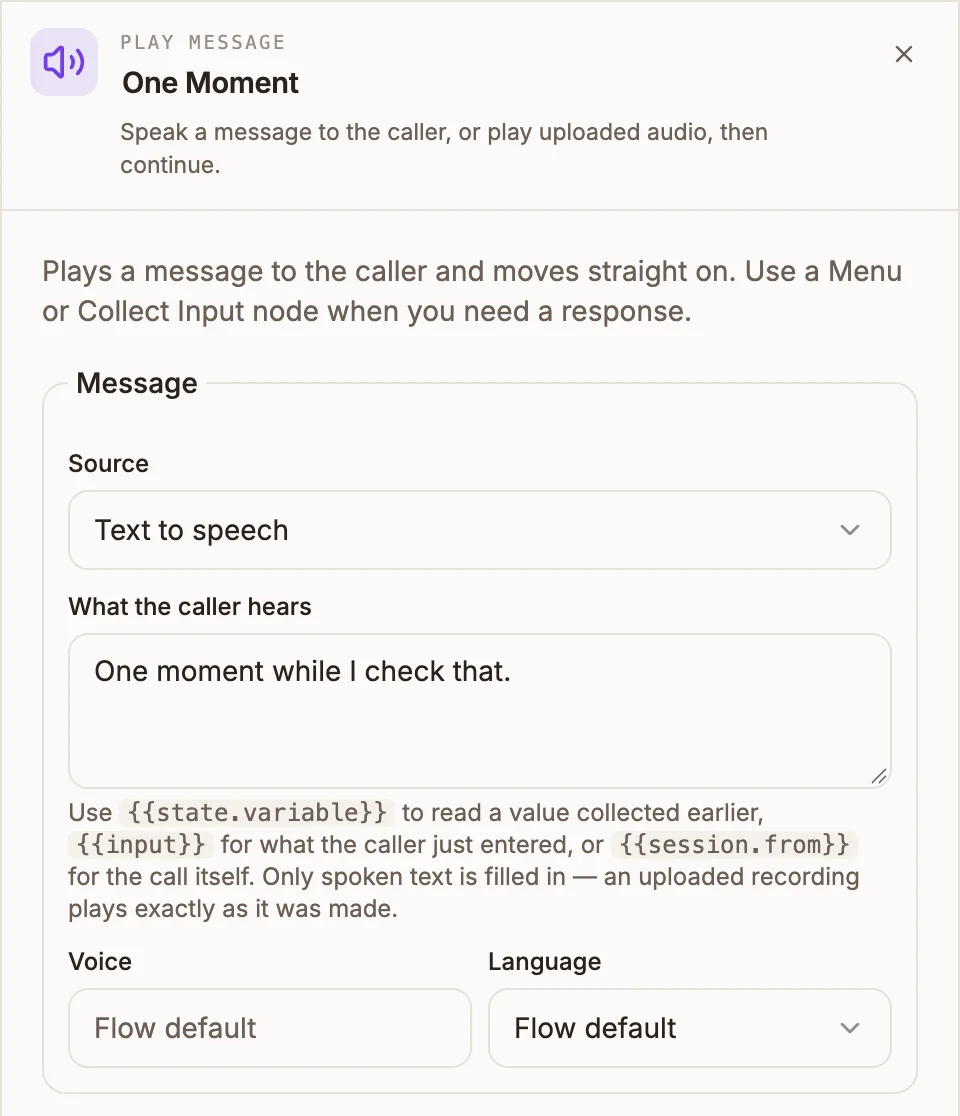
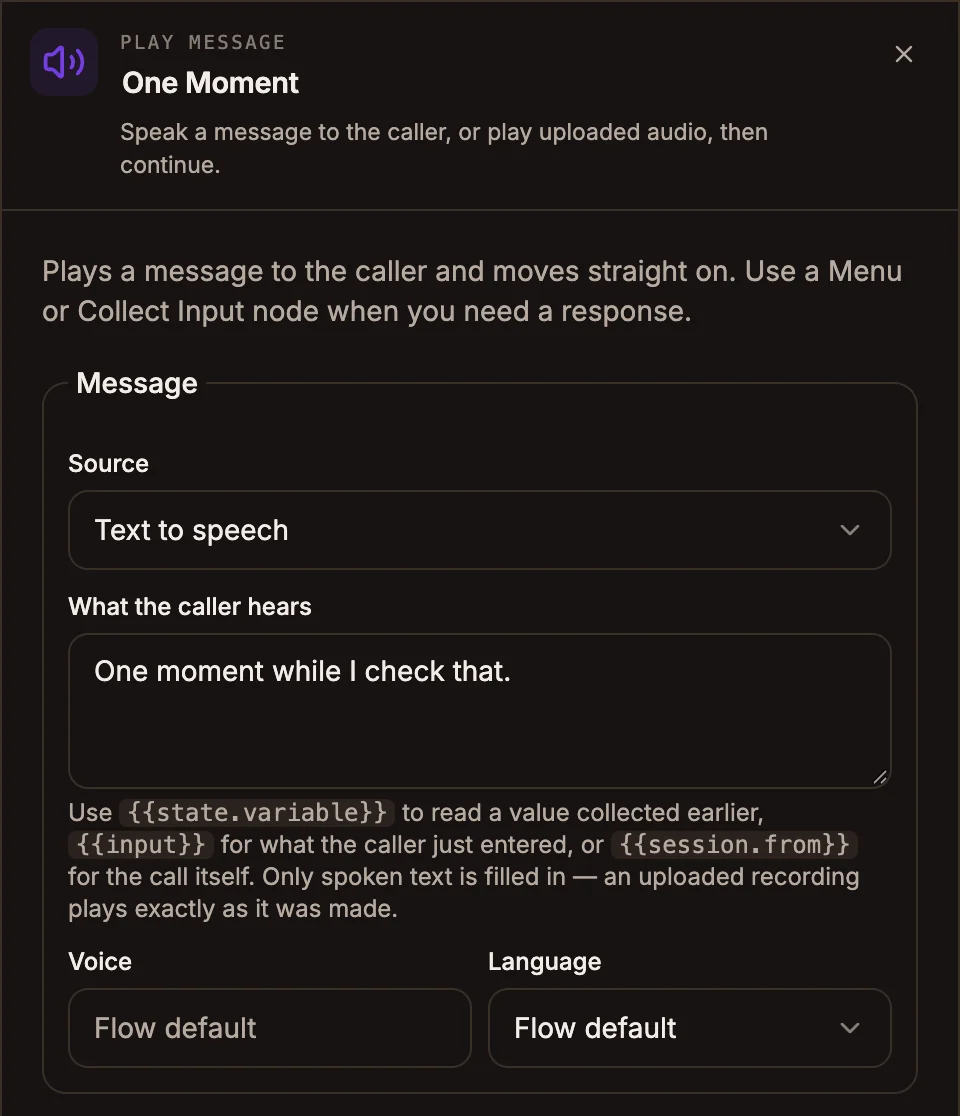
Settings
The panel has one section, Message. Its fields change with the Source you pick.
Prop
Type
A newly uploaded file is scanned before it can play on a call. It shows Scanning in the list and becomes selectable when the scan finishes, usually within a few seconds.
Outputs
| Handle | When it is taken |
|---|---|
| Default output | Always, straight after the message is queued. |
Play Message writes nothing to state.
Example
A balance check that tells the caller to wait, looks up the balance, and reads it back:
Collect Input ("Please key in your account number, then press hash.")  → saves accountNumber
  → Play Message ("One moment while I check that.")
  → API (GET /balances/{{state.accountNumber}}, captures balance)
  → Play Message ("Your balance is {{state.balance}} cedis.")
  → Menu (voice) ("To hear it again, press 1. To end the call, press 2.")
Tips and limits
- Variables work only with Text to speech. Uploaded audio and audio URLs play exactly as recorded. If you switch a prompt that contains
{{state.name}}to a file, the canvas warns that the variable will never be filled in. - An empty message blocks publishing. A Play Message with no text, no file and no URL shows the error "Play Message has nothing to say".
- Missing files fail at publish, not on the call. If the selected audio file was deleted or is still being scanned, publishing fails and names the node.
- Read identifiers as digits. Write "four two one nine", or space the digits out, for account numbers and codes. Text to speech otherwise reads them as one large number.
- Keep messages short. The caller cannot skip or replay them.