
Warm Transfer
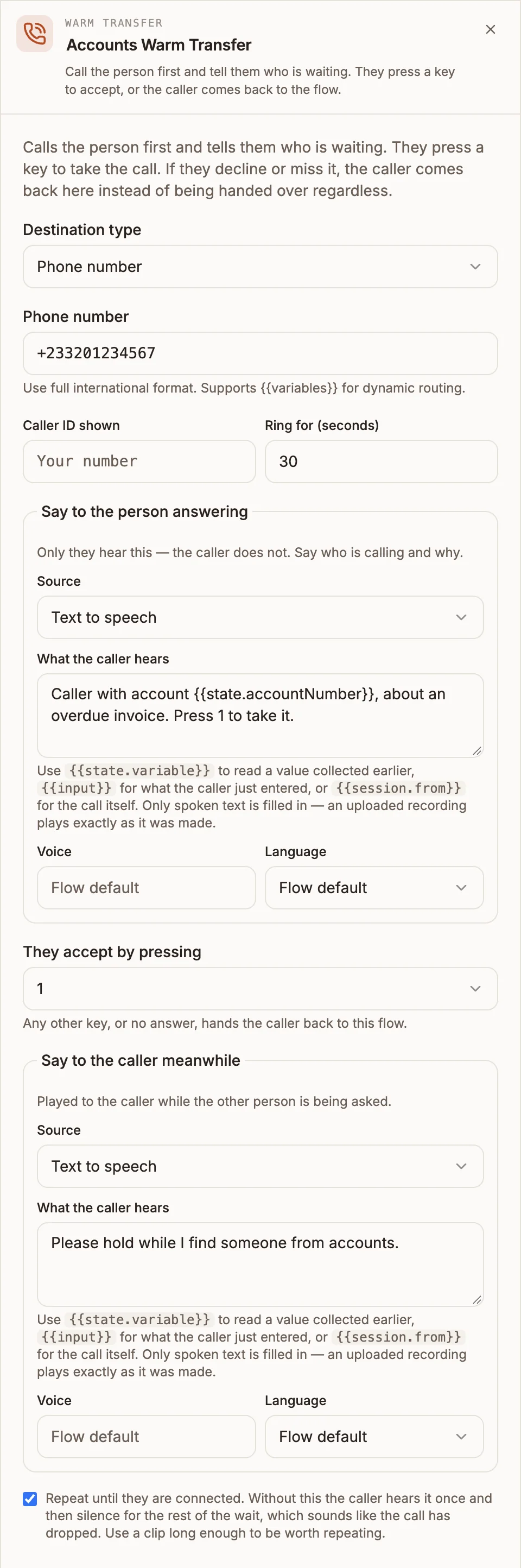
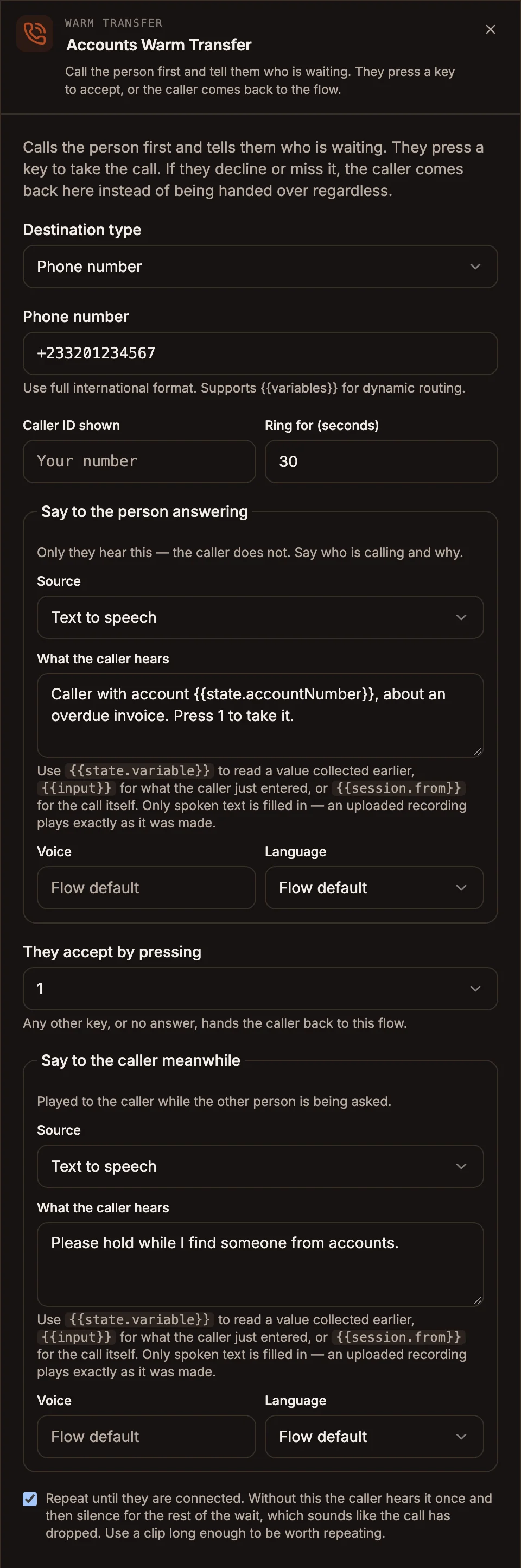
Call the person first and tell them who is waiting. They press a key to accept, or the caller comes back to the flow.
The Warm Transfer node rings a person before handing the caller over. The person answering hears an announcement the caller does not, then presses a key to take the call. If they decline or do not answer, the caller comes back to your flow instead of being connected to someone who was not ready.
When to use it
- An agent needs context before picking up, such as who is calling and why.
- You want a declined or missed transfer to lead somewhere useful, such as voicemail or another team.
- You route to whichever agent is free and want them to accept each call explicitly.
When the person answering needs no announcement, use Transfer. To hold callers until someone is free, use Queue.
Settings
Prop
Type
Both messages use the shared voice prompt editor. Set Source to Text to speech, Uploaded audio or Audio URL. With text to speech you can pick a Voice and Language, and use variables such as {{state.accountName}} in the text. Variables are filled in only for text to speech; an uploaded recording plays exactly as it was made.
When you choose An available agent, the node rings whoever is free when the call arrives, on their phone or in the app if they are signed in to take calls there. If nobody on your team can take calls, the panel warns that the transfer will always take its failure path. Turn on Take phone calls for an agent first.
Outputs
| Handle | When the call takes it |
|---|---|
| accepted | The person pressed the accept key and is connected to the caller. |
| handed back | The person answered but did not accept. |
| no answer / busy | Nobody answered, or the line was busy. |
If handed back is not connected, a declined call follows no answer / busy instead. The node writes no variables.
Example
A billing line announces overdue-invoice callers to the accounts team and takes a message if nobody picks up.
Call Start
  → Gather Input (account number → state.accountNumber)
  → Warm Transfer (An available agent, Team: Accounts)
      Say to the person answering: "Caller with account {{state.accountNumber}}, about an overdue invoice. Press 1 to take it."
      Say to the caller meanwhile: "Please hold while I find someone from accounts." (repeat until connected)
      ├─ accepted ──────────→ (caller and agent are connected)
      ├─ handed back ───────→ Record (a message, then end the call)
      └─ no answer / busy ──→ Record (a message, then end the call)
Tips and limits
- Write a real announcement. Validation reports an error if Say to the person answering is empty, because the person picking up would hear only a keypress prompt they cannot interpret.
- Keep the two messages different. If the announcement and the caller message use the same audio file or the same words, validation warns that the agent hears the caller's hold message.
- Connect handed back. Without it validation warns you: a declined caller with nowhere to go is worse than never being offered the transfer.
- Turn on repeat for hold audio. Without it the caller hears the message once, then silence, which sounds like a dropped call. On Africa's Talking audio cannot repeat, so use one clip long enough for the wait.
- Team and skill are picked from your roster, not typed, so a routed call always matches a real team.