
GitHub Trigger
Starts the workflow on GitHub events in one repository: pushes, pull requests, issues, comments, releases and workflow runs. Buni.ai registers the webhook for you.
The GitHub Trigger starts your workflow on activity in one GitHub repository. Buni.ai creates the repository webhook for the events you pick and checks every delivery's signature.
Where you find it
Drag GitHub Trigger from the Triggers group of an automation project's node palette. A workflow can have several triggers; each one starts the workflow from its own output.
When to use it
- Announce a new release to your team or customers.
- Open a support case when an issue is filed.
- Notify someone when a pull request or a workflow run needs attention.
Before you start
Add a GitHub connection in the project's Integrations tab, using a token that can administer the repository's webhooks. See Credentials and connections.
Settings
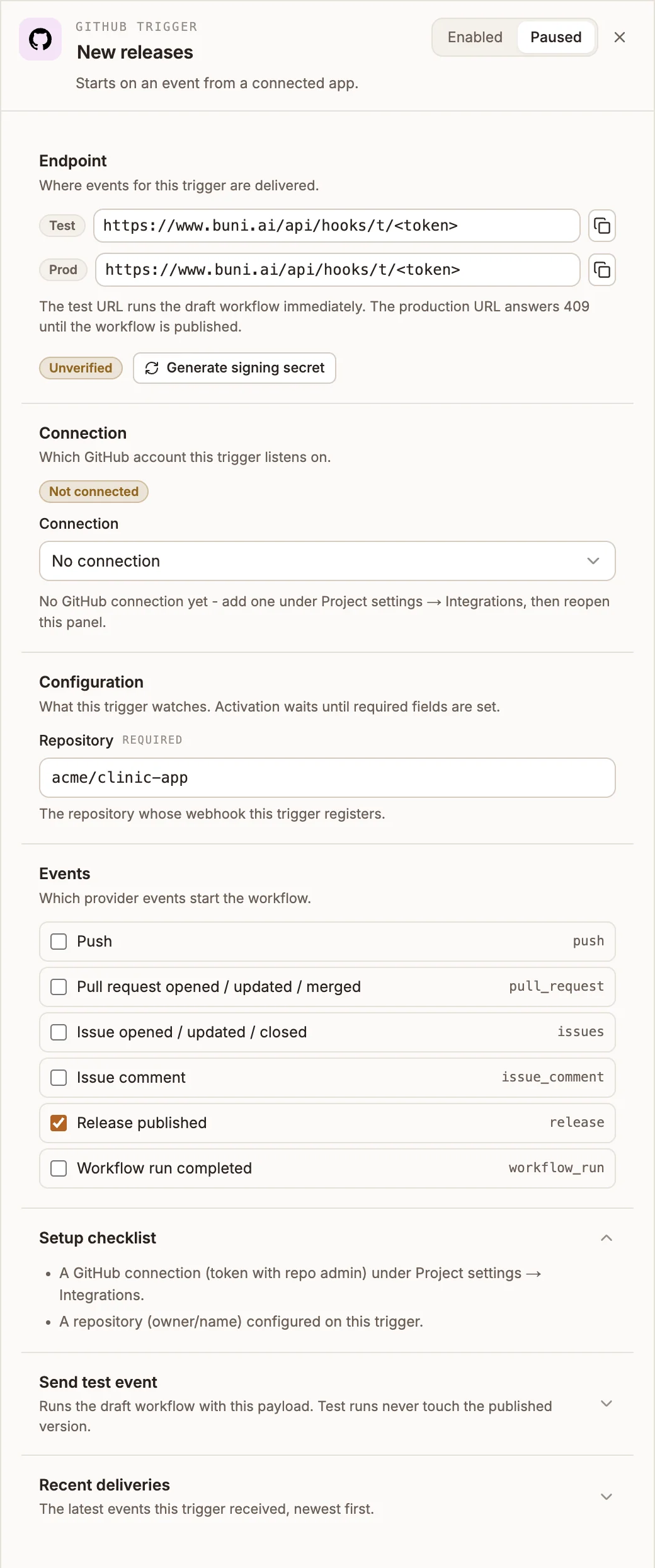
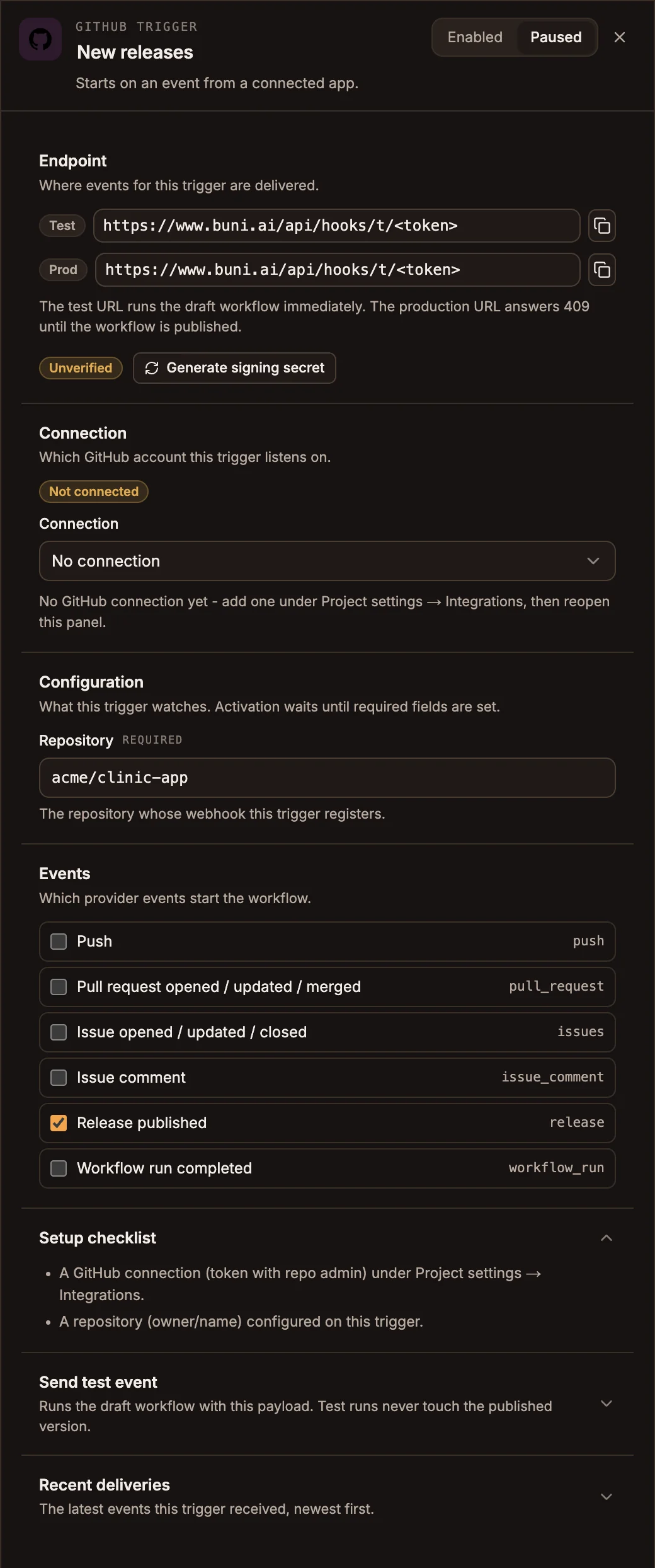
The panel header has an Enabled / Paused switch. New triggers start Enabled; a paused trigger shows Paused on its canvas card and starts no runs.
Prop
Type
| Event | GitHub event |
|---|---|
| Push | push |
| Pull request opened / updated / merged | pull_request |
| Issue opened / updated / closed | issues |
| Issue comment | issue_comment |
| Release published | release |
| Workflow run completed | workflow_run |
Once the trigger has a connection, a repository and at least one event, saving the workflow registers the Test URL with GitHub, and publishing registers the Prod URL.
Leave the signing secret alone
Buni.ai stores the signing secret GitHub issues and checks every delivery with it, even though the Endpoint section still shows Unverified. Do not select Generate signing secret on this trigger: a generated secret replaces GitHub's, and deliveries fail verification.
Send test event takes a Sample payload and shows what the trigger would pass to the workflow, without running the workflow's nodes. Recent deliveries lists the latest runs this trigger started, newest first, with their status and duration.
Outputs
| Field | Contains |
|---|---|
input.payload | GitHub's payload for the event. |
input.event | The GitHub event name, such as pull_request. |
{{state.trigger.type}} is WEBHOOK.
Tips and limits
- GitHub sends every action of an event you select: Release published also fires when a release is edited or deleted, and Workflow run completed also fires when a run is requested or starts. Check
input.payload.actionwith a Filter or a Router, for exampleinput.payload.actionequalspublished. - Each GitHub delivery starts at most one run.
- Removing the trigger leaves the webhook in the repository. Delete it under the repository's Settings > Webhooks.
Related
Stripe Trigger
Starts the workflow on Stripe events such as a successful payment, a completed checkout or a new subscription. Buni.ai registers the webhook in Stripe for you.
Telegram Trigger
Starts the workflow on messages, bot commands, button presses, edits and channel posts sent to your Telegram bot.