
Menu (voice)
Plays a menu and branches on the key the caller presses, with separate paths for an unrecognised key and for no input.
The voice Menu plays a prompt, waits for the caller to press a key, and sends the call down the path for that key. It appears as Menu in an IVR project's palette. It is separate from the USSD Menu: on a call, options are heard rather than read, so the node also handles a wrong key and silence, with a retry limit and its own path for each.
IVR projects only
This node appears only in the palette of an IVR project.
When to use it
- Route callers by department: "For sales, press 1. For support, press 2."
- Offer a short set of choices after a lookup: "To hear it again, press 1."
- Always include a key that reaches a person, such as 0 to a Transfer or Queue.
- To capture a free-form number (an account number, a PIN, an amount), use Collect Input instead. The Menu only accepts the keys you list.
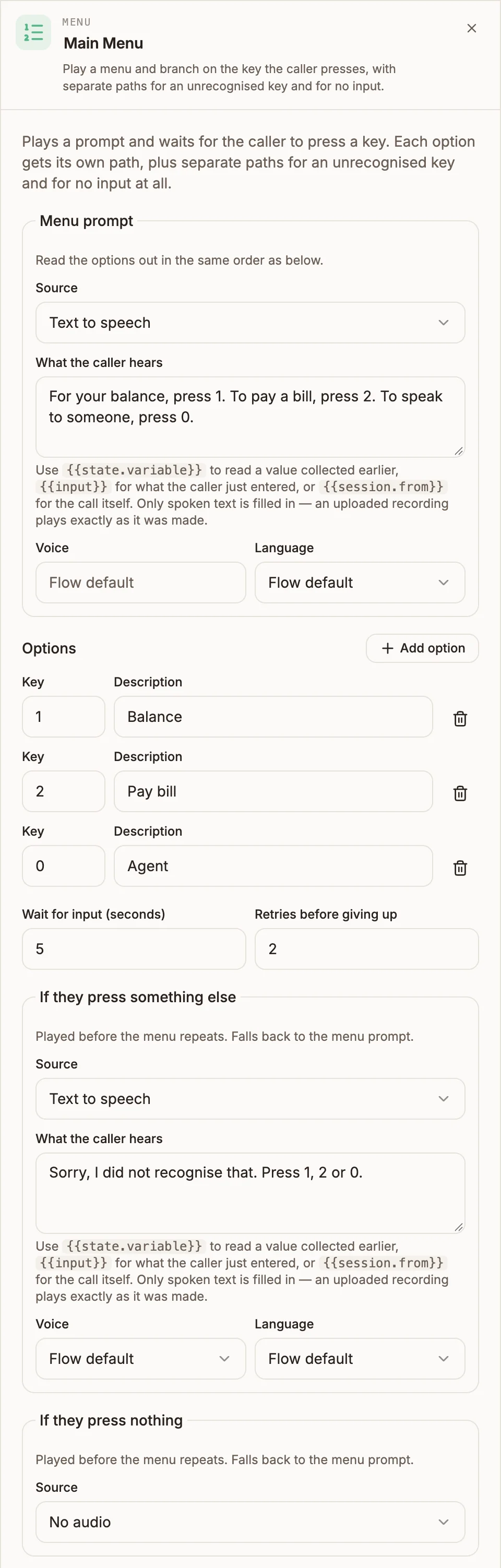
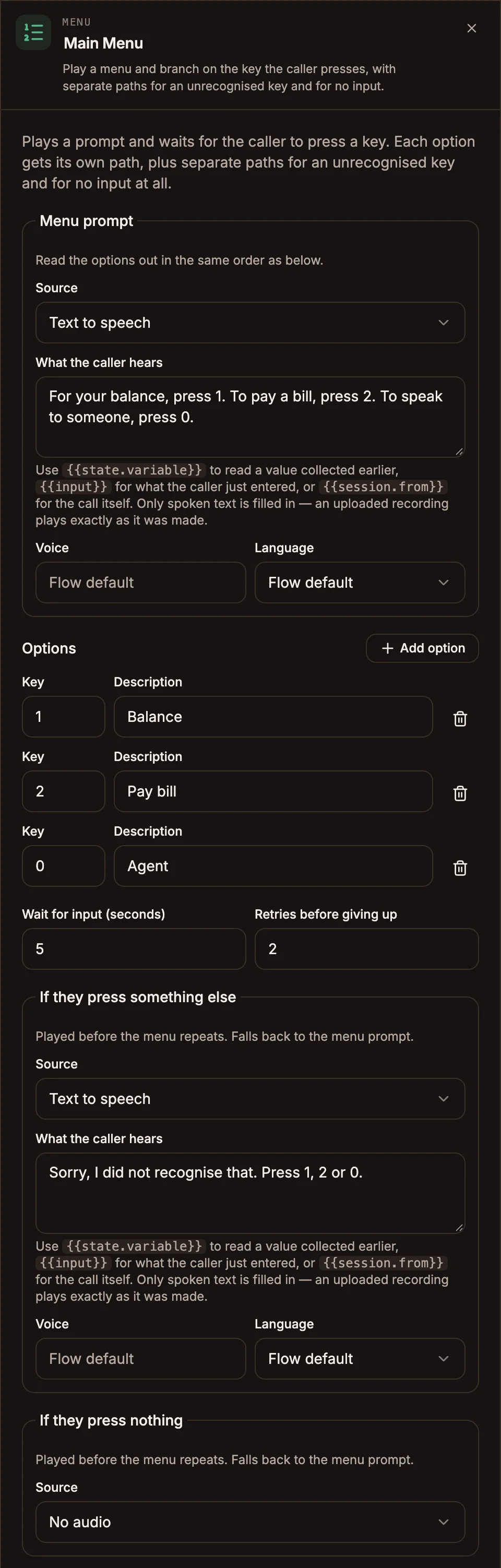
Settings
Menu prompt
What the caller hears before choosing. Read the options out in the same order as your list. The prompt has the same fields as every voice prompt:
Prop
Type
Options
Select Add option for each choice. A new row suggests the next unused digit.
Prop
Type
Retries
Prop
Type
Correction prompts
Both are optional. Set Source to No audio to leave one empty.
| Field | Played when | If empty |
|---|---|---|
| If they press something else | The caller pressed a key that is not in your list. | The menu prompt is played again. |
| If they press nothing | The wait ran out with no key pressed. | The menu prompt is played again. |
The correction prompt replaces the menu prompt for that attempt, and the menu listens while it plays, so write it as a complete instruction: "Sorry, I did not recognise that. For sales, press 1. For support, press 2."
Outputs
| Handle | When it is taken |
|---|---|
| One per option, labelled with the key and description (for example 1 · Sales) | The caller pressed that key. |
| invalid | The retries ran out and the last attempt was a wrong key. |
| no input | The retries ran out and the last attempt was silence. |
With the default of 2 retries, the caller gets three attempts in total before an escape path is taken.
When the caller picks an option, the node writes menuChoice to state, for example 2 — Billing (or just 2 if the option has no description). Read it later with {{state.menuChoice}}. It also appears on the ringing card of the agent who takes the call.
Example
Incoming Call
  → Menu ("For your balance, press 1. To pay a bill, press 2. To speak to someone, press 0.")
      ├─ 1 · Balance ─→ Collect Input (account number)
      ├─ 2 · Pay bill ─→ Collect Input (bill reference)
      ├─ 0 · Agent ───→ Queue
      ├─ invalid ─────→ Transfer (front desk)
      └─ no input ────→ End Call ("Sorry, I did not hear anything. Goodbye.")
Tips and limits
- Wire every path. An option with no connection, a menu with no prompt, no options, or a duplicated key each block publishing. Missing invalid or no input connections show a warning, because a caller who runs out of retries has nowhere to go and the call ends.
- Keep it to about five options. By the sixth, callers have forgotten the first. Put the most common choice first.
- Say the key before the description on some carriers. On carriers that ignore keypresses while a prompt is playing, such as Infobip, callers must wait for the prompt to finish. The canvas warns about this; "Press 1 for sales" lets them act as soon as it ends. See Voice carriers.
- Keep keys the same length. The menu collects as many digits as your longest key. Mixing 1 with 10 makes callers wait after a single-digit choice.
- Variables only fill in with Text to speech. Uploaded audio and audio URLs play exactly as recorded.