
Set Fields
Sets or transforms state variables by assigning a value or expression to each named field, so later nodes can read them.
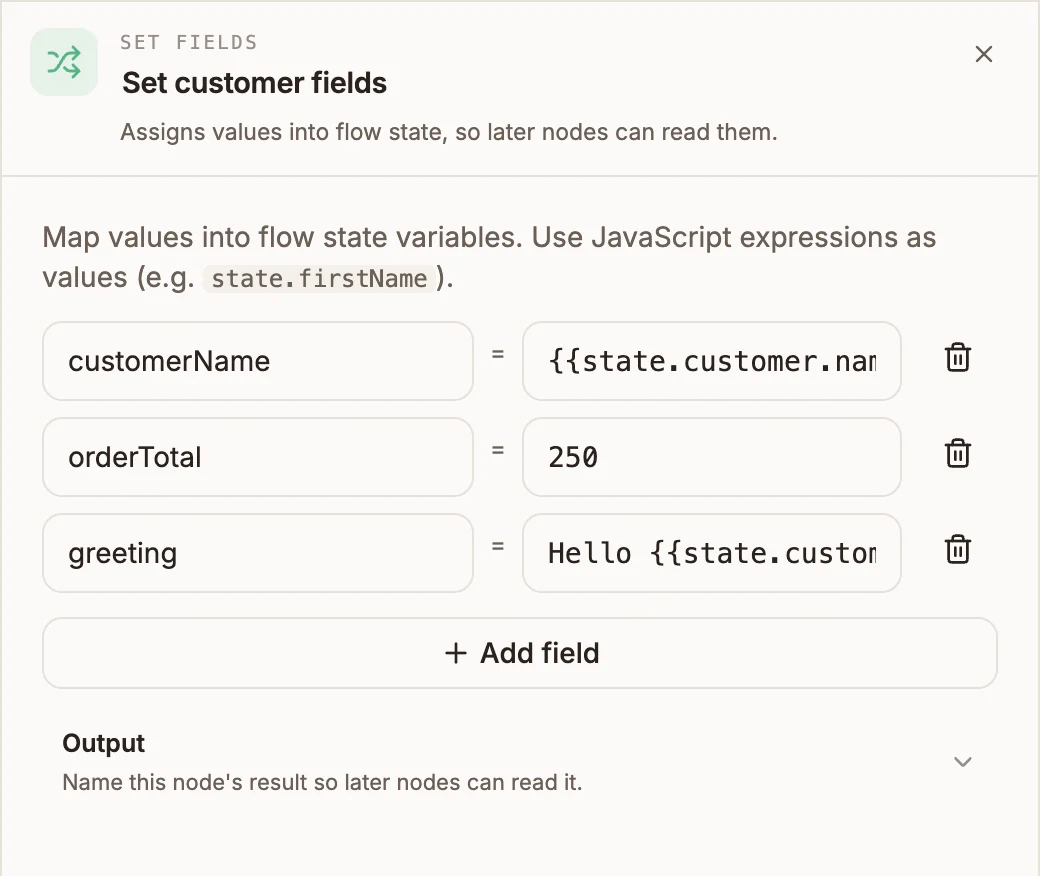
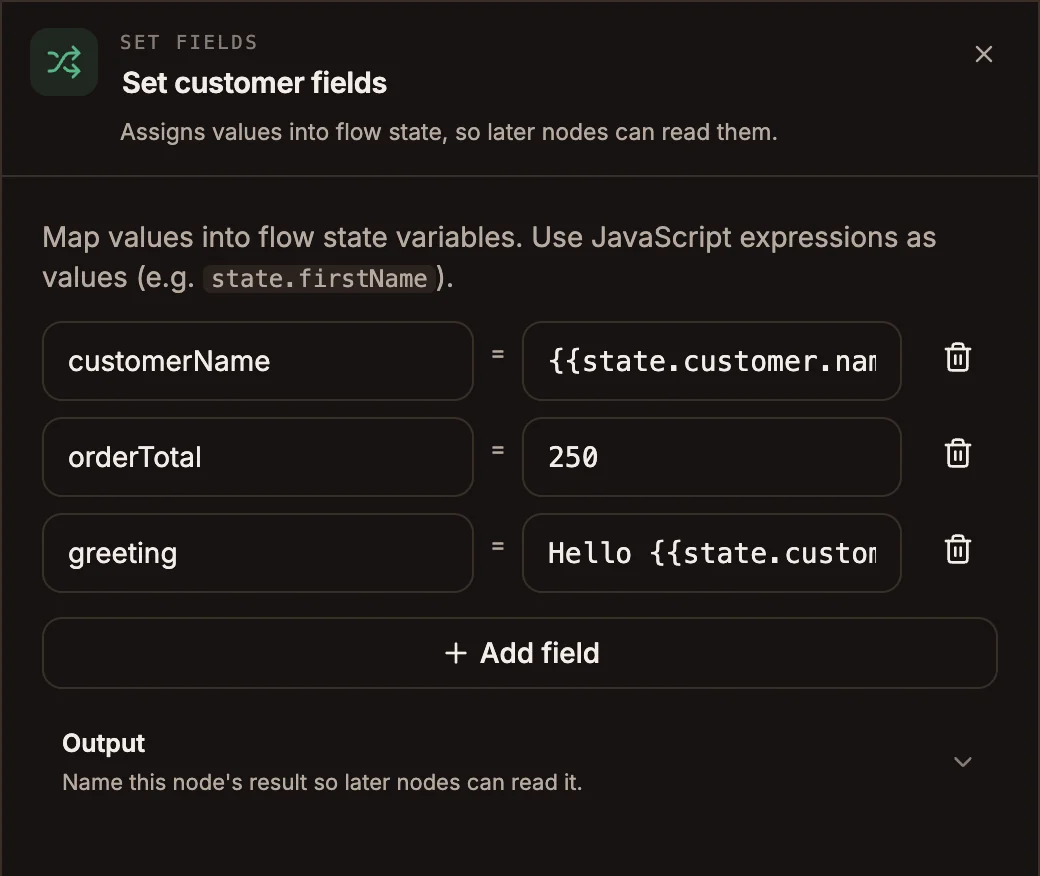
Set Fields writes values into flow state. Each row names a field and gives it a value: a fixed value, a reference to another variable, or an expression. Later nodes read the result as {{state.fieldName}}.
When to use it
- Give a variable a starting value, such as
attempts = 0. - Copy or rename a value: save
{{input.phone}}ascustomerPhone. - Build a string from other variables:
Order {{state.orderId}} for {{state.name}}. - For anything that needs real logic (loops, date maths, parsing), use a Function node.
- For date arithmetic, use Date & Time.
Settings
Prop
Type
How the value is read
The same field behaves slightly differently on each runtime. Write values in the form the table marks as supported for your project type.
| Value you type | USSD | Chatbot | Automation | Voice |
|---|---|---|---|---|
A variable template, {{state.firstName}} | Yes | Yes | No, use state.firstName | Yes |
Text with templates, Hi {{state.firstName}} | Yes | Yes | No, use a ${…} template | Yes |
A bare reference, state.firstName | Yes | Yes | Yes | No |
An expression, state.count + 1 | No, kept as text | Yes | Yes | No |
Plain text, Welcome | Yes | Yes | Quote it: 'Welcome' | Yes |
A number, 42, or true / false | Stored as a number or boolean | Same | Same | Stored as text |
Numbers with a leading zero, such as 0712345678, are kept as text on USSD and chatbot projects, so phone numbers and PINs are not changed.
Automation projects evaluate every value as JavaScript
In an automation, the value is run as a JavaScript expression. Plain text must be in quotes ('Welcome'), and {{state.x}} templates are not resolved: write state.x, or a template such as ${state.x} for text with variables in it. An expression that fails leaves the field undefined. A dotted field name is stored as one flat key (state["customer.firstName"]), so avoid dots there.
Outputs
One output. The fields are written to state before the flow continues; the next node receives the same input Set Fields did.
Example
After an API node saves a customer record as customer, a Set Fields node on a chatbot project prepares values for the next few nodes:
| Field name | Expression or value |
|---|---|
customerName | {{state.customer.name}} |
greeting | Hello {{state.customer.name}}, welcome back |
attempts | 0 |
A Reply node can then send {{state.greeting}}.
Tips and limits
- On USSD and chatbot projects, a field name that cannot be used (a space, a leading digit,
__proto__) stops the project from publishing, with an error that names the node. Automation projects silently drop the characters that are not allowed instead. - A row with an empty field name is ignored. On USSD and chatbot projects a Set Fields node with no named fields at all fails the publish.
- Picking a secret inserts
${CREDENTIALS.NAME}. It resolves at run time; do not write secrets into fields that are later shown to users. - To compute a value on USSD, use a Function node: USSD resolves references but does not evaluate expressions.