
USSDChatbotVoice (IVR)Automation
Error
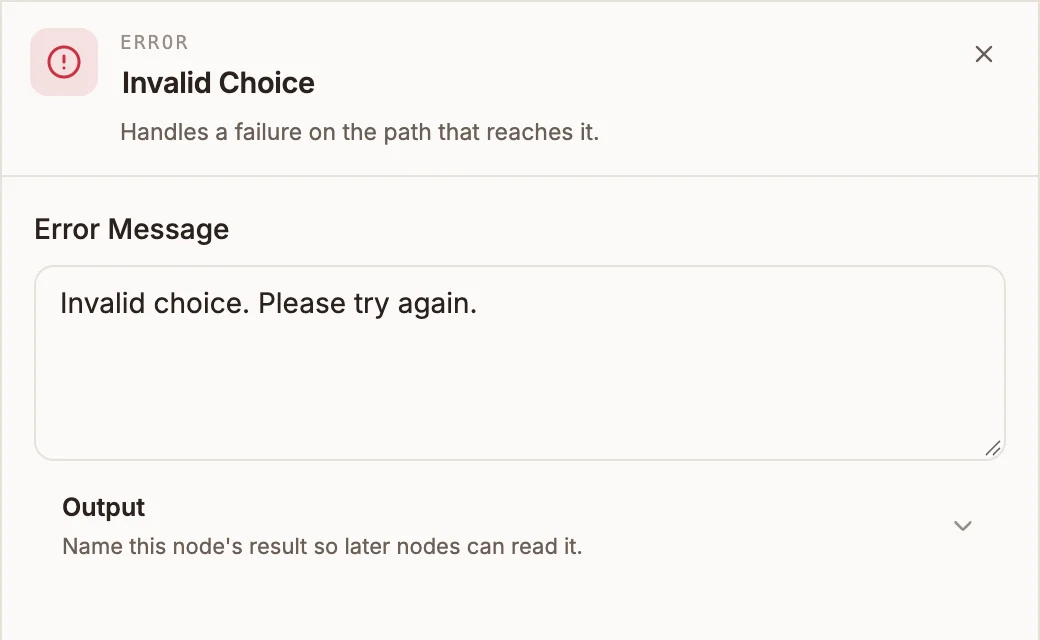
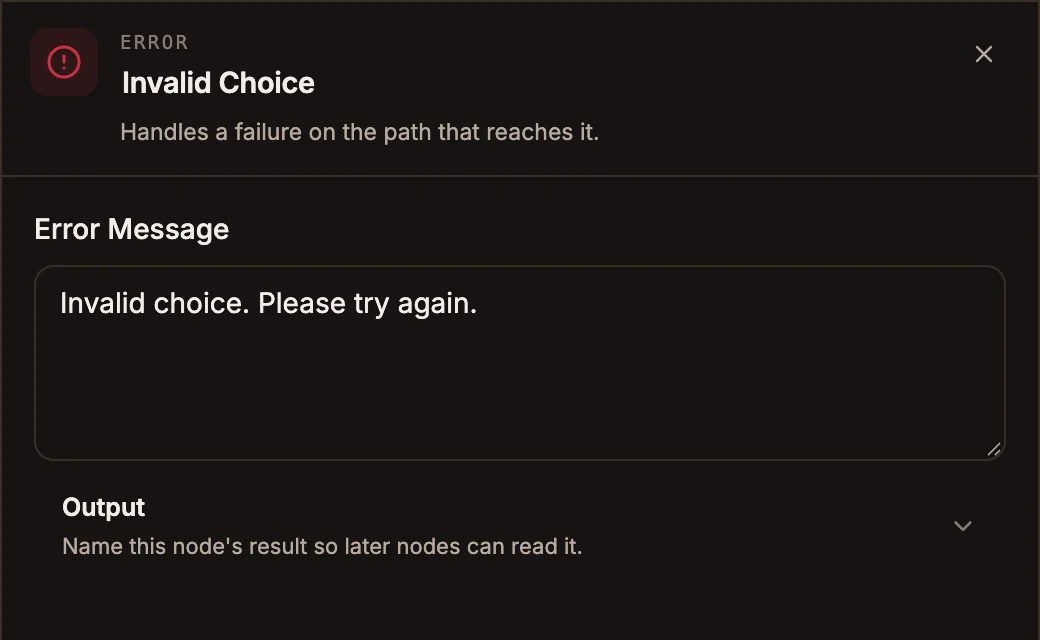
Shows the user a message when their input is invalid, then lets them try again. On voice projects it says the message and ends the call.
Error handles a failure on the path that reaches it. Its main use is on USSD: when a user types an option that does not exist, an Error node shows a short message above the next screen, typically the same menu again, so they can try again.
When to use it
- A USSD menu reply matches none of the Router's paths: connect the Router's fallback path to an Error node, then back to the menu.
- On a voice call, say a closing message and hang up when something has gone wrong.
- In chatbots, send a message with a Reply node instead; the Error node does not send its message there (see below).
- In automations, handle failed steps with the failure path on API and Integration nodes, or an error workflow.
Settings
Prop
Type
What it does on each project type
| Project type | Behaviour |
|---|---|
| USSD | Saves the message, then runs the next node. The next Menu screen shows the message on its first line, above its own text, and clears it. Connect the Error node to the screen the user should see. |
| Voice | Says the message to the caller and ends the call. Nothing after it runs. |
| Chatbot | Does not send the message. The flow passes straight to the next node. An Error node with nothing after it replies "Hello... Do you want me to connect you to a human?" |
| Automation | Passes its input straight to the next node. |
Outputs
One output. On USSD it must be connected: the message is shown by the next screen.
Example
A USSD main menu offers 1. Balance and 2. Airtime:
- Menu (Main) shows the options.
- Router:
input == 1to Balance,input == 2to Airtime, fallback to the Error node. - Error: "Invalid choice. Please try again."
- Connect the Error node back to the Menu.
A user who types 5 sees:
Invalid choice. Please try again.
1. Balance
2. Airtime
Tips and limits
- Keep USSD error messages short: they share the screen with the menu, and USSD screens are limited in length.
- On voice projects, put any "transferring you" or "call us back" wording in the message itself, since the call ends straight after it.
Related
Last reviewed 24 September 2026