
Data Store Trigger
Starts the workflow when a record is created, updated or deleted in one of your data stores.
The Data Store Trigger starts your workflow when records change in one of your workspace's data stores. It needs no connection: it watches Buni.ai's own data.
Where you find it
Drag Data Store Trigger from the Triggers group of an automation project's node palette. A workflow can have several triggers; each one starts the workflow from its own output.
When to use it
- Welcome a new member when a sign-up flow saves them.
- Notify a team when a request's status changes.
- Keep another system in sync with a data store.
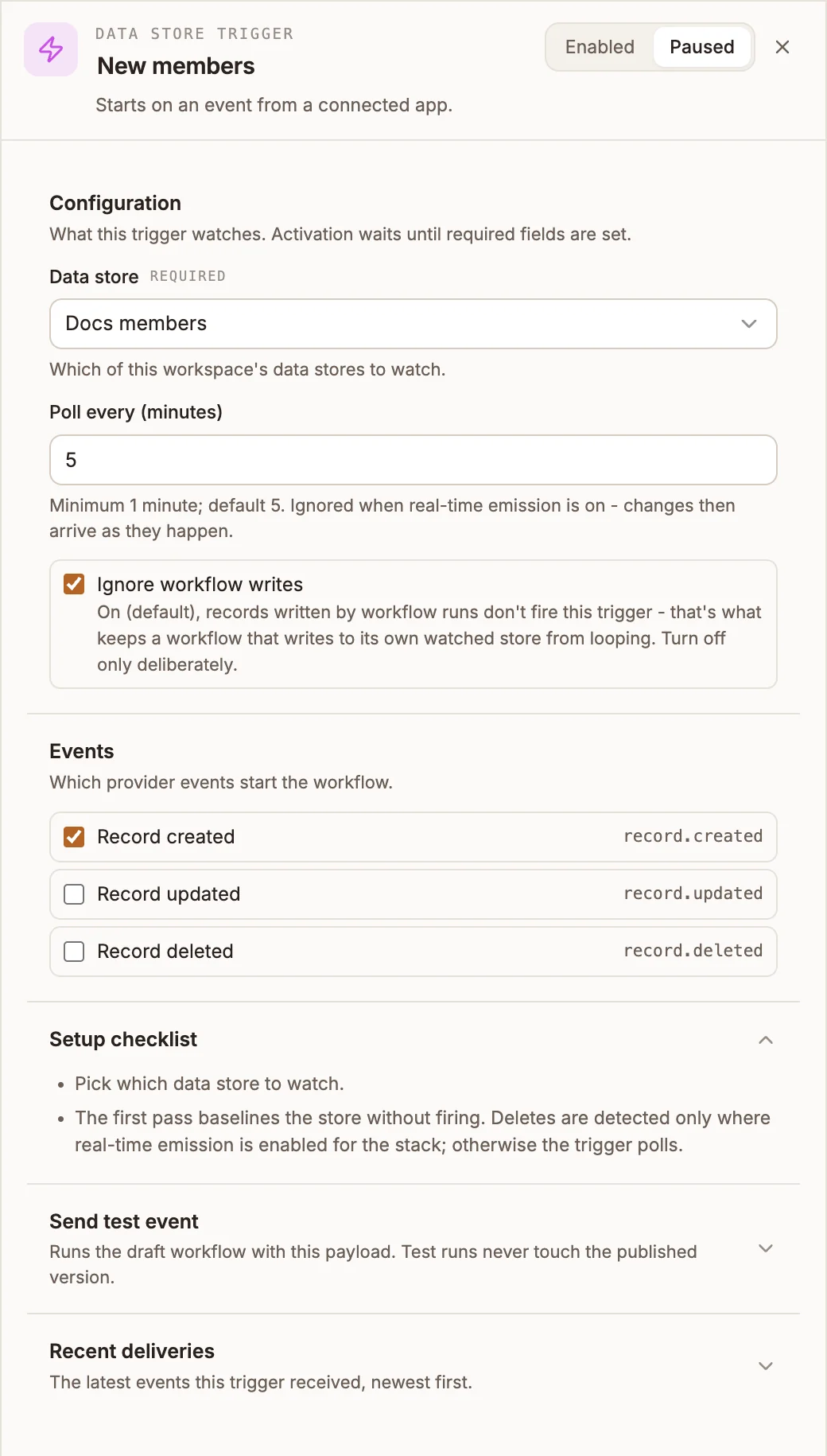
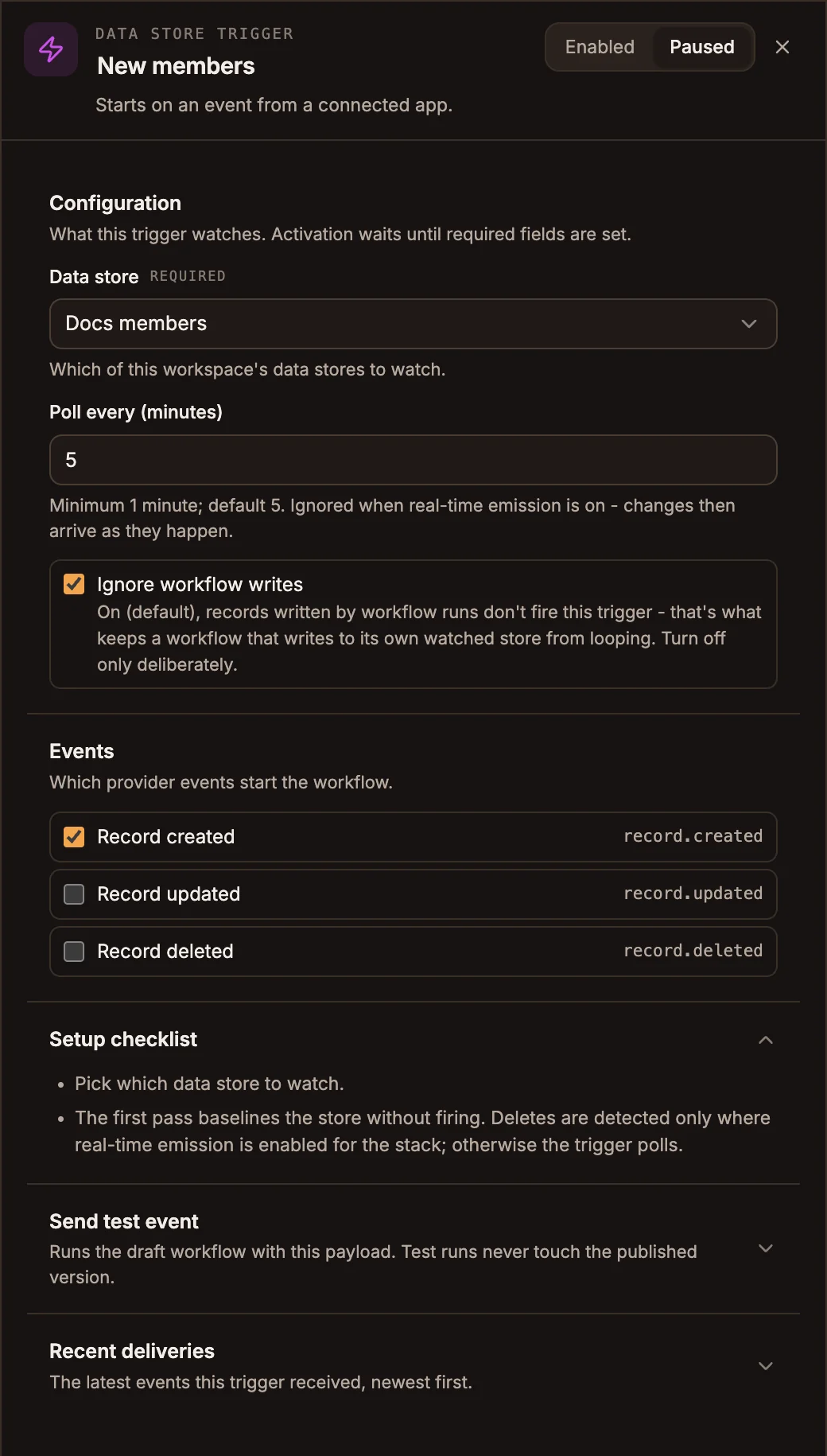
Settings
The panel header has an Enabled / Paused switch. New triggers start Enabled; a paused trigger shows Paused on its canvas card and starts no runs.
Prop
Type
Send test event takes a Sample payload and shows what the trigger would pass to the workflow, without running the workflow's nodes. Recent deliveries lists the latest runs this trigger started, newest first, with their status and duration.
Outputs
| Field | Contains |
|---|---|
input.payload.record | The record as saved. Empty for Record deleted. |
input.payload.recordId | The record's id. |
input.payload.dataStoreName | The store's name. |
input.payload.event | record.created, record.updated or record.deleted. |
Tips and limits
- The store is watched across every project in the workspace, so a chatbot or USSD flow saving a record can start this workflow.
- When the trigger first starts, it records what is already in the store and does not fire for existing records.
- Chains of workflows that trigger each other through data stores stop after five hops.