
Messaging
Send an SMS through Twilio, Africa's Talking or Infobip, or a USSD push message through Infobip, as a step in your flow.
The Messaging node sends a message out of band, to a phone number you choose, through your own account with an SMS provider. Use it to notify someone about an event: a receipt after a payment, an alert to your team when a form comes in, or a reminder from a scheduled automation. The message goes through the provider, not through the conversation the flow is handling.
When to use it
- Text a customer a confirmation or reference number after an order or payment.
- Alert a staff member by SMS when something in the flow needs attention.
- Send reminders from a scheduled automation.
To answer the person inside a chatbot conversation, use Reply. To call an SMS or messaging API that this node does not cover, use API or Integration.
Works fully in automation projects
In automation projects, From, To and Message can use variables. In USSD projects the three fields are sent exactly as typed, so variables are not filled in. In chatbot projects the node is currently skipped when the flow runs, so no message is sent. The node does not send WhatsApp messages; for WhatsApp, see WhatsApp templates.
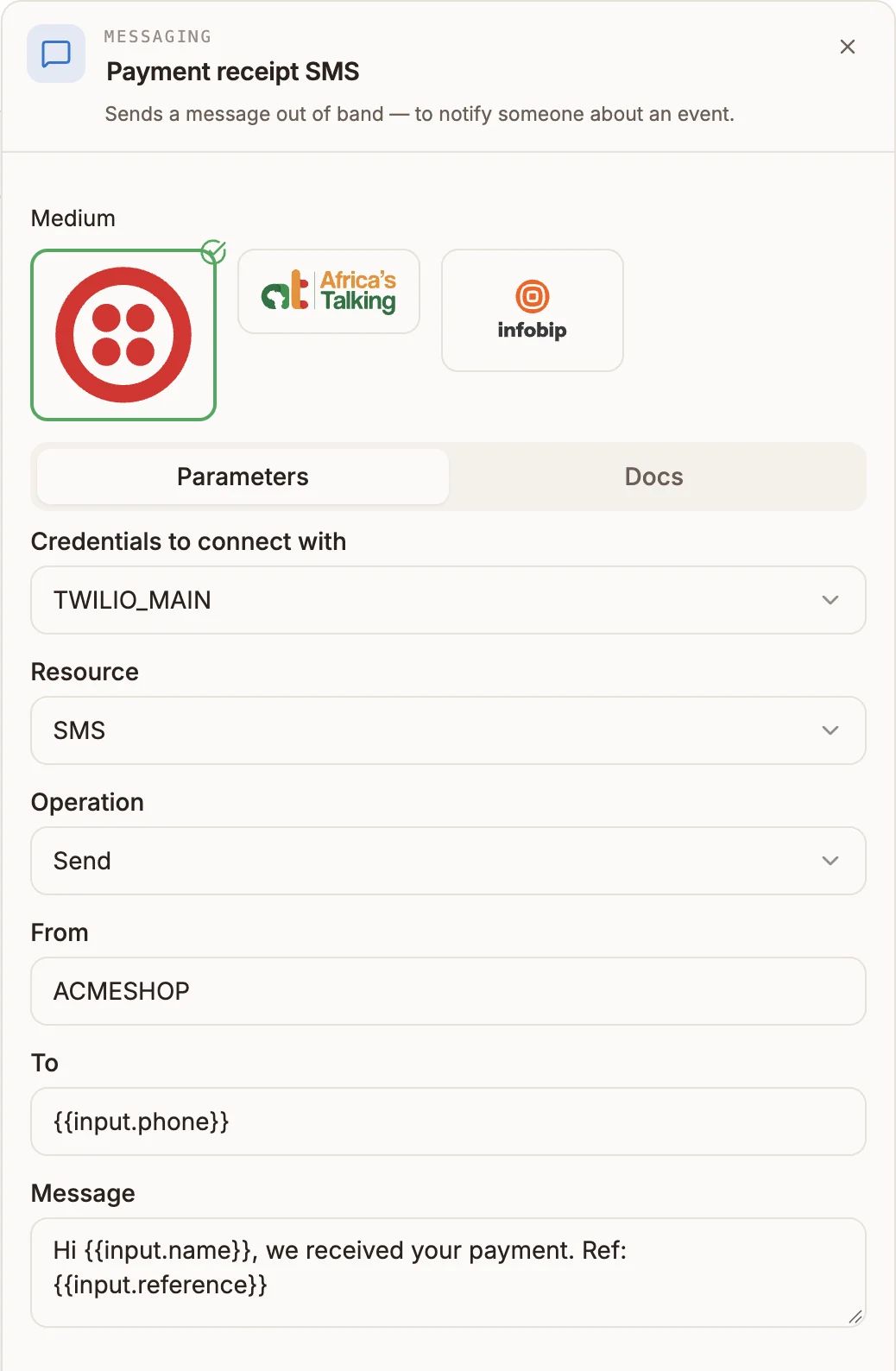
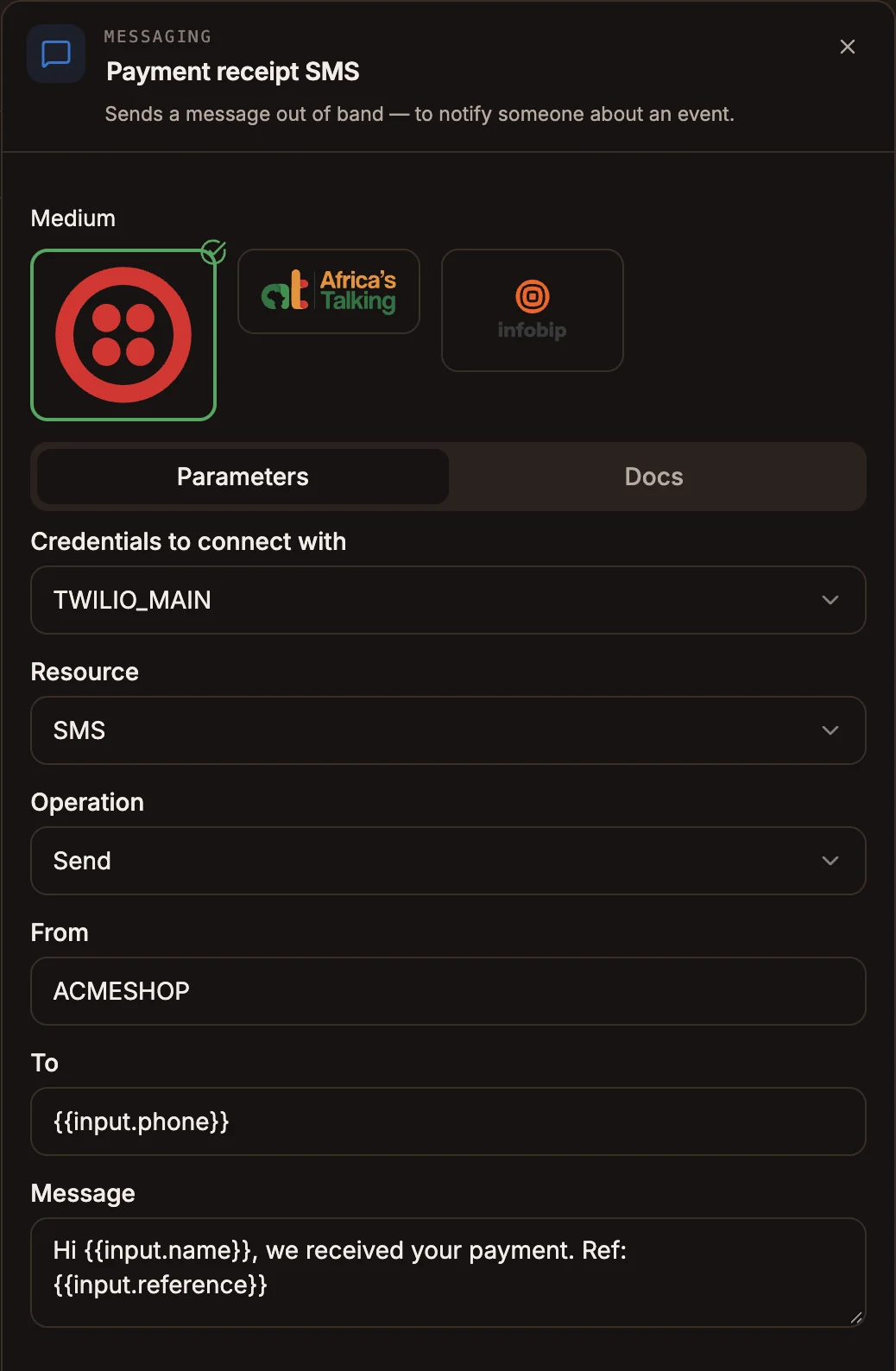
Settings
Choose the provider under Medium by selecting its logo:  Twilio,
  Africa’s Talking or
  Infobip. Twilio is selected by default. The settings are on the Parameters tab.
Prop
Type
A red warning icon appears on the node until every required field is filled.
Provider credentials
Each provider needs its own credential. See Credentials and SMS providers.
| Provider | Authentication Type | Fields |
|---|---|---|
| Twilio | Auth Token | Account SID, Auth Token |
| Twilio | API Key | Account SID, API Key, API Key Secret |
| Africa's Talking | API Key | Username, API Key |
| Infobip | API Key | Base URL, API Key |
| Infobip | Basic Auth | Base URL, Username, Password |
Outputs
The node has one output. The next node receives the provider's response to the send request as its input. The node writes nothing to state.
There is no separate failure path. If the provider rejects the request, the step fails.
Example
An automation runs when an order is paid and texts the customer a receipt:
- A trigger receives the order as JSON, including
phone,nameandreference. - A Messaging node directly after it, with Medium Infobip, Resource SMS, From
ACMESHOP, To{{input.phone}}and MessageHi {{input.name}}, we received your payment. Ref: {{input.reference}}. - A Data Store node records that the receipt was sent.
Tips and limits
- Sender IDs need approval. Most carriers only deliver from a sender ID or number your provider has approved for your account. An unapproved From is a common cause of messages that never arrive.
- Use international format. Write To with the country code, for example +254712345678.
- Africa's Talking in automation. In automation projects, Africa's Talking sends go to the Africa's Talking sandbox, so they do not reach real phones. Use Twilio or Infobip for automation SMS.
- Infobip USSD. The USSD resource sends a push message through Infobip's USSD API. It is used in automation projects; in USSD projects the node always sends SMS.
- Not available in IVR projects. The voice runtime cannot run this node, so it is not in the IVR palette.
- Your provider bills you. Messages are sent from your own provider account and billed by the provider.