
SMS providers
Send SMS from your flows through Twilio, Africa's Talking or Infobip, using your own provider account and credentials.
Buni.ai sends SMS through your own account with an SMS provider. You add the provider's credentials once, then any Messaging node can send from that account. Messages are billed by your provider.
| Provider | Authentication options | You also need |
|---|---|---|
 Twilio Twilio | Auth Token or API Key | A Twilio phone number or approved sender to send from |
 Africa’s Talking Africa’s Talking | API Key | Your Africa's Talking username, and a sender ID if you use one |
 Infobip Infobip | API Key or Basic Auth | Your account's Base URL |
The Messaging node is available in USSD, chatbot and automation projects.
Add a provider credential
The fastest way is from the Messaging node itself.
Open the credential dialog
Add a Messaging node and open it. Under Medium, choose your provider. In Credentials to connect with, choose Create new credential.
Name it and choose the authentication type
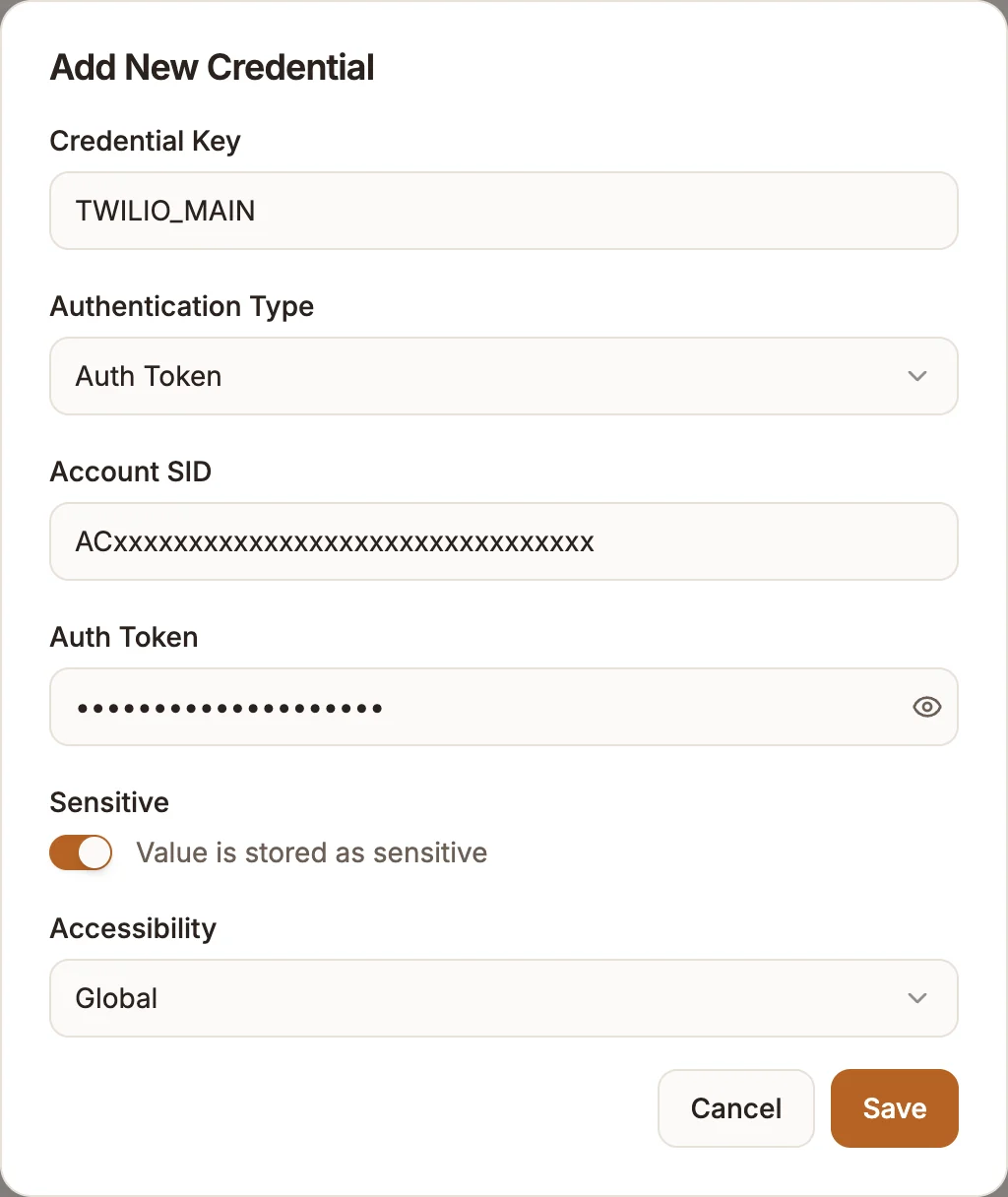
Set a Credential Key, for example TWILIO_MAIN, and choose the Authentication Type.
Fill in the provider's fields
| Authentication Type | Fields |
|---|---|
| Auth Token | Account SID, Auth Token |
| API Key | Account SID, API Key, API Key Secret |
Find the Account SID and Auth Token on your Twilio Console dashboard. API keys are created under the console's API keys section; an API key can be revoked without changing your main Auth Token.
Choose who can use it
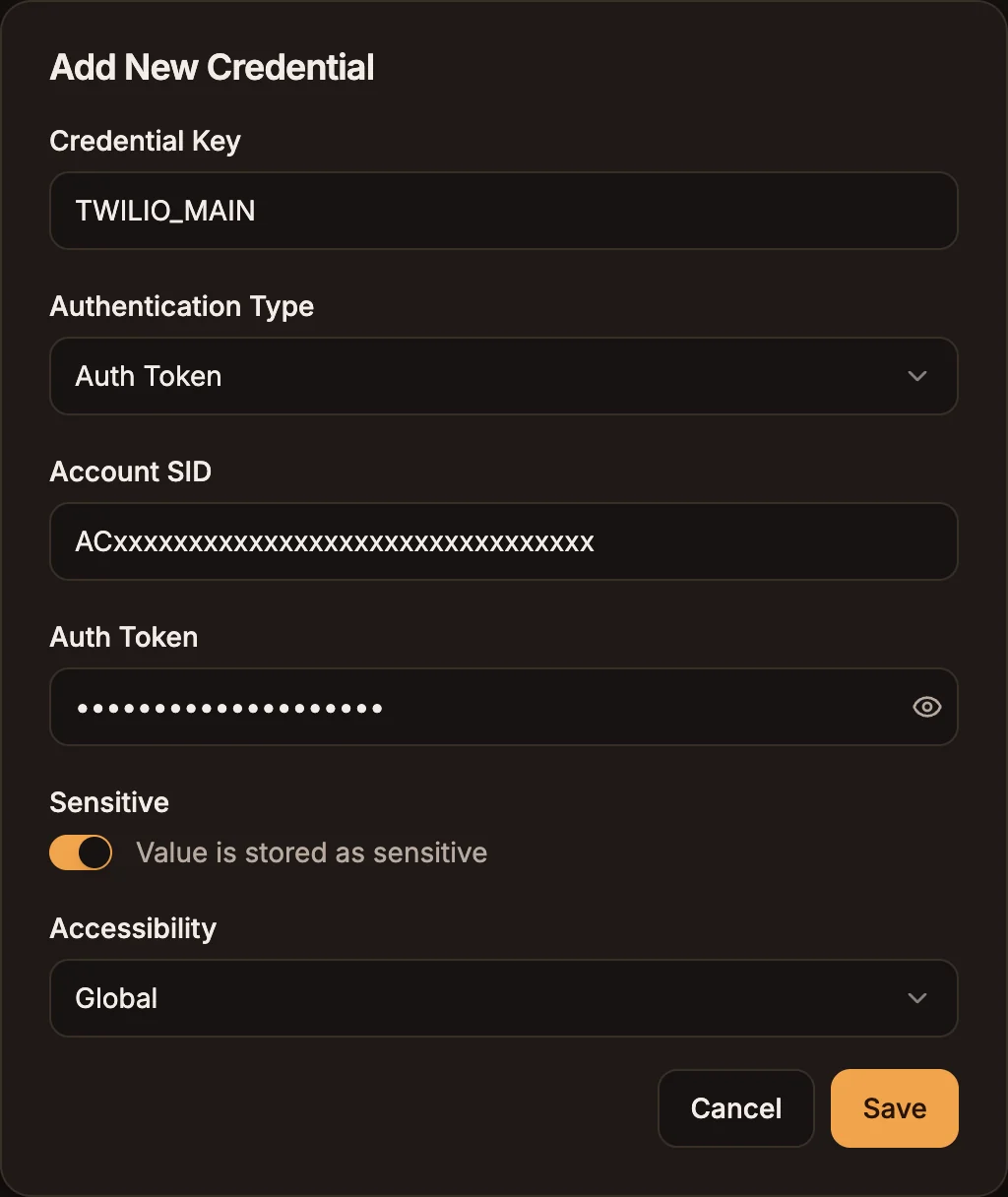
Turn on Sensitive for secret values. Set Accessibility to Global to use the credential in every project, or pick one project. Save the credential.
You can also manage these credentials on the workspace Credentials page. See Credentials.
Send an SMS
In the Messaging node:
| Field | What to enter |
|---|---|
| Medium | Twilio, Africa's Talking or Infobip. |
| Credentials to connect with | The credential you created. |
| Resource | SMS. Infobip also offers USSD. |
| Operation | Send. |
| From | Your sender: a phone number or a registered alphanumeric sender ID such as BuniAI. |
| To | The recipient in international format, for example {{state.phone}} holding +233201234567. |
| Message | The text. Insert variables with the variable picker. |
Things to know
- Sender IDs are regulated. Many countries require alphanumeric sender IDs to be registered with the provider or the network before messages are delivered. Unregistered senders are often replaced or blocked by the network.
- Use international format. Numbers without a
+and country code are a common cause of failed sends. - Delivery is up to the provider. A successful Messaging step means the provider accepted the message, not that it reached the handset. Check delivery reports in your provider's dashboard.
- Test with your own number before sending to a list, and pace bulk sends with a Loop's Pacing setting. See Automation best practices.