
Approvals
How an Approval node pauses a run, who is asked to decide, where they approve or reject, and what happens on timeout.
The Approval node pauses a run until a person approves or rejects it, then continues down the Approved or Rejected path. Use it for steps that need a human check, such as issuing a refund or sending a broadcast.
This page covers the flow from the approver's side. For the node's settings, see Approval.
Who can approve
Anyone with edit access to the project can decide. There is no separate approver list: to let someone approve, give them edit access to the project. See Users and roles.
Approving and rejecting is a human decision. It needs a signed-in person; an API token cannot approve or reject a run.
What happens when a run reaches the node
The run pauses
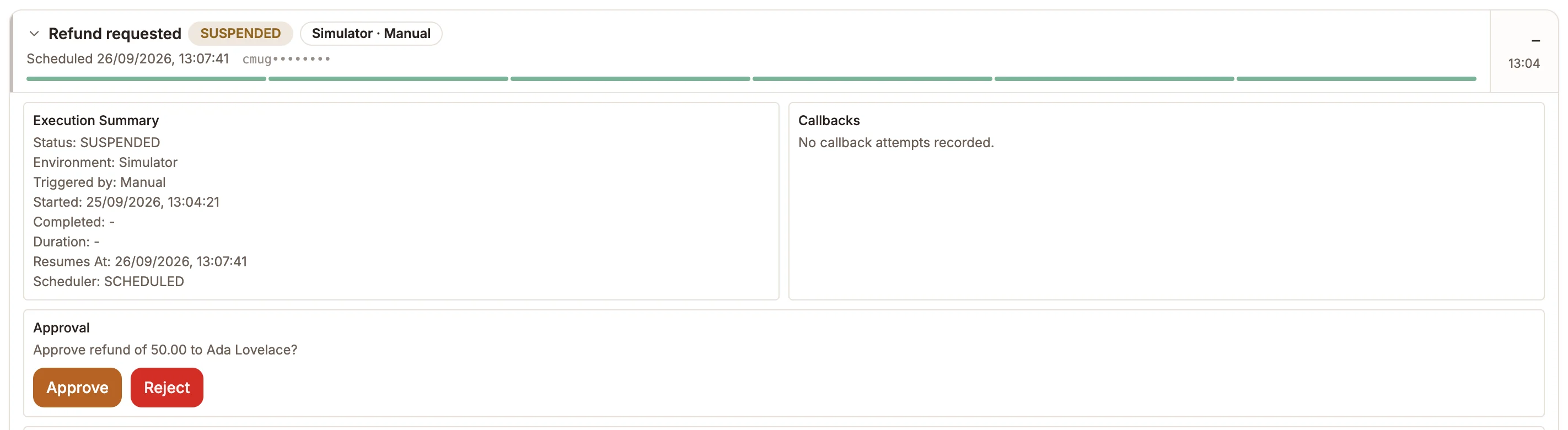
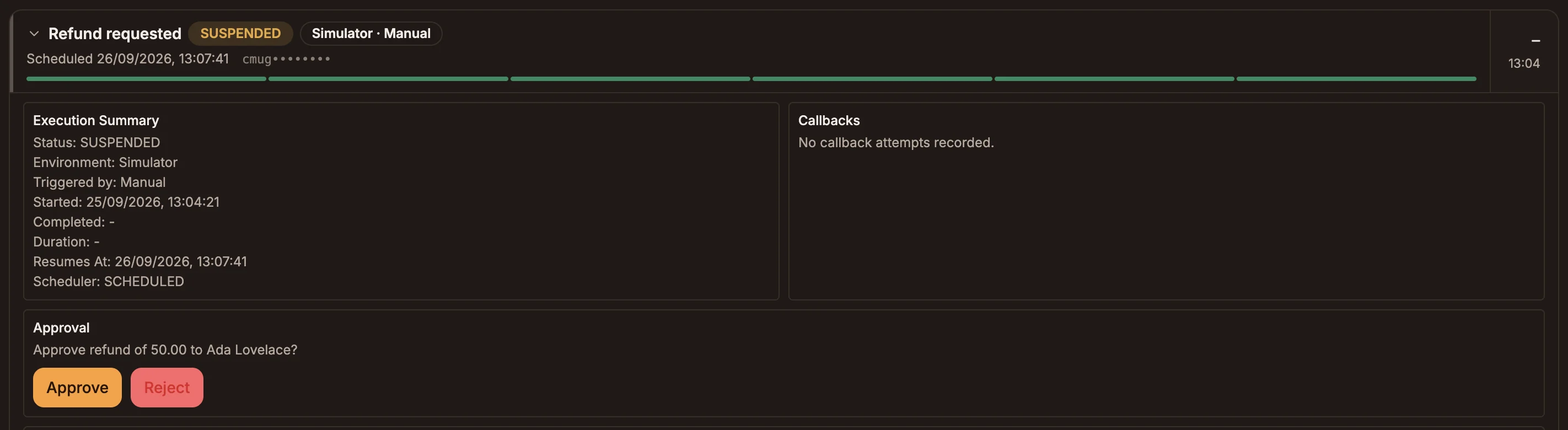
The run pauses: its badge reads SUSPENDED, and the status filter lists it under Waiting. The pause is durable: the run can wait hours or days without holding anything open.
Approvers are notified
Everyone with edit access to the project gets an in-app notification and an email titled "Approval requested in project name". The email includes the node's Message shown to approvers, the timeout if one is set, and a Review request button that opens the project.
Someone decides
The approver opens the project's Activity tab, finds the run (its badge reads SUSPENDED; filter by Waiting to list only paused runs) and opens it. The Approval section shows the message with Approve and Reject buttons.
The run continues
The run resumes down the Approved or Rejected path. The Approval section of the run then shows the decision, who made it and when.
Timeouts
Turn on Auto-decide if nobody responds on the node to stop a run waiting forever. Set Timeout after with a Unit (Minutes, Hours or Days), and choose If nobody responds in time: Treat as rejected (the default) or Treat as approved.
When the timeout passes, the run continues down the matching path as if someone had decided. The decision is recorded as made by the timeout.
Reading the result in later nodes
The node writes to state.approvalResult by default (change it with Output variable). While the run waits, state.approvalResult.status is pending. Because the run continues down a separate path for each decision, you usually don't need to read the variable: put the nodes for each outcome on the Approved and Rejected handles.
Good practice
- Write a message an approver can act on. Include the values they need, for example
Refund {{state.amount}} to {{state.customerName}}?, so they don't have to open the payload. - Choose the timeout outcome deliberately. For anything that spends money or messages customers, keep Treat as rejected.
- Keep the approver group small. Everyone with edit access is emailed for every approval in the project.
Approvals need a run record
A run can only wait for approval when it was started through a trigger that records runs, such as a schedule, webhook, form or manual run. If there is no run record to pause, the node does not wait and the run continues down the Rejected path.