
Billing and usage
Understand the Buni.ai plans and what they limit, manage your subscription, and see what your organization has used.
Your organization's plan decides how much you can build and run. Billing belongs to the organization, not to a person, and only organization admins can manage the subscription.
Open Billing and Usage in the Administration group of the sidebar.
Plans
| Plan | Who it is for |
|---|---|
| Hobby (free) | Trying Buni.ai out. You can build and test, but not publish. |
| Pro | Solo builders and small teams running workflows in production. |
| Business | Growing teams and organizations with more advanced needs. |
| Custom | Scoped to your needs. Talk to the Buni.ai team. |
Pro and Business come in several sizes by included credits. Current prices, sizes and what each plan includes are on the pricing page, with monthly or annual billing.
The free plan cannot publish
On the free plan you can create a project, build it and test it in the simulator, but Publish asks you to upgrade. A free organization can have one project and one WhatsApp template per project unless its plan says otherwise.
What plans limit
Each plan can set a limit for these resources. A resource your plan does not limit is unlimited.
| Resource | What is counted |
|---|---|
| Projects | Projects in the organization. |
| Data stores | Data stores in the organization. |
| Team members | Admins, supervisors and members. |
| API calls | Requests to the public API each month. |
| WhatsApp templates | WhatsApp templates per project. Platform service templates do not count. |
| Voice minutes | Minutes of voice calls. |
| Voice numbers | Phone numbers for voice projects. |
| Concurrent calls | Calls in progress at the same time. |
| Voice audio files | Files in the Audio library. |
When you reach a limit, the action that would exceed it (creating a project, inviting a member, uploading audio) is blocked with a message asking you to upgrade. The Overview page shows how much of your project, data store, team member and API call limits you have used.
Manage your subscription
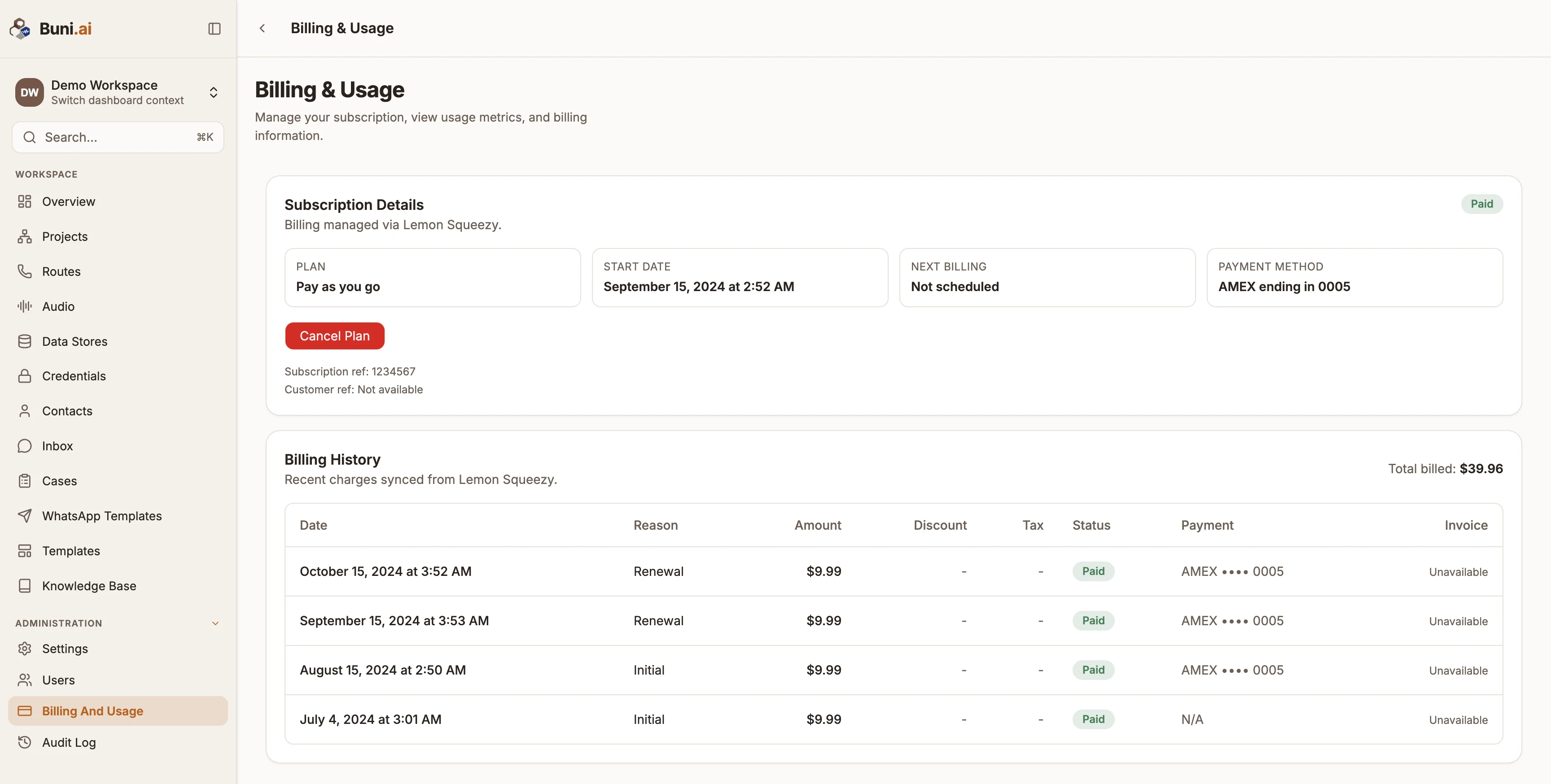
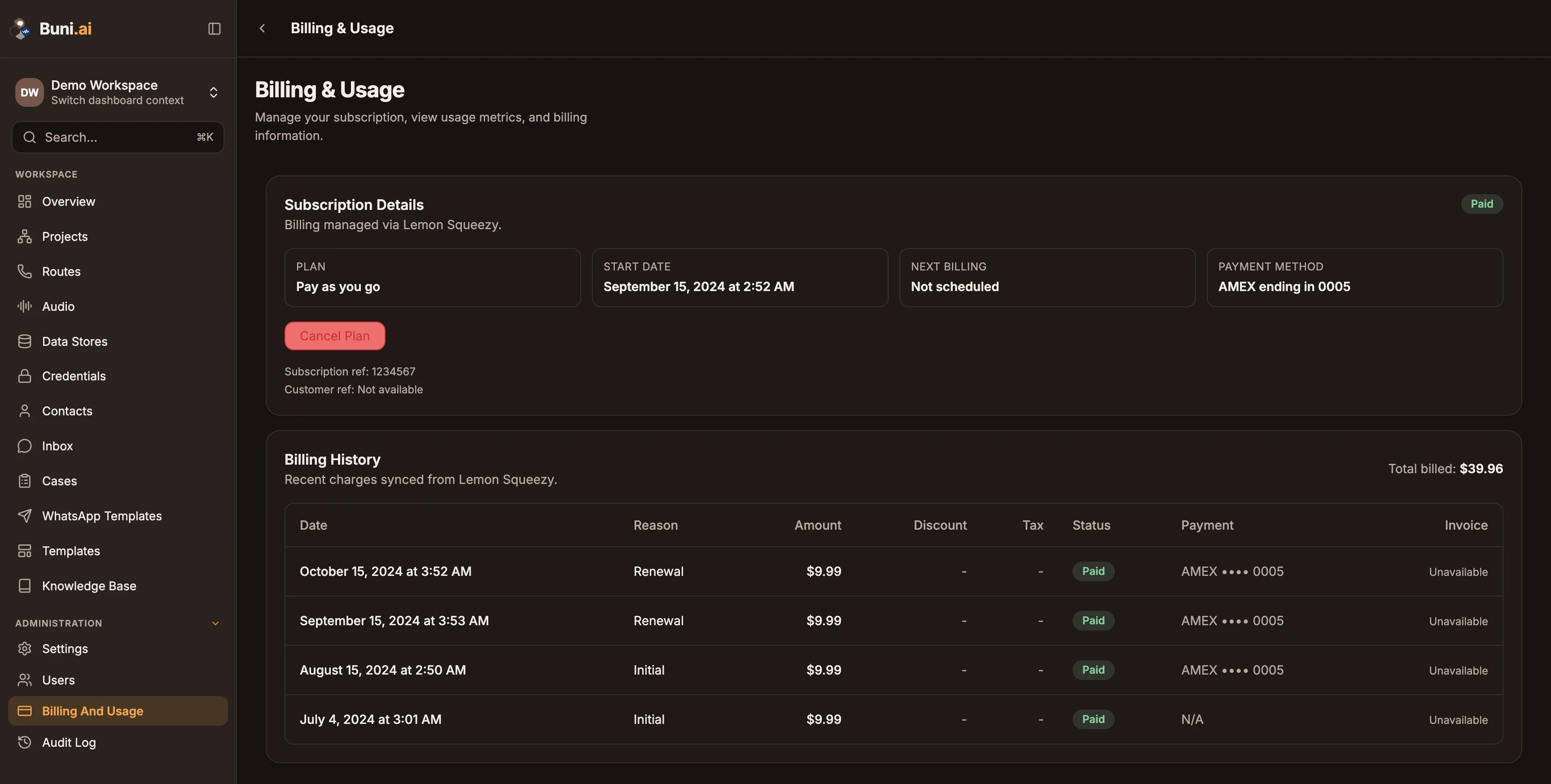
Billing is handled through Lemon Squeezy. The subscription card shows your Plan, its status, Start date, Next billing date (or Trial ends during a trial) and Payment method.
| Action | What it does |
|---|---|
| Subscribe | Choose a paid plan. Shown when you have no active subscription. |
| Manage Subscription | Opens the Lemon Squeezy customer portal, where you manage the subscription and payment details. |
| Resume Subscription | Restarts a paused or cancelled subscription. |
| Cancel Plan | Cancels a paid subscription. |
Below the card, recent charges synced from Lemon Squeezy are listed with their Date, Reason, Status and Payment. If a payment fails, a payment failed email goes to the organization's email address, or to an admin if it has none.
Usage
The usage chart shows what your organization has used and what it cost, by service:
| Service | Measured in |
|---|---|
| Flow runs | Runs of your projects. |
| Data store | Data store operations. |
| Generative AI | Tokens. |
| Voice minutes | Seconds of calls. |
| Voice transcription | Seconds of audio transcribed. |
Pick a period (Current Month, Last Month, Last 30 days, Last 90 days, Year to date or Custom range) and switch between a line and a bar chart. The table underneath breaks each service into Usage, Cost, Discounts, Promotions and others and Subtotal.