
Voice carriers
Which carriers Voice (IVR) projects work with, and how to bring a phone number onto Buni.ai with the Routes page.
Voice (IVR) projects answer and place calls on phone numbers from your own carrier account. Buni.ai does not buy numbers or resell minutes: you keep the carrier relationship, the number and the bill, and Buni.ai drives the call.
Supported carriers
| Carrier | Notes |
|---|---|
 Twilio Twilio | Requests are also checked with Twilio's own signature. |
 Africa’s Talking Africa’s Talking | Has no signature scheme, so the shared secret and the unguessable URL authenticate requests. |
 Infobip Infobip | Uses Infobip's Calls API. Buni.ai drives the call through the API rather than in the webhook response. |
| Direct carrier | A carrier connected directly rather than through one of the providers above. |
Carrier-by-carrier console steps, and what each carrier supports, are on Connecting a carrier.
Bring a number onto Buni.ai
Add the carrier credential to the project
Credentials for voice are saved per project. Add a credential for your carrier to the IVR project before importing the number; calls to the number cannot be answered without one. See Credentials.
Import the number
Open Routes from the left sidebar and select Import route. In Import a route:
| Field | What to enter |
|---|---|
| Type | Phone number (voice) |
| Phone number | Full international format, starting with + and the country code, for example +233201234567. |
| Provider | Twilio, Africa's Talking, Infobip or Direct carrier |
| Project | The Voice (IVR) project that should answer. Only IVR projects are listed. |
| Environment | Live (the published flow) or Draft (the working copy) |
| Credential | The carrier account this number belongs to. Pick the project first. |
| Label (optional) | A name such as Support line |
Select Import.
Copy the webhook details
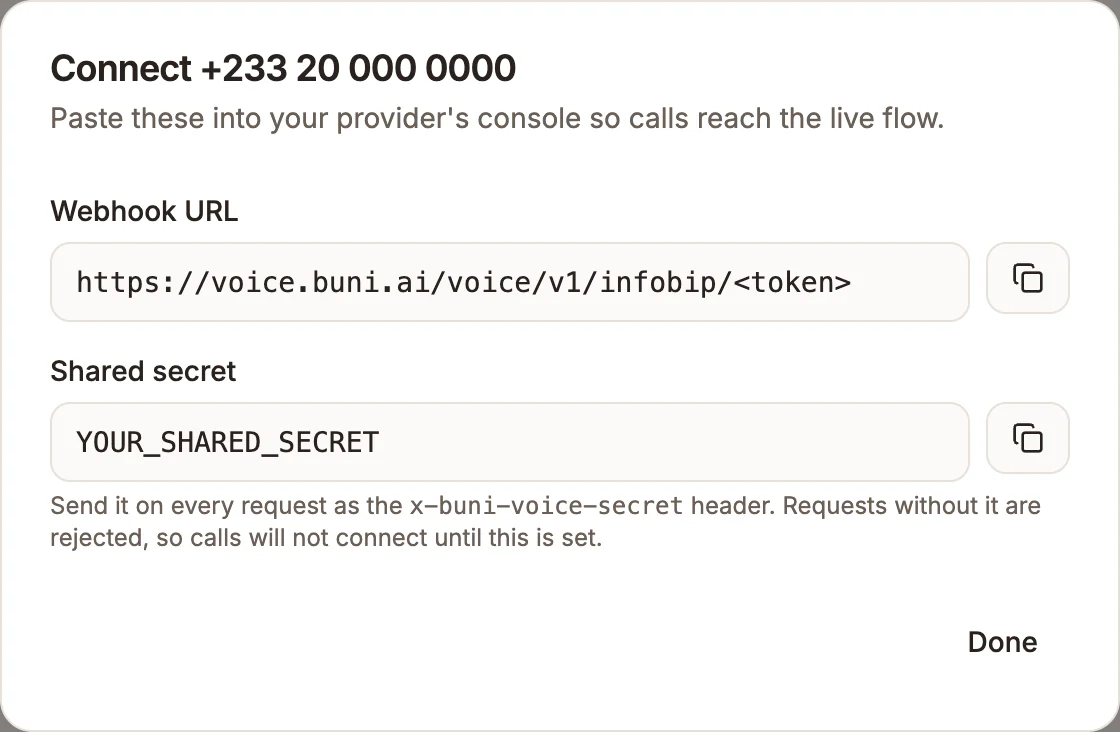
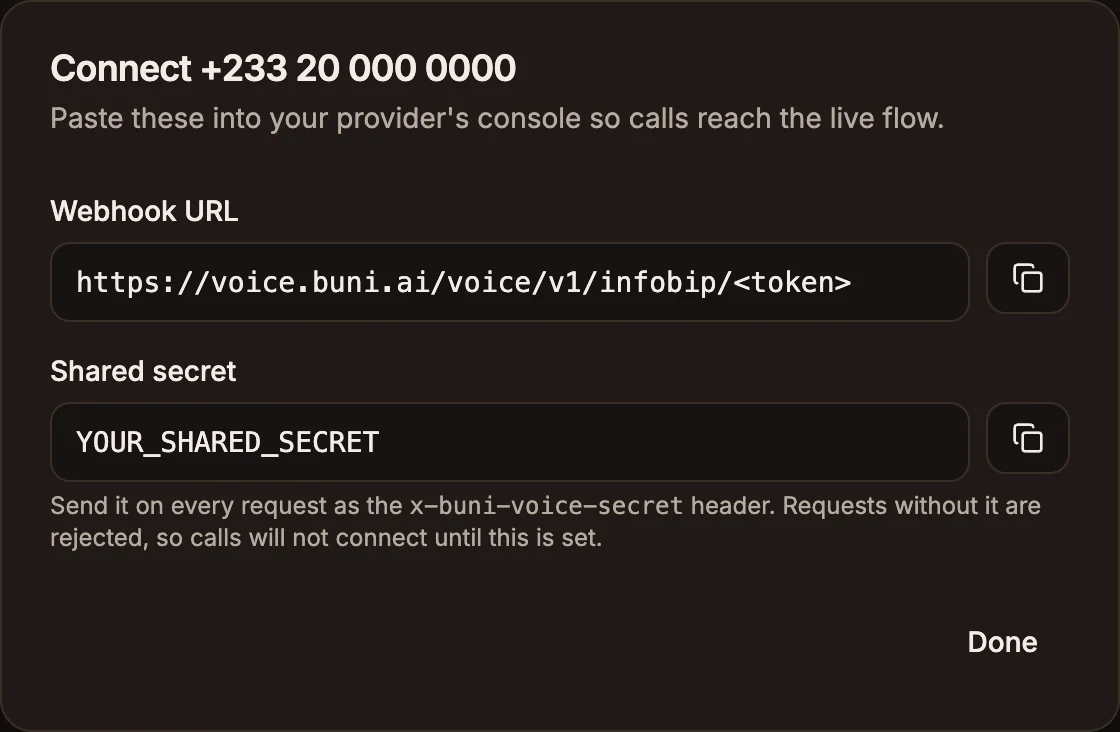
On the number's row, select the link icon (Webhook details). The dialog shows the Webhook URL and the Shared secret.
Configure the carrier
In your carrier's console, point the number at the Webhook URL and send the shared secret on every request as the x-buni-voice-secret header. Requests without it are rejected, so calls will not connect until it is set. Follow the steps for your carrier in Connecting a carrier.
Call the number
Call it from any phone and check that your flow answers.
Live and Draft numbers
Each number answers on one environment. Keep a spare number on Draft to dial your working copy before customers can; it is the closest thing to a staging phone line. Switch a number between Live and Draft, or to another project, from the Routes table.
Limits
- Your plan sets how many phone numbers you can import. When you reach it, Import says "Your plan includes N phone number(s). Upgrade to add more." Short codes do not count. See Billing and usage.
- Removing a number from Routes stops calls reaching the project. The number stays with your carrier; to restore it, import it again and paste the webhook URL again.
- Changing a number's carrier changes its webhook URL, because the URL names the carrier. Always copy the URL again from Webhook details.