
Resolving conversations
Resolve a conversation, record an outcome that tells the customer what happened, and understand what happens when a customer writes back.
When you are done with a conversation, two actions at the bottom of the transcript close it. They mean different things:
| Action | What it records |
|---|---|
| Resolve conversation | Housekeeping. The conversation's status becomes Resolved and it leaves the queue. |
| Record outcome | What was done about the customer's issue, plus a message telling them. This is what closes the loop. |
Use Resolve conversation when a chat simply needs wrapping up. Use Record outcome when the customer reported something you acted on and needs to hear the result. The Inbox analytics count the two separately, so a conversation you only resolved is not counted as a closed loop.
Resolve a conversation
Open the dialog
Select Resolve conversation under the transcript.
Add a closing message (optional)
Type a Resolution Message to send before the conversation is resolved.
Ask for feedback (optional)
Turn on Request Customer Feedback (CSAT) to send the project's satisfaction survey after resolution. See CSAT surveys.
Confirm
Select Resolve. The status becomes Resolved and your chat count goes down, so you can be given the next waiting conversation.
Record an outcome
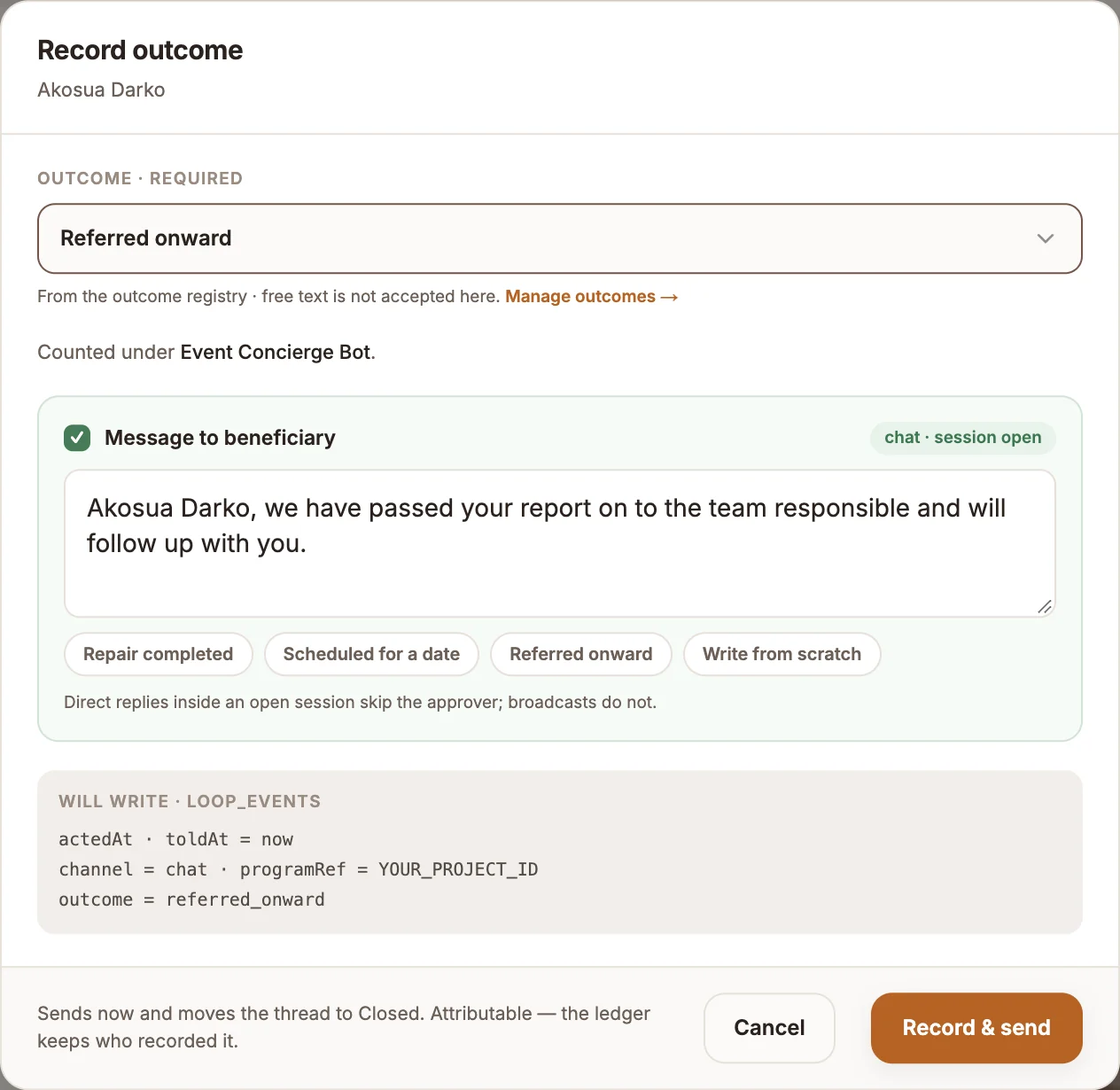
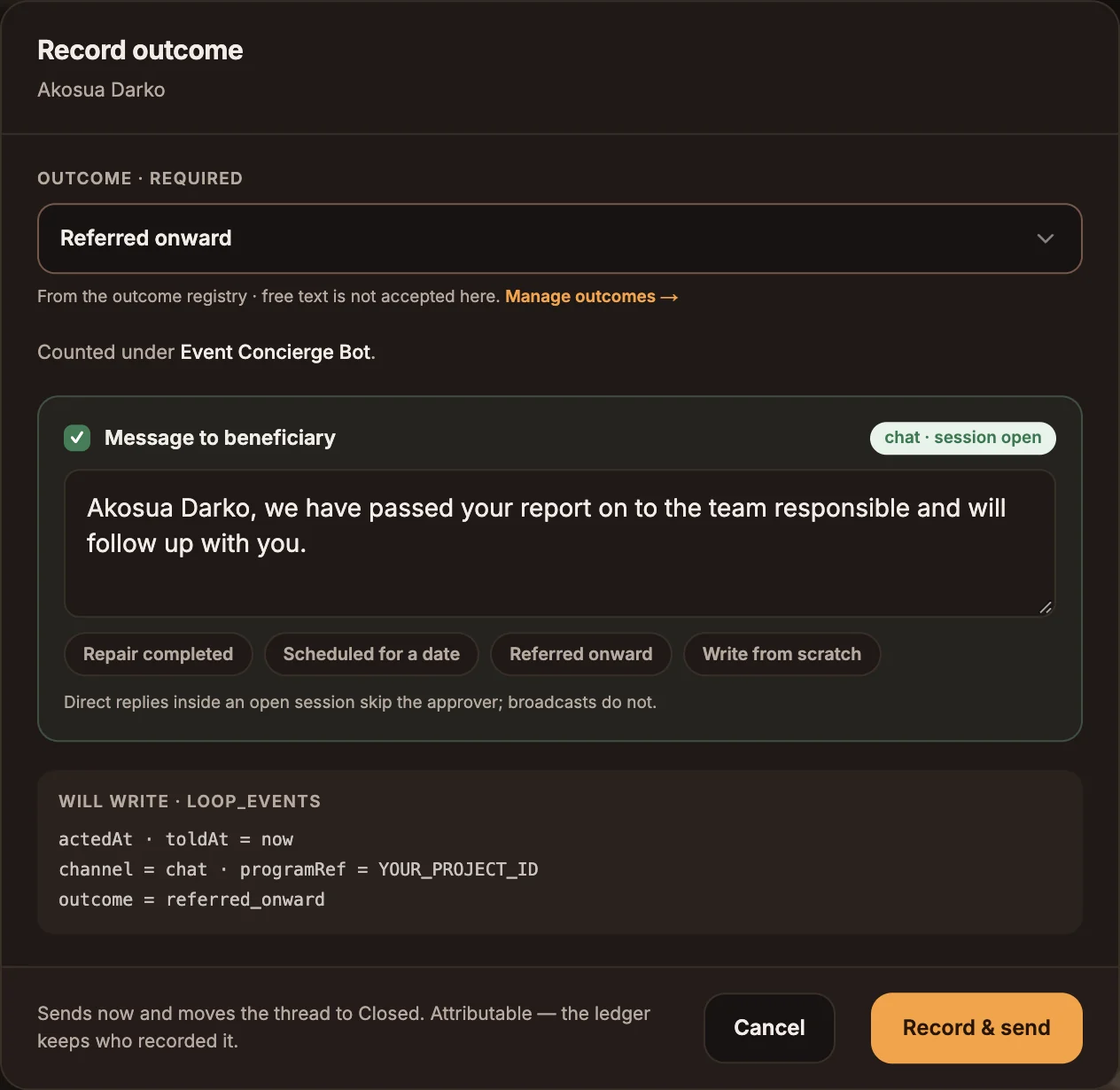
Open the dialog
Select Record outcome under the transcript.
Choose an outcome
Pick one from Outcome · required. Free text is not accepted: outcomes come from your organization's list so that reports can be grouped by them. If the list is empty, follow Add an outcome to create one in Organization settings.
Write the message
Under Message to beneficiary, tell the person what happened. The starter buttons (one per outcome, plus Write from scratch) draft an opening you can edit.
Record and send
Select Record & send. The button stays disabled until you have both an outcome and a message.
On a chat channel the message goes out in the open conversation and the loop state becomes Closed. A recorded outcome can be edited for 24 hours with Edit outcome. After that it is locked, and Append a correction adds to the record instead of overwriting it.
USSD and voice reports
A USSD or voice session has ended by the time you see it, so there is no composer. The footer says Session closed — reply goes out as SMS (or Call ended — reply goes out as SMS).
- Select Assign to me to claim the report so nobody else works it. Your claim shows as Assigned to you · Release; select it again to hand the report back to the queue.
- Record outcome sends your message as an SMS from your registered sender ID (Record & send SMS). If no SMS provider is connected to the project, the outcome is still recorded but the report stays in Acted, not told.
- For a voice call you can instead choose Call and speak it (Record & call), which rings the caller and speaks your message. This needs an Outbound Call node in the project's published flow.
Loop states
Each report moves through four loop states, which you can filter by in the queue:
| Loop state | Meaning |
|---|---|
| Unanswered | Nobody has responded yet. |
| Awaiting action | Someone responded, but no outcome has been recorded. |
| Acted, not told | An outcome was recorded, but the message has not reached the person. |
| Closed | An outcome was recorded and the person was told. |
Pass a conversation back to the bot
To end a handoff without resolving, open the row or conversation menu and choose Pass to Bot. The bot answers the customer's next message, and the chat no longer counts against your limit.
Idle chats resolve themselves
A chat an agent has accepted is resolved automatically after 30 minutes with no activity from either side, so it does not hold the agent's slot forever. Chats still Waiting for an agent are never resolved this way.
When a customer writes back
A resolved conversation reopens as soon as the customer sends another message. It returns to the queue with status Bot. If the customer asks for a person again, assignment runs as usual, starting with someone other than the agent who resolved it.