
Inbox analytics
See conversation volume, response times, CSAT and loop closure for your Inbox, by channel and by project.
The Inbox has its own analytics panel for the conversations your team handles. Open it with the Analytics icon in the Inbox header.
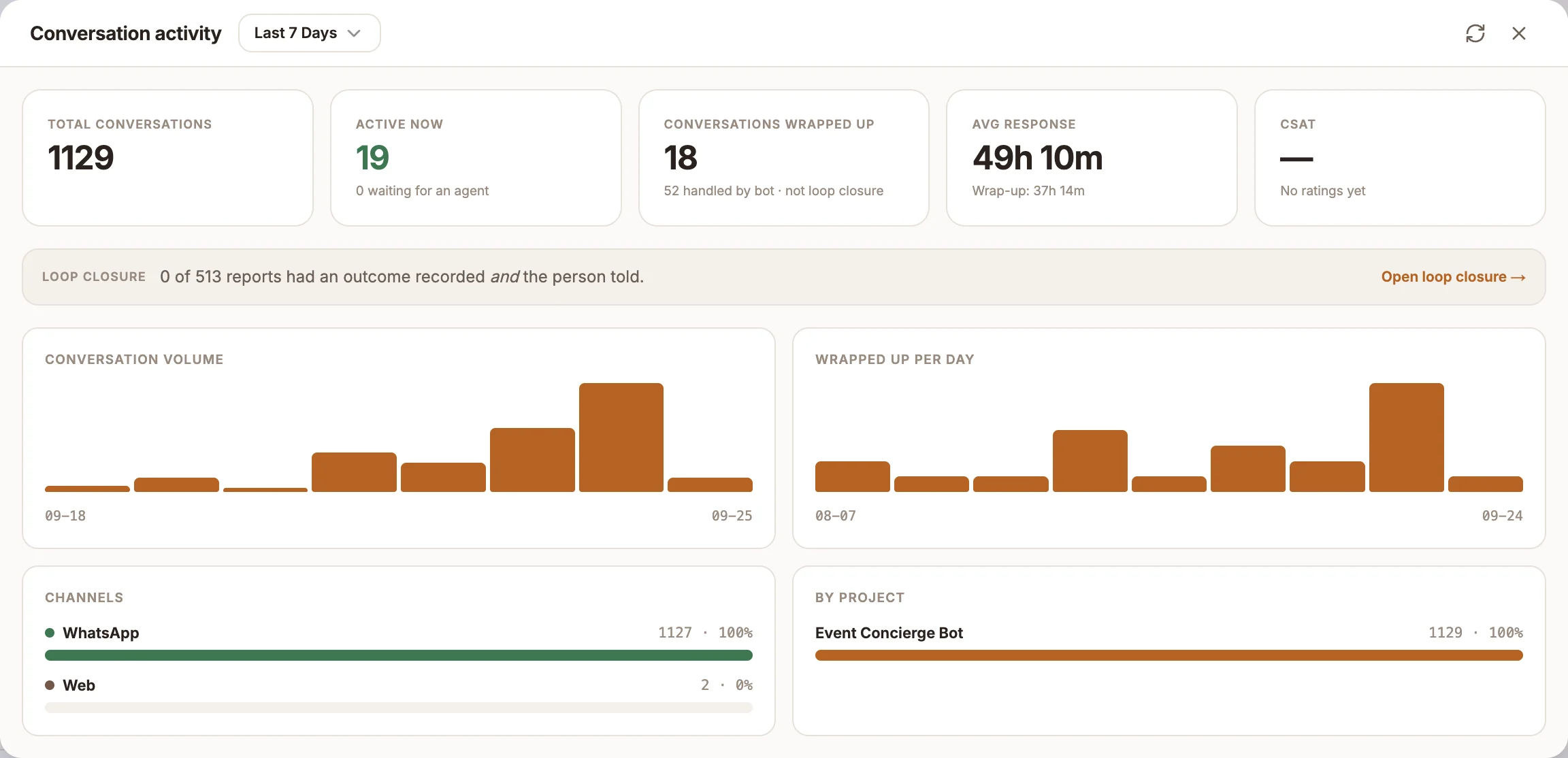
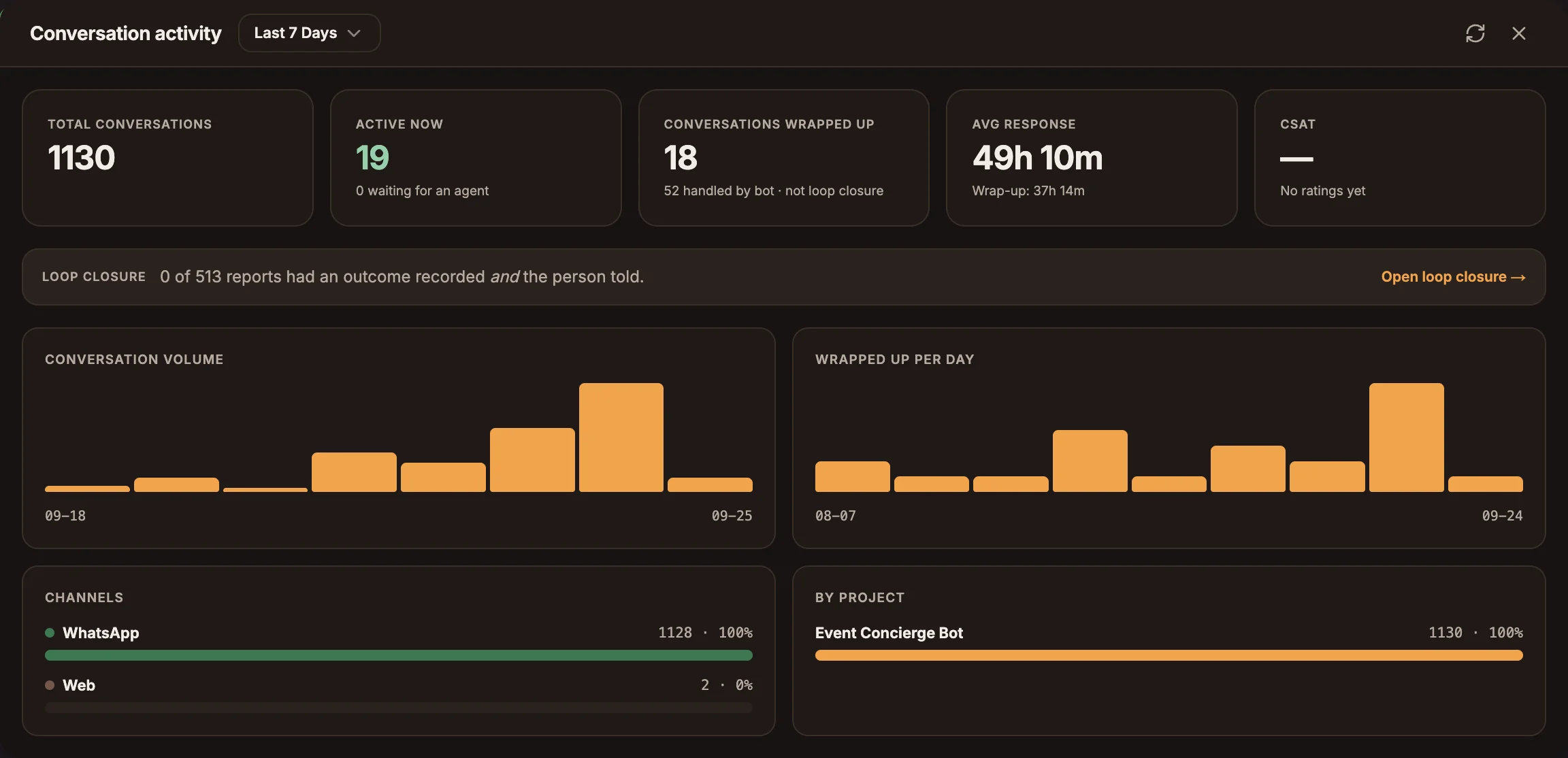
Choose a time range
The panel is titled Conversation activity. Pick a range at the top: Today, Last 7 Days, Last 30 Days or All Time. Select Refresh to reload the figures.
Metrics
| Metric | What it counts |
|---|---|
| Total conversations | Conversations in the range. |
| Active now | Conversations an agent is handling, with how many are waiting for an agent underneath. |
| Conversations wrapped up | Conversations resolved in the range, with how many were handled by the bot. This is not loop closure. |
| Avg response | Average time to respond, with the average Wrap-up time underneath. |
| CSAT | The average rating out of 5 and the number of ratings. See CSAT surveys. |
Below the cards:
- Loop closure: how many reports had an outcome recorded and the person told, with Open loop closure to go to the full loop dashboard on the Overview page. It only appears once there are reports.
- Conversation volume and Wrapped up per day: daily bar charts. Hover a bar to see the date and count.
- Channels and By project: how conversations split across channels and projects.
Resolved is not the same as closed
Conversations wrapped up counts every conversation that was resolved, including ones where nobody recorded what was done. Loop closure only counts reports that have an outcome and where the person was told. The Inbox header shows the loop figures at all times: the resolution rate and the median time to resolution. See Resolving conversations for the difference between the two actions.