
Routes
See every phone number and USSD short code that reaches your workspace, and which project and environment each one answers on.
A route is a phone number or USSD short code, and the project it points at. The Routes page lists them all in one place and lets you change where each one goes.
Routes appears in the sidebar once your organization has a USSD or Voice (IVR) project.
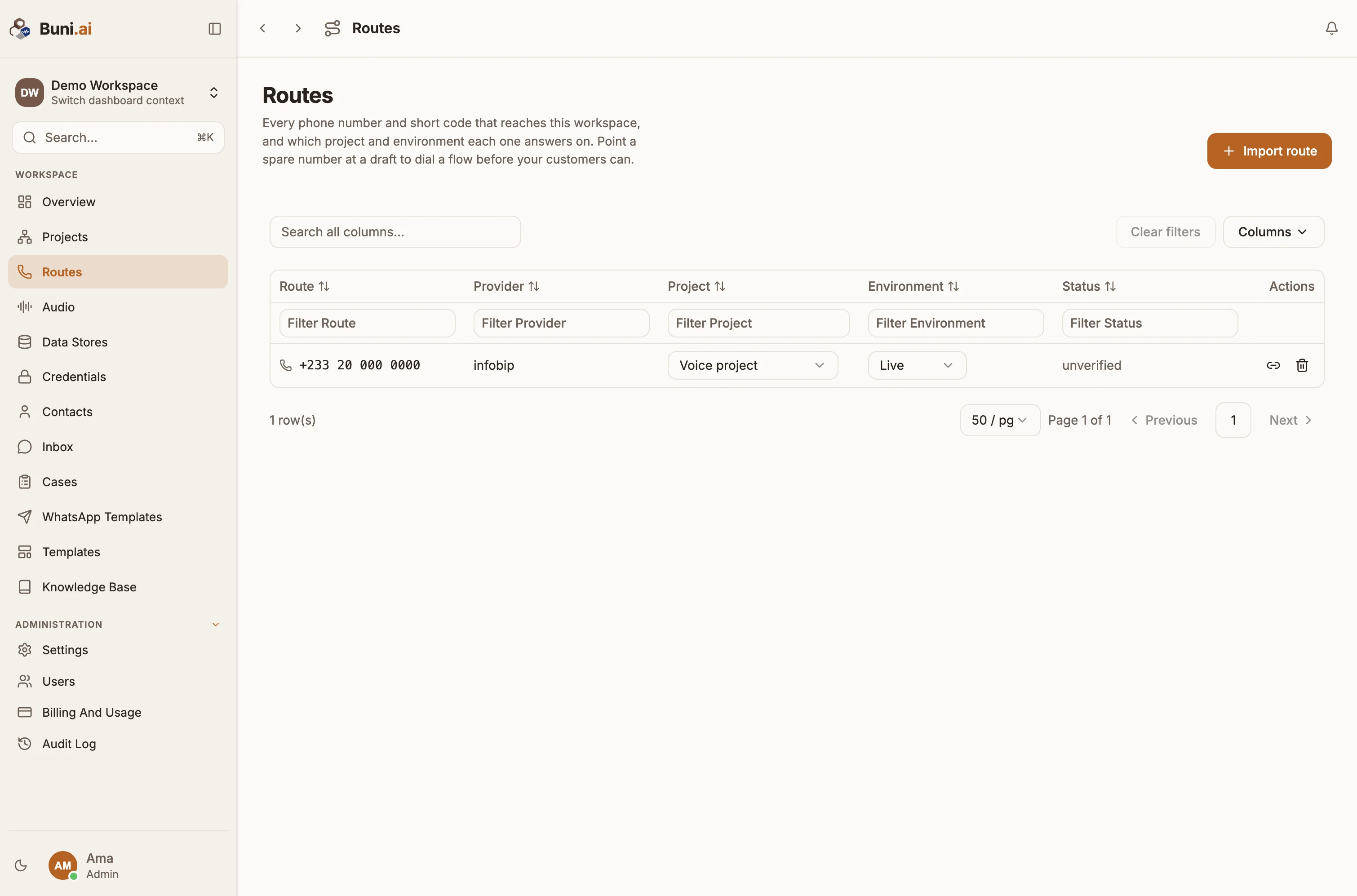
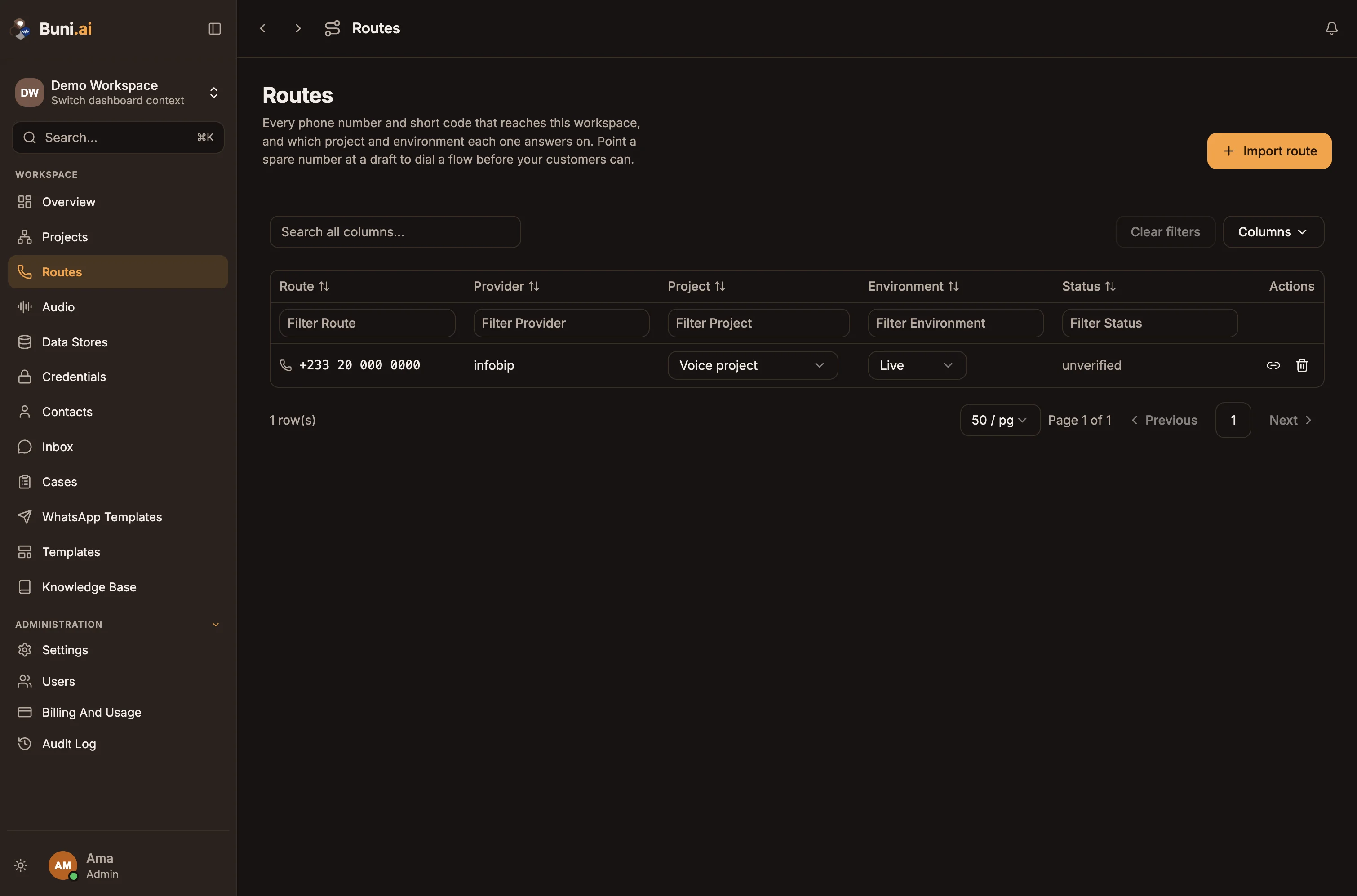
The routes table
| Column | What you can do |
|---|---|
| Route | The number or short code. |
| Provider | The carrier it belongs to. |
| Project | Choose which project it reaches, or Not linked. |
| Environment | Live (the published version) or Draft (the version you are building). |
| Status | Whether the route is active. |
Changes in the table apply straight away. Point a spare number at Draft to dial a flow before your customers can. Each row also has Webhook details, showing what to configure on the carrier's side, and a remove button.
Import a route
Buni.ai does not buy numbers. You import a number or short code you already have with a carrier.
Start the import
Select Import route.
Describe the route
Choose Phone number (voice) or Short code (USSD). Enter the number in full international format (such as +233201234567) or the short code as customers dial it (such as *789#). Choose the carrier.
Point it at a project
Pick a project, or Choose later, and the environment: Live or Draft. For a voice number, choose the carrier account it belongs to. Add an optional Label, such as "Support line".
Save
Select Import.
Carrier setup is covered in USSD codes and Voice carriers.