
CSAT surveys
Send customers a satisfaction survey built from one of your Forms when an agent resolves a chat, and see the ratings in the Inbox.
A CSAT (customer satisfaction) survey asks the customer to rate their experience after an agent resolves their chat. In Buni.ai the survey is one of your project's existing Forms, so you design the questions with a Form node and choose which field holds the rating.
Chatbot projects only
The CSAT settings tab exists on Chatbot projects. Surveys run on WhatsApp, Telegram, Instagram and Messenger. The web chat widget shows its own built-in rating instead.
Set up a survey
Build the form
Add a Form node to your flow with a select or number field for the rating, for example a 1 to 5 choice. The CSAT tab needs at least one form in the project.
Open the CSAT settings
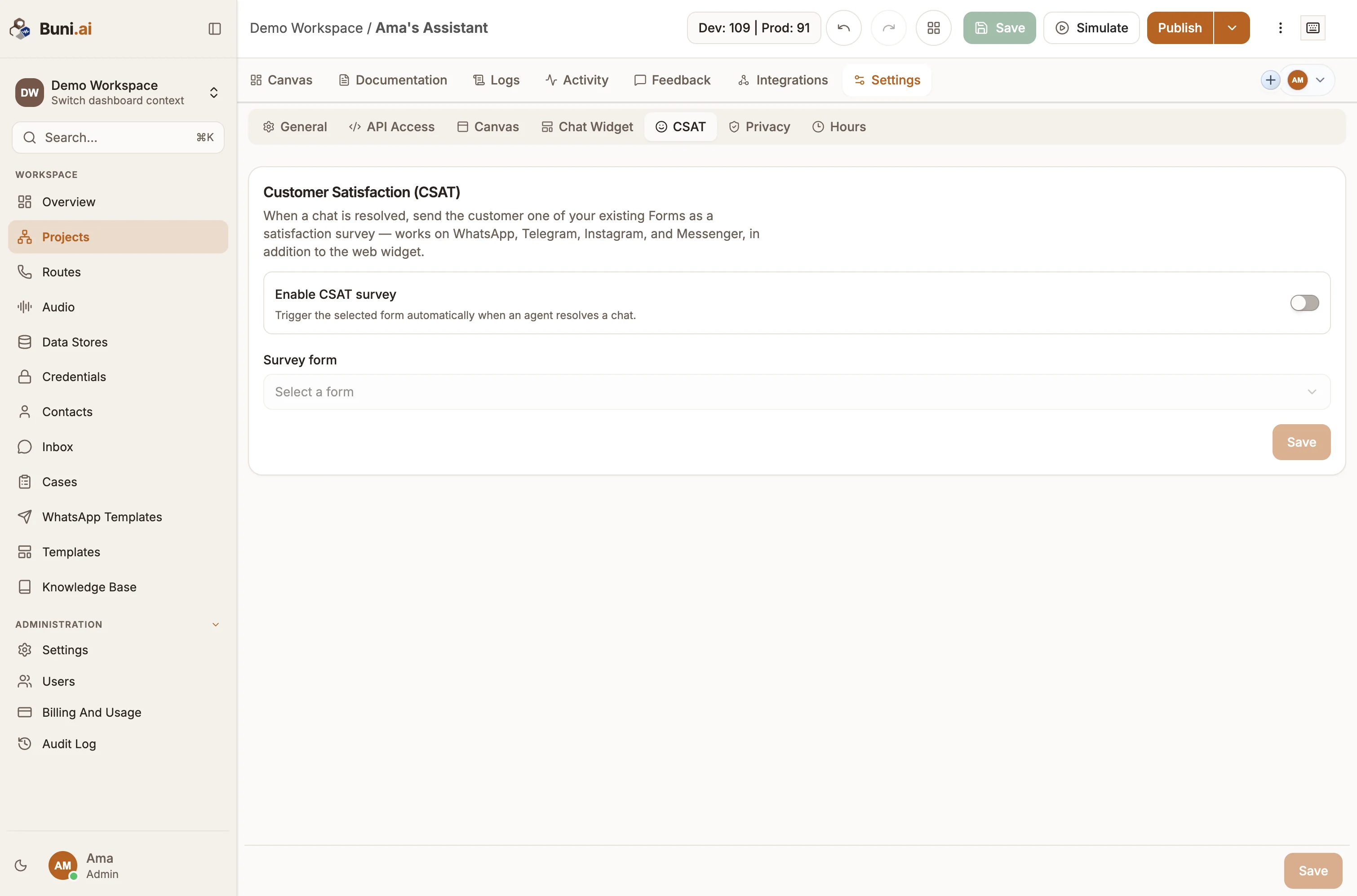
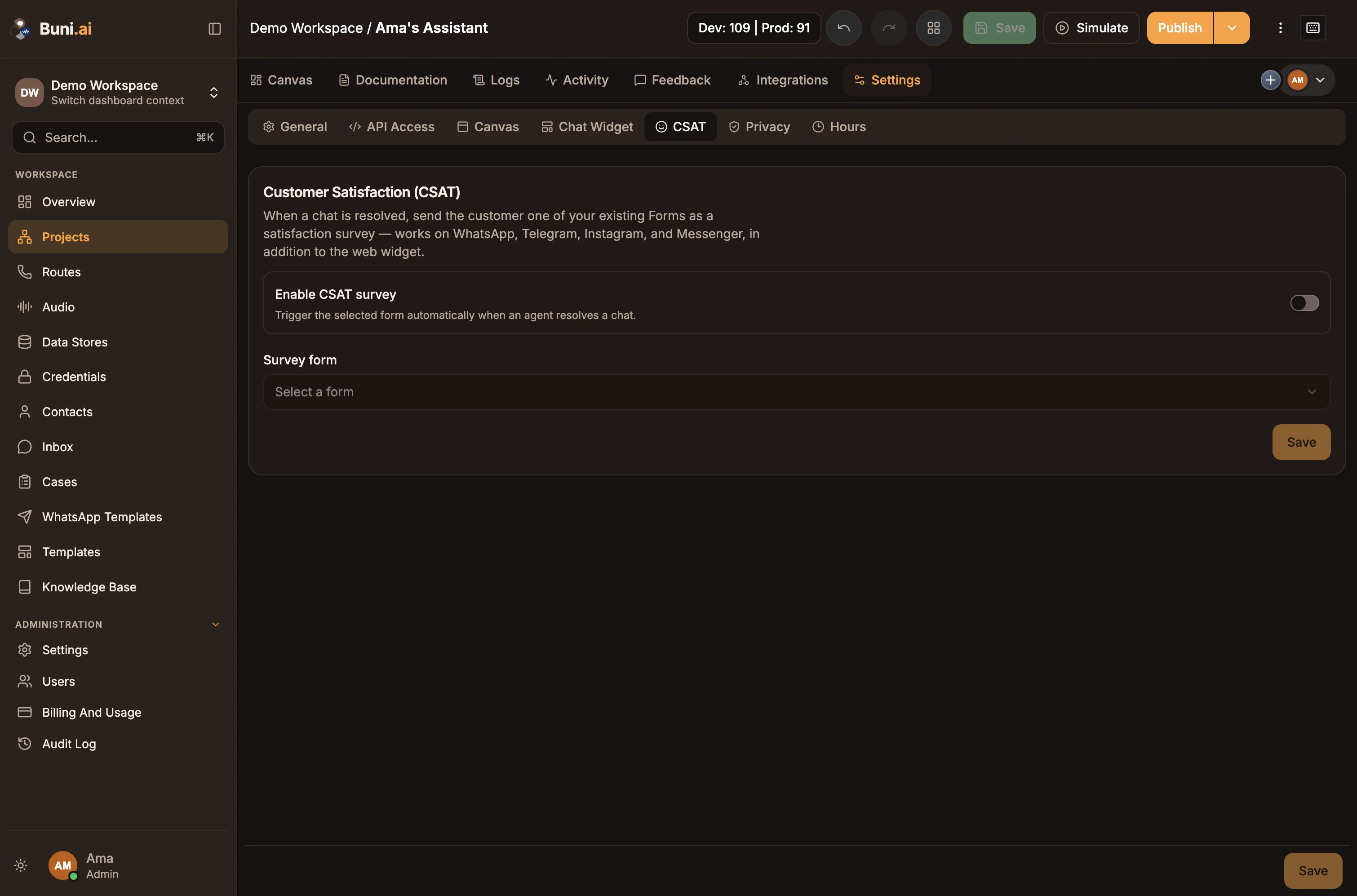
Open the project and go to Settings›CSAT.
Choose the form and rating field
Turn on Enable CSAT survey. Pick the Survey form, then the Rating field: the select or number field that holds the customer's rating.
Save and republish
Select Save, then republish the project so the published bot records the rating.
Required fields can repeat questions
If the survey form has required fields, a customer who does not answer may be asked again, up to three times. Mark survey fields optional for a smoother experience after resolution.
Send the survey
The survey is sent when an agent resolves a chat with Request Customer Feedback (CSAT) turned on in the Resolve Conversation dialog. It runs as a normal form conversation on the customer's channel, after the chat is resolved. See Resolving conversations.
See the ratings
| Where | What you see |
|---|---|
| Conversation list | CSAT and the score out of 5 on the row. |
| Conversation header | Customer Satisfaction with the star rating. |
| Inbox analytics | The average CSAT and the number of ratings for the selected time range. |
Related
Resolving conversations
Resolve a conversation, record an outcome that tells the customer what happened, and understand what happens when a customer writes back.
Business hours
Set a chatbot project's time zone and opening hours so AI nodes know the local date and customers are told when your team is back.