
Notes, tags and customer profile
Leave private notes for your team, tag conversations, and see who a customer is and how they have contacted you before.
Three tools help your team keep context on a conversation: internal notes for your colleagues, tags for grouping conversations, and the customer profile, which shows who the person is across channels.
Open notes and the profile from the icons in the conversation header, or from the conversation menu (View › Customer Profile or Internal Notes).
Internal notes
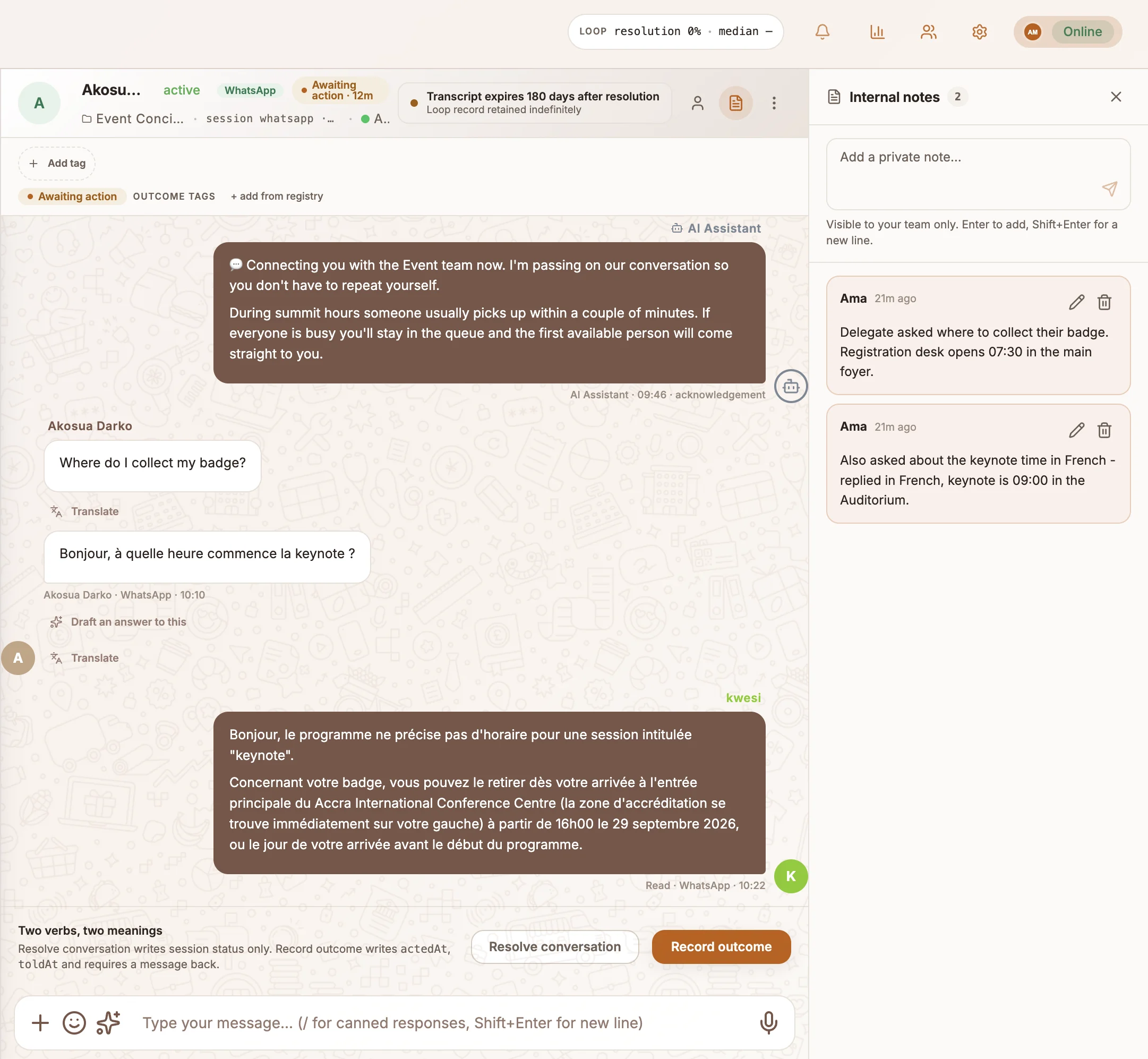
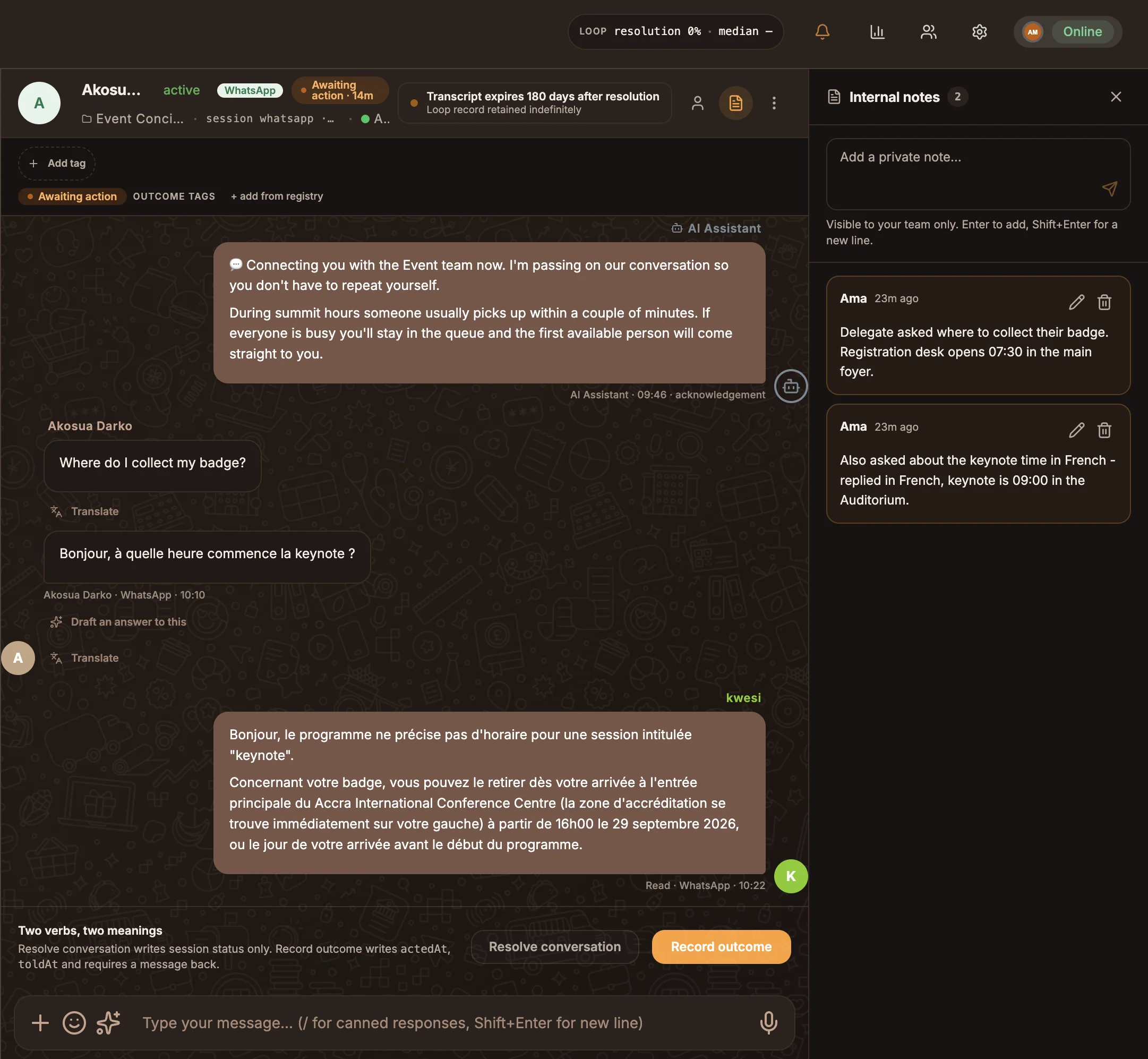
Notes stay with the conversation and are never sent to the customer. Use them to hand over context, such as what you have already tried or what the customer is waiting for.
- Open Internal notes.
- Type in Add a private note… and select Add note.
Every agent who can open the conversation can read its notes. You can edit or delete only your own notes, using Edit note and Delete note.
Tags
Tags group conversations so you can find them later, for example refund or vip.
- To add one, select Add tag in the conversation header, type the tag and press Enter.
- To remove one, select the remove icon on the tag.
A conversation row shows up to three tags. Use the Tags filter in the conversation list to see every conversation with a tag. See Inbox.
Customer profile
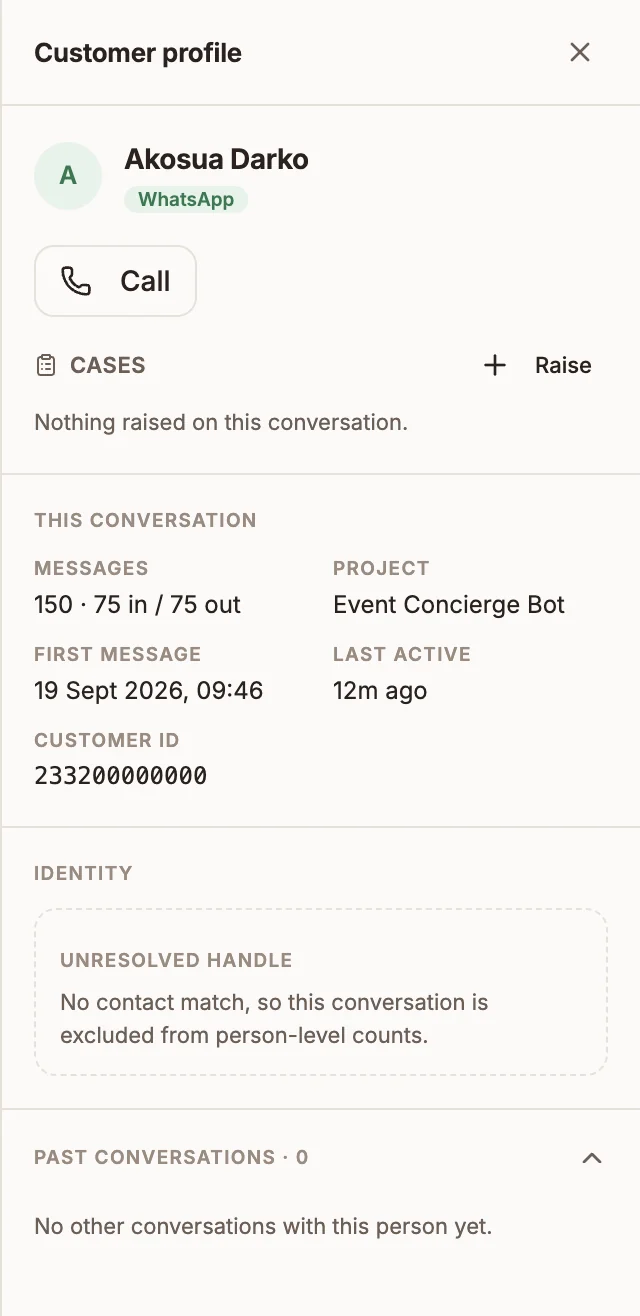
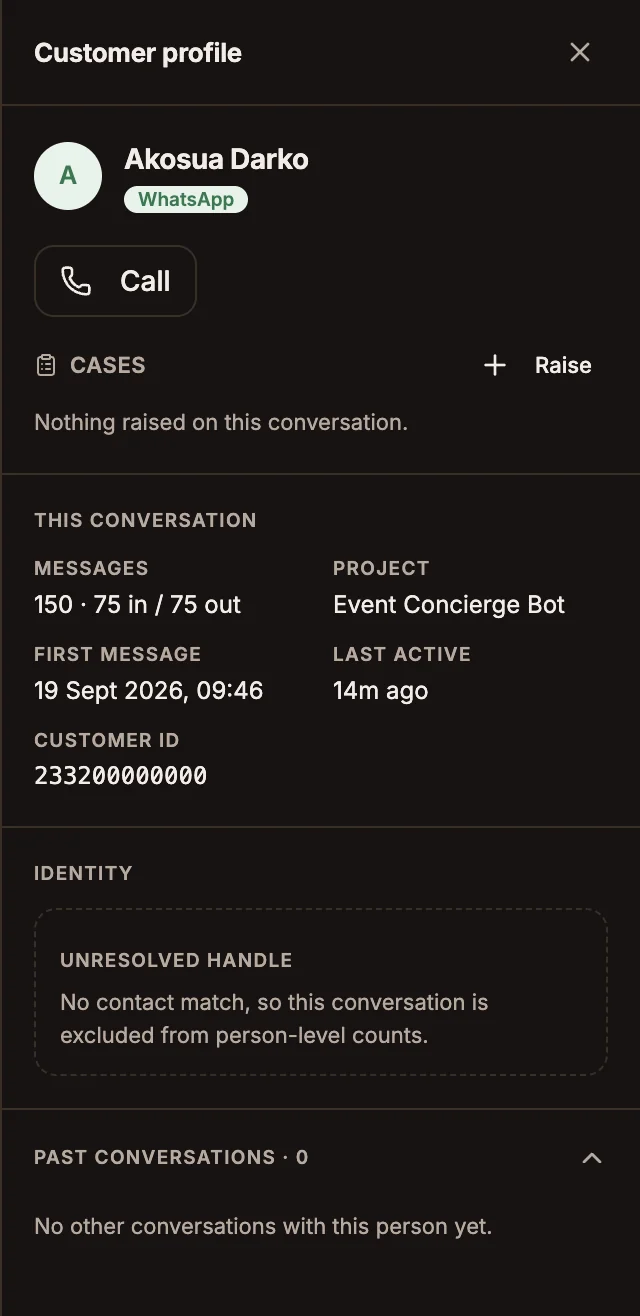
The Customer profile panel is read-only and has these sections:
| Section | What it shows |
|---|---|
| This conversation | Messages, Project, First message, Last active and Customer ID. |
| Identity | The person behind the conversation and each handle that resolved to them, such as a WhatsApp number and a USSD number, with the number of sessions on each. A handle that matches no contact is shown as Unresolved handle. |
| Cases | Cases raised on this conversation, and Raise to open a new one. See Cases. |
| Past conversations | The person's other conversations. Select one to open it. |
To edit a customer's details, open them in Contacts.
Related
AI drafts and translation
Let Buni draft Inbox replies from your knowledge base, choose which documents it can use, and chat with customers in another language.
Resolving conversations
Resolve a conversation, record an outcome that tells the customer what happened, and understand what happens when a customer writes back.