
Audit log
See who published projects, changed access, managed connections and API tokens, or assigned roles in your organization.
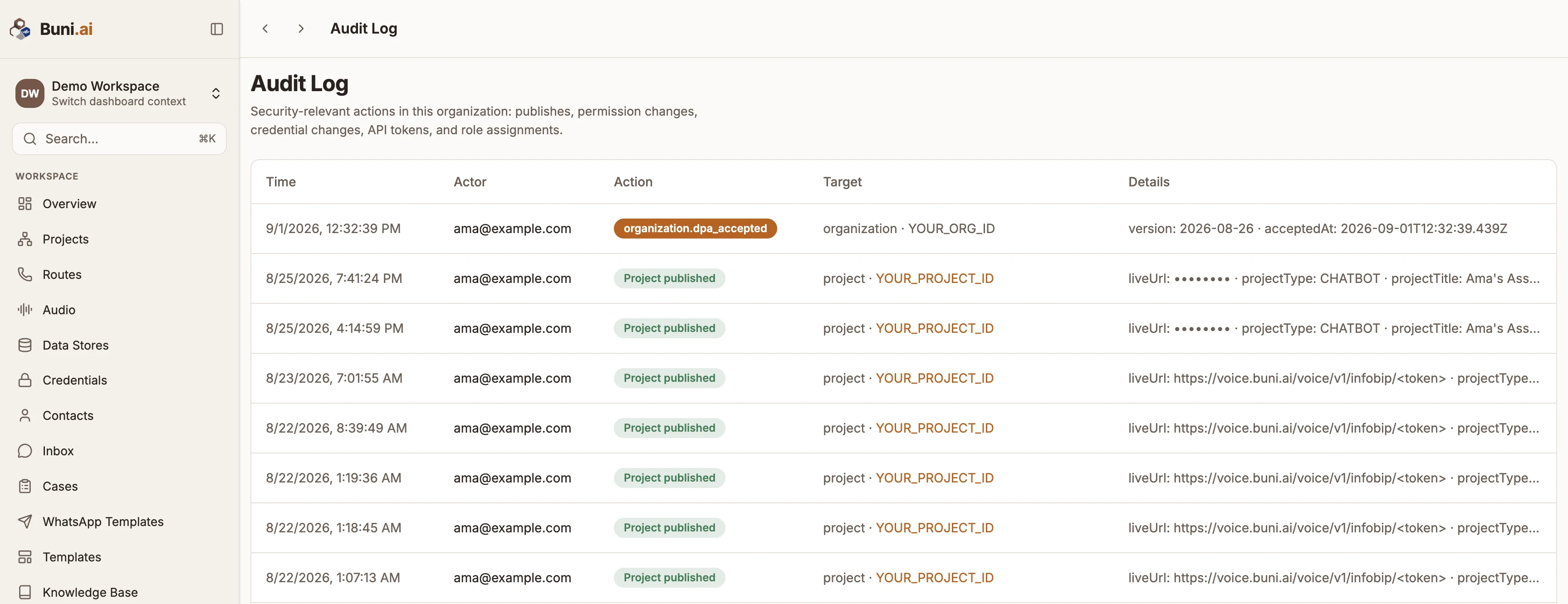
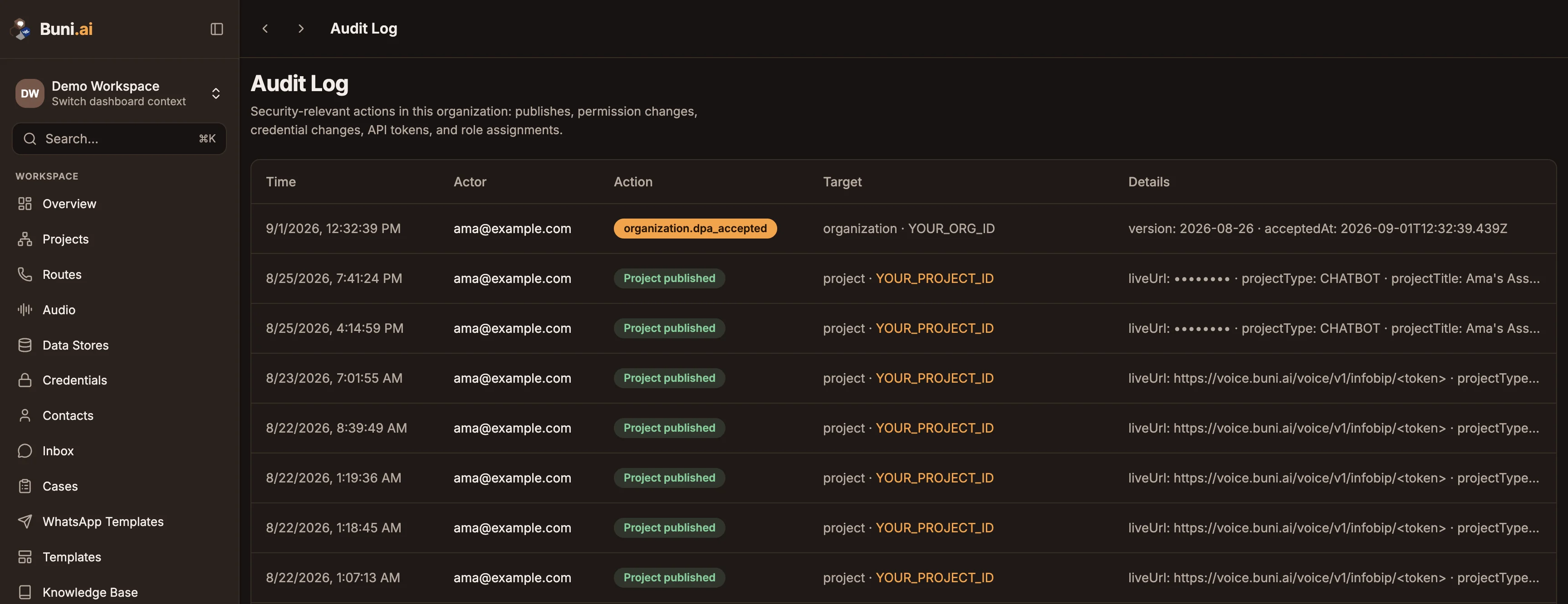
The Audit Log records security-relevant actions in your organization, so you can see who did what and when.
Open Audit Log in the Administration group of the sidebar. Only organization admins can view it; anyone else sees Admin access required.
What is recorded
| Action | Recorded when |
|---|---|
| Project published | A project is published. |
| Project access granted | A project is shared with someone. |
| Project access revoked | Someone's access to a project is removed. |
| Connection created | A connection is added. |
| Connection removed | A connection is removed. |
| OAuth connection updated | An OAuth connection is made or refreshed. |
| API token created | A public API token is created. |
| API token revoked | An API token is revoked. |
| Member role assigned | Someone's organization role is set. |
Other events can appear too, shown by their action name. For example, revealing a caller's full phone number on a voice project's Activity tab is recorded here.
Read the log
| Column | Shows |
|---|---|
| Time | When it happened. |
| Actor | Who did it. |
| Action | What happened. Grants and creations are marked green, removals and revocations amber. |
| Target | What it happened to. |
| Details | Any extra detail recorded with the event. |
Entries are shown 25 to a page. Use the page controls at the bottom to go further back.
Related
Last reviewed 24 September 2026