
Slack
Connect a chatbot to a Slack app so people can talk to it in your Slack workspace.
 Connect a chatbot to Slack to answer your team's questions, run internal requests, or support customers in a shared Slack workspace. You create a Slack app, give Buni.ai its bot token and signing secret, and point the app's events at your project.
Set up the connection
Create a Slack app
Go to api.slack.com/apps and select Create New App › From scratch. Pick the workspace to install it in.
Add bot scopes and install the app
Under OAuth & Permissions, add the Bot Token Scopes your bot needs to send and read messages: at least chat:write, plus the history scope for each kind of conversation it should hear, such as im:history for direct messages or channels:history for public channels. Then select Install to Workspace.
Copy the Bot User OAuth Token (it starts with xoxb-). From Basic Information, copy the Signing Secret and the App ID.
Add Slack to the chatbot
Open the chatbot's trigger node and go to the Platforms tab. In Messaging Platforms, select Slack. Under Platform Configuration, fill in the fields below. Store the token and signing secret as credentials.
Publish and copy the webhook URL
Publish the project and copy Your Bot Webhook URL from the Platform Setup dialog, or later from Settings›General›Bot Webhook Configuration.
Turn on event subscriptions
In your Slack app, open Event Subscriptions, turn Enable Events on and paste the Bot Webhook URL as the Request URL. Slack sends a verification challenge, which Buni.ai answers automatically, and marks the URL Verified.
Under Subscribe to bot events, add the message events that match your scopes, such as message.im. Save your changes, and reinstall the app if Slack asks you to.
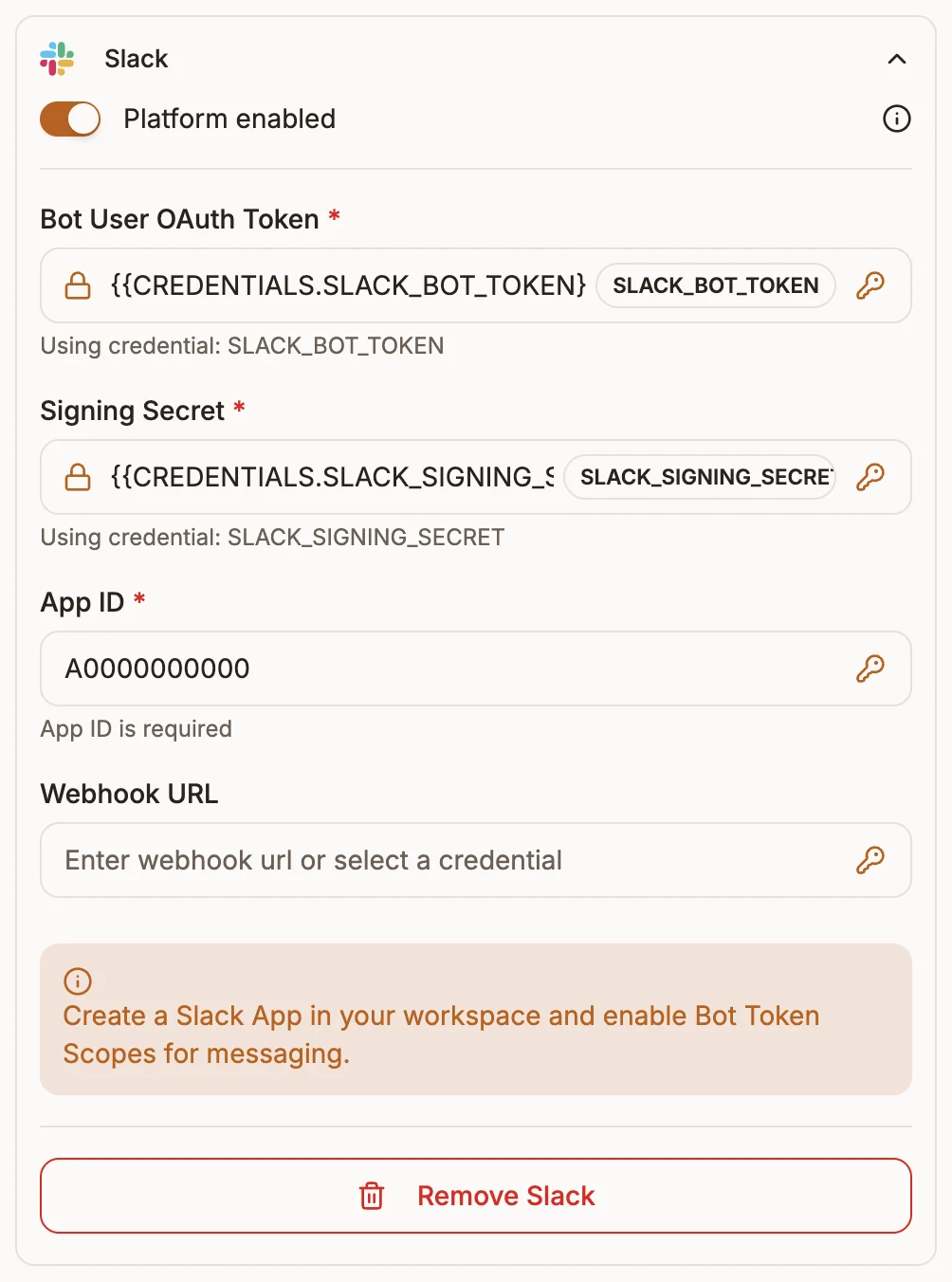
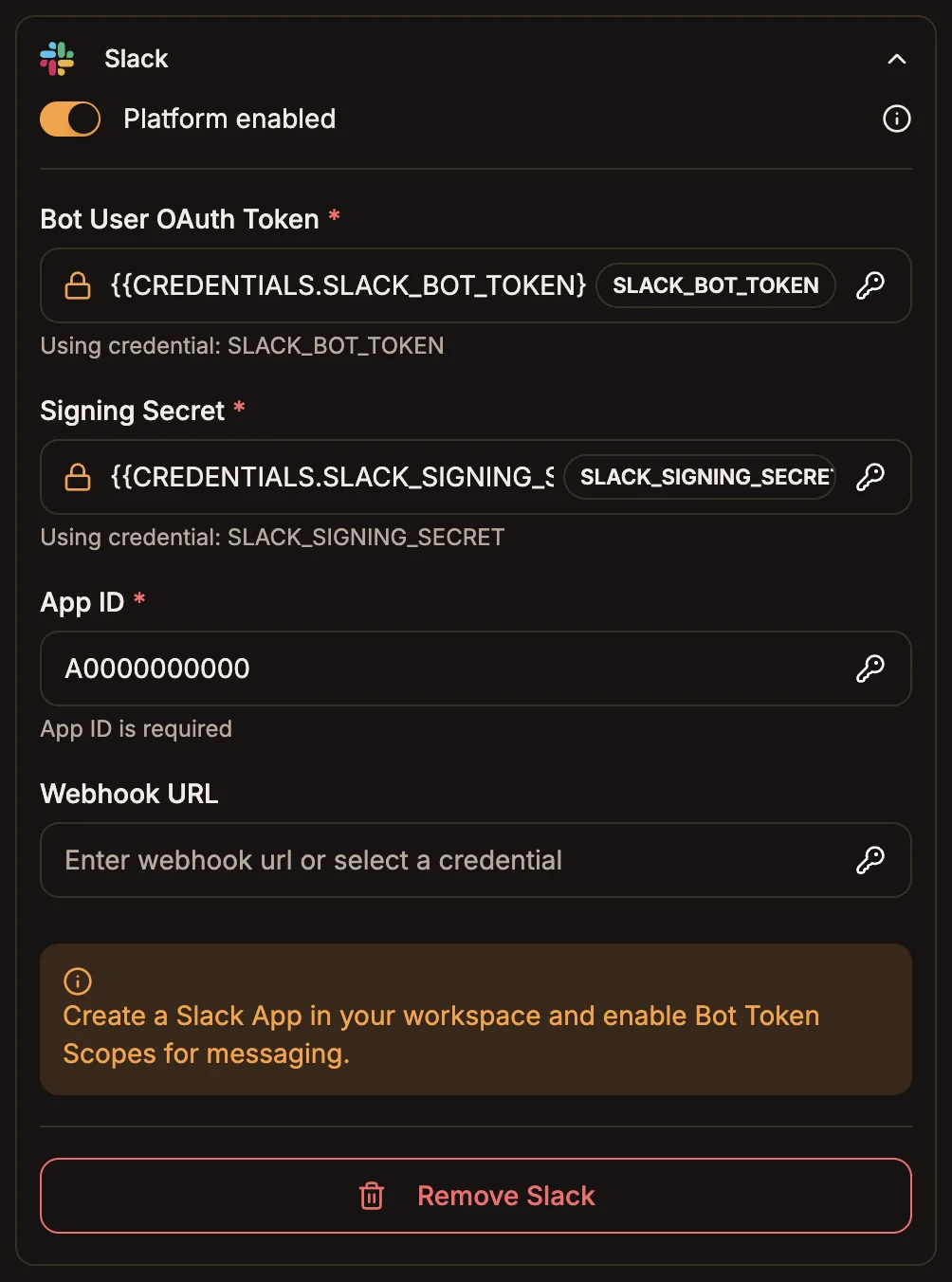
Fields
| Field | Required | What to enter |
|---|---|---|
| Bot User OAuth Token | Yes | The xoxb- token from OAuth & Permissions. |
| Signing Secret | Yes | From your app's Basic Information page. Used to verify requests. |
| App ID | Yes | From your app's Basic Information page. |
| Webhook URL | No | Filled in when the project is deployed. |
How requests are verified
Every request from Slack carries X-Slack-Signature and X-Slack-Request-Timestamp headers. Buni.ai checks the signature with your Signing Secret and rejects requests that don't match, or that are more than five minutes old. Messages posted by bots, including your own, are ignored, so the bot never answers itself.