
Versions and updates
Publish numbered versions of a subworkflow, update the projects that use it when you choose, and archive one that's in use.
Projects never use a subworkflow's draft. They use a published version, such as version 2, and stay on it until someone updates them. Publishing a new version changes nothing in any project until its owner reviews the update and publishes the project.
Publish a version
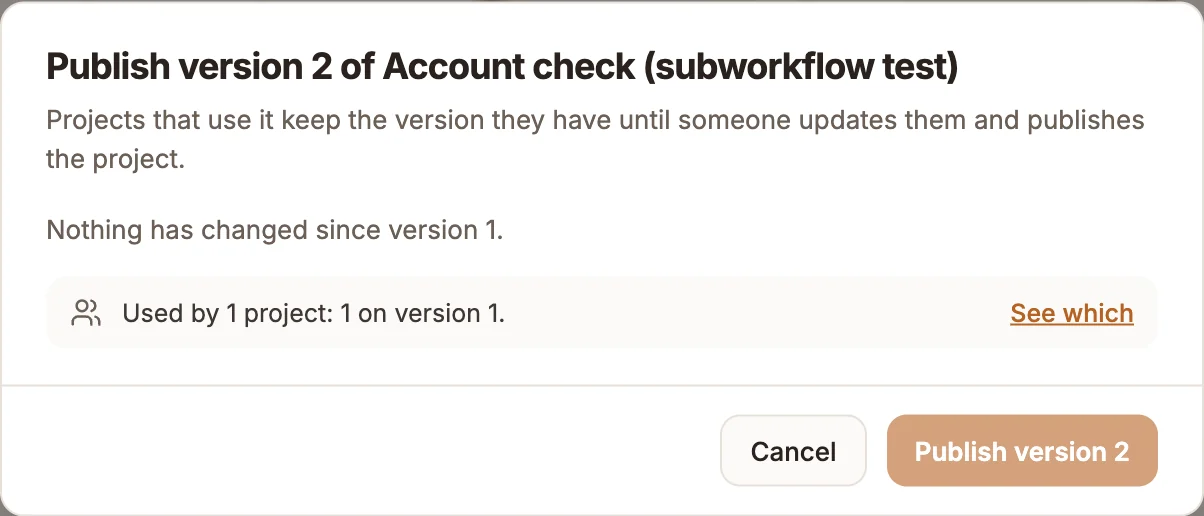
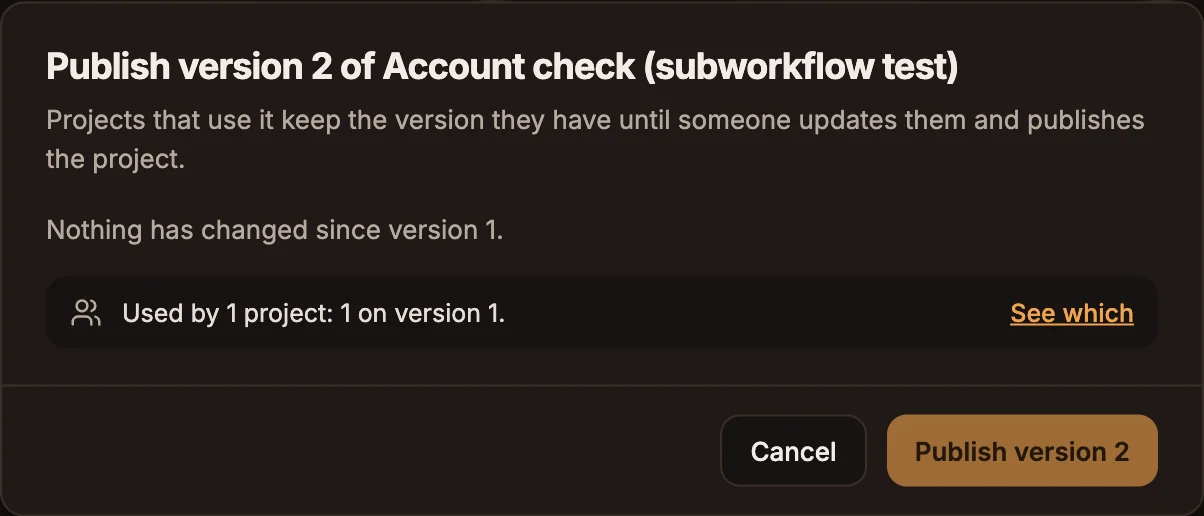
Select Publish version in the subworkflow's header. It saves the canvas, then opens Publish version 2 of your subworkflow, which shows:
- What it takes and answers, for version 1: its inputs and exits.
- What changes since version 1, for later versions: each input, exit and output Added, Removed or Changed. Changes that need work in the projects using it are shown in red: a removed exit or output, an input that is now required, or a new required input. When only the steps changed, it says so.
- Notes for people updating: what's new, and what a project should check before it updates. Projects see these notes when they review the update.
- Which projects use it, and on which versions, with See which.
Select Publish version 2. Anything that stops it is listed under Fix these first, such as a step without the variable prefix, and nothing is published when nothing has changed since the last version.
Update a project to a new version
When a newer version fits the project, its Subworkflow step shows v2 available.
- Open the step and select Review update.
- Read the version's notes and what changes for this step:
- a required input left empty here, to fill in before you publish;
- a new exit, which is a new path to connect;
- a removed exit, whose path is removed: the step it led to stays on the canvas, unconnected.
- Select Update to version 2, or Keep version 1.
The project's live version keeps the old subworkflow version until you publish the project. You can also choose an older version in the step's Version field, with the same review when it removes a path.
See who uses it
The Used by tab lists the projects that run the subworkflow, each with its type, whether it's live, and each step with its version, how far behind it is and which exits it follows, such as Check identity v2, 1 behind · follows done.
A project whose canvas no longer uses it, but whose published version still runs it, stays on the list until it's published again. The projects list shows the same count on the subworkflow's card: Used by 3, or Not used yet.
Archive or delete
- Archive (in the card's menu in Projects) takes a subworkflow out of the picker. Projects that use it keep building with their version, and Unarchive brings it back.
- Delete works only when no project uses it. When one does, the dialog explains why it can't be deleted, because their next build would fail, and offers Archive instead.
Related
- Subworkflows
- Subworkflow
- Version history, for a project's own versions