
Authentication
Create a project API token, choose its scopes, send it with each request, and rotate or revoke it.
Every call to the public API carries a token. A token belongs to one project, starts with bai_ext_, and can only call the endpoints its scopes allow.
Create a token
Open the API Access tab
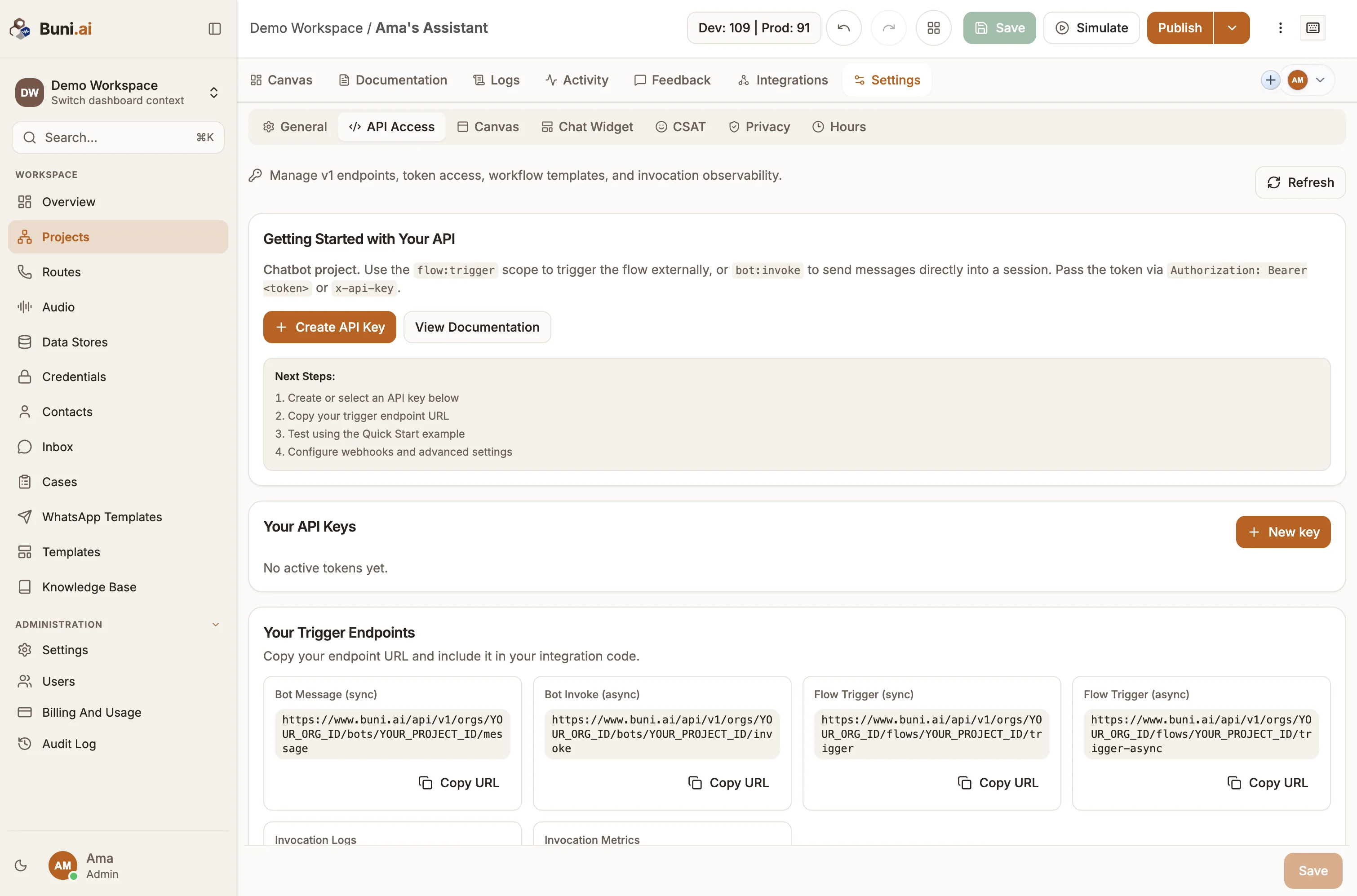
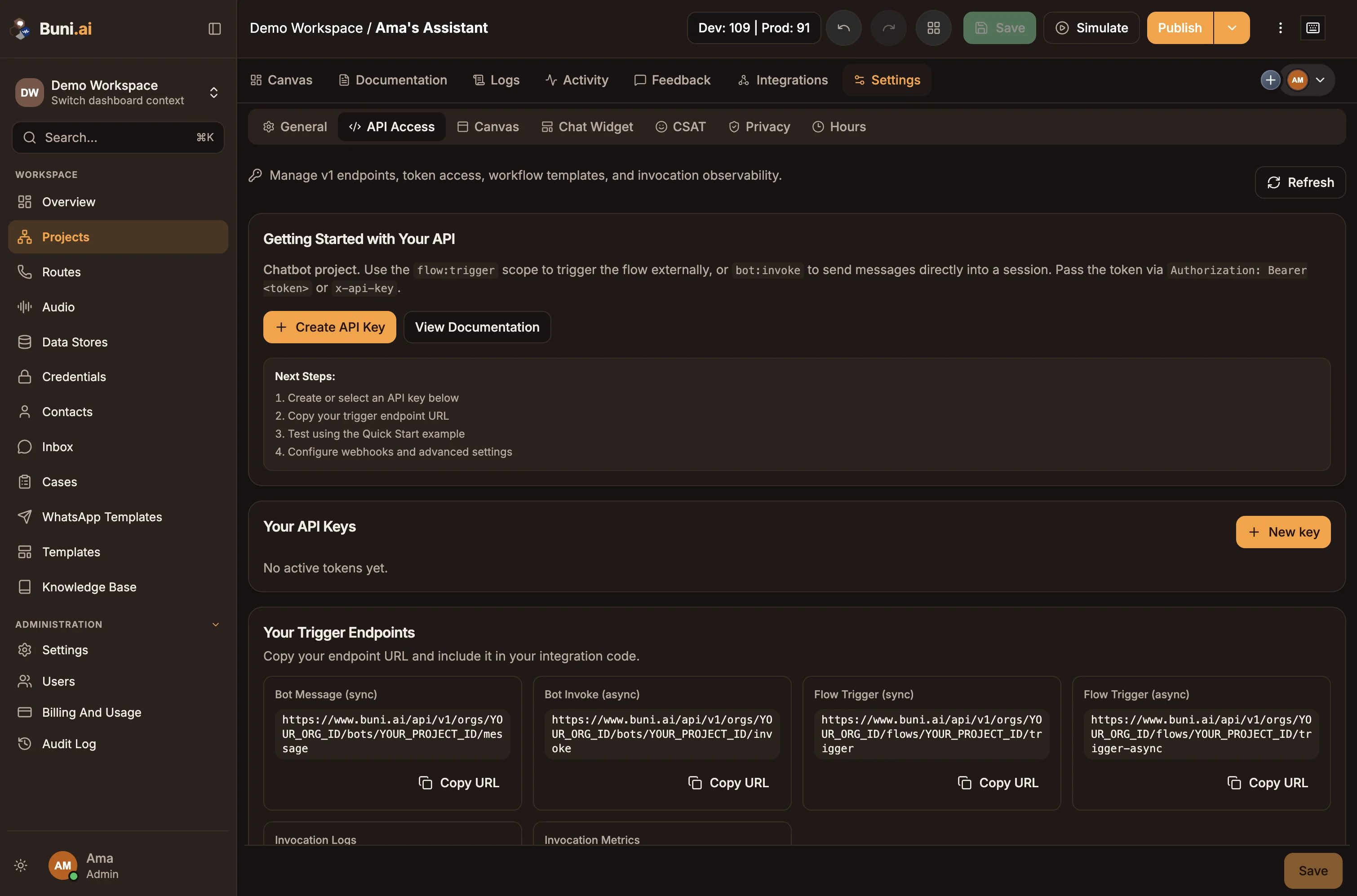
Open the project and go to Settings › API Access. The tab appears for chatbot and automation projects.
Start a new key
Under Your API Keys, select New key (or Create API Key in Getting Started with Your API). The Create External API Token dialog opens.
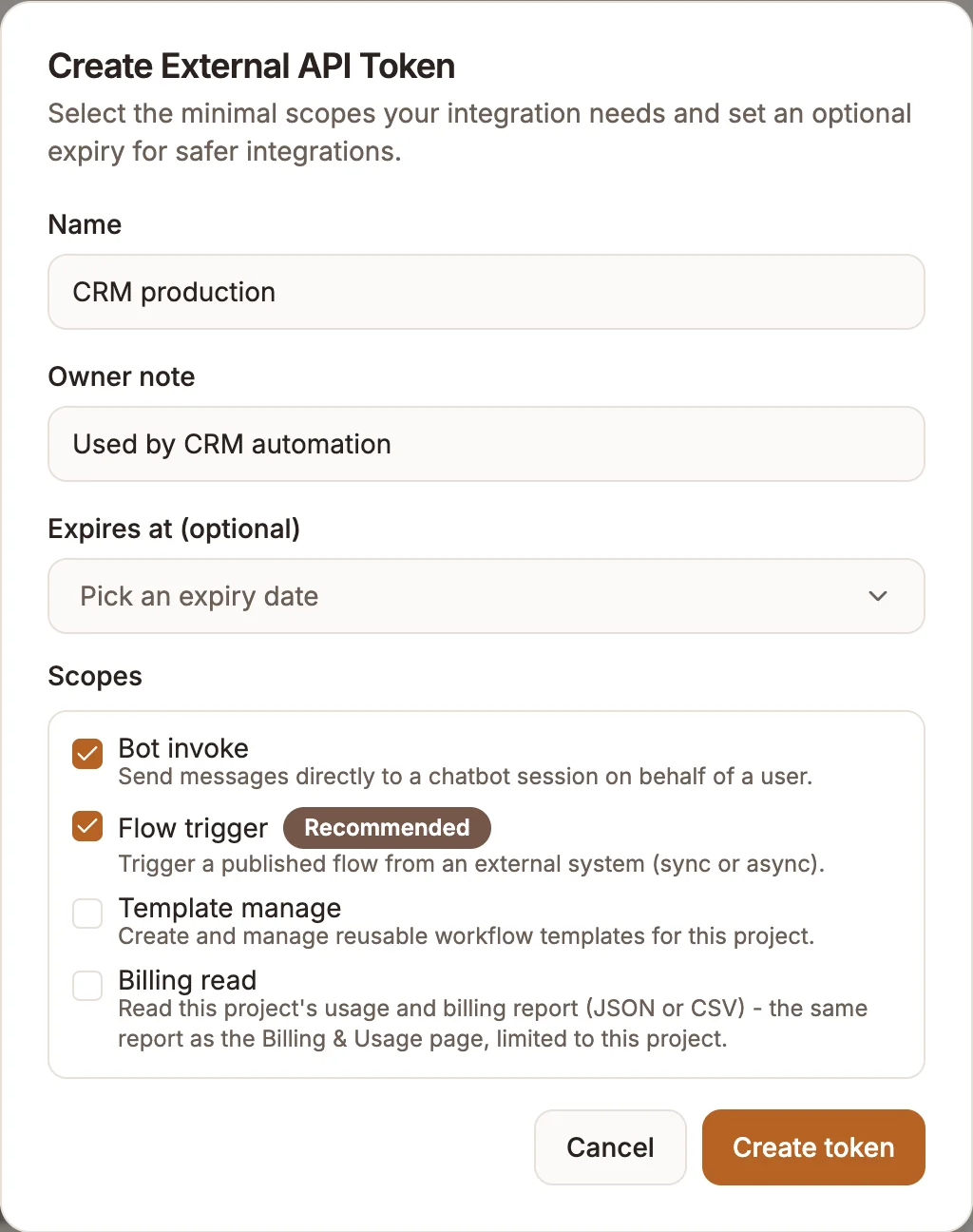
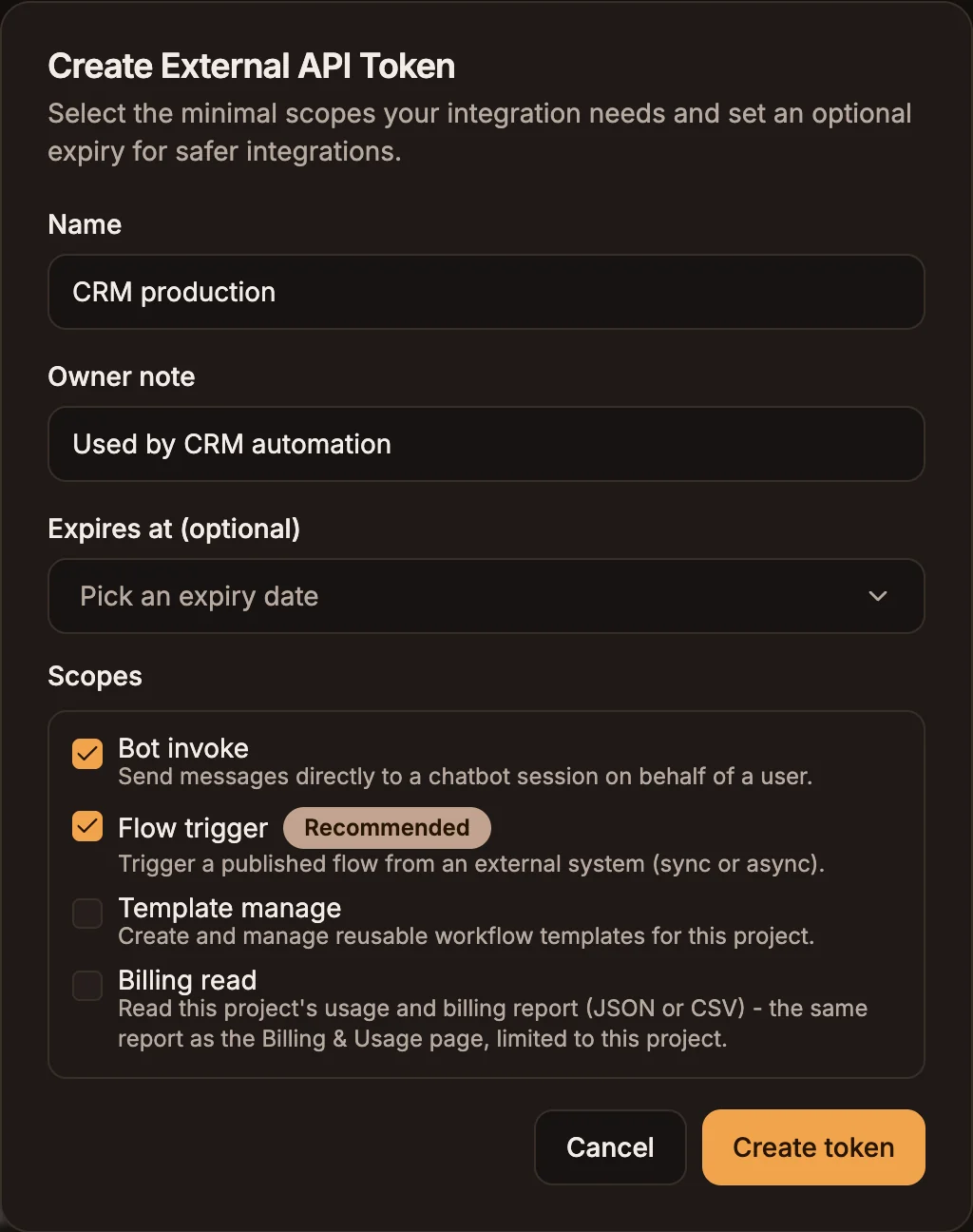
Fill in the token details
| Field | What to enter |
|---|---|
| Name | Required. A name you will recognise later, for example CRM production. |
| Owner note | Optional. Who owns the integration or what it is for. |
| Expires at (optional) | A date after which the token stops working. Leave empty for a token that does not expire. |
| Scopes | The endpoints the token may call. See Scopes. |
Copy the token
Select Create token. The value appears once under New token (shown once). Select Copy token and store it in your secrets manager. Buni.ai keeps only a hash, so the full value cannot be shown again; the list shows only its prefix.
Scopes
Pick the smallest set your integration needs.
| Scope | Label in the app | Lets the token call | Offered for |
|---|---|---|---|
bot:invoke | Bot invoke | /bots/{projectId}/message, /bots/{projectId}/invoke | Chatbot projects (selected by default) |
flow:trigger | Flow trigger | /flows/{projectId}/trigger, /trigger-async, /polling, /dead-letters | Chatbot projects |
automation:trigger | Automation trigger | /automations/{projectId}/trigger, /trigger-async | Automation projects (selected by default) |
To read or change a run with /external-invocations/{invocationId}, use the same token that started the run. It needs the scope that matches the run: bot:invoke, flow:trigger or automation:trigger. A different token returns 403 Token does not match invocation, even if it has the right scope.
Reserved scopes
The app also offers Template manage (template:manage), and the platform defines voice:trigger. No public endpoint checks either scope today: the workflow template library is managed in the app, and voice:trigger cannot be added to a token. Treat both as reserved.
Send the token
Use either header. If both are present, Authorization wins.
# Authorization header
curl -X POST "https://www.buni.ai/api/v1/orgs/$ORG_ID/automations/$PROJECT_ID/trigger" \
  -H "Authorization: Bearer $BUNI_API_TOKEN" \
  -H "Content-Type: application/json" \
  -d '{"event": "order.paid", "payload": {"orderId": "ORD-10442"}}'

# x-api-key header
curl -X POST "https://www.buni.ai/api/v1/orgs/$ORG_ID/automations/$PROJECT_ID/trigger" \
  -H "x-api-key: $BUNI_API_TOKEN" \
  -H "Content-Type: application/json" \
  -d '{"event": "order.paid", "payload": {"orderId": "ORD-10442"}}'
Keep tokens on your server. Never put one in a mobile app, a browser bundle or a public repository: anyone holding it can trigger the project.
What can go wrong
| Status | Body | Cause |
|---|---|---|
401 | Missing API token | No Authorization: Bearer or x-api-key header. |
401 | Invalid API token | Unknown, revoked or expired token, or a token from a different project. |
403 | Insufficient token scope | The token lacks the scope for this endpoint. |
403 | External API access is disabled for this project | Enable External API is off in Advanced Settings. |
403 | Token does not match invocation | You read or changed a run that another token started. |
Rotate a token
Tokens cannot be edited or regenerated. To rotate one:
- Create a new token with the same scopes.
- Deploy it to your integration.
- Check that the old token's Last used time stops changing.
- Revoke the old token.
Revoke a token
Under Your API Keys, select Revoke next to the token, then Revoke token. The token stops working immediately and the action cannot be undone.
To block every token for a project at once without revoking them, switch off Enable External API. See Project API settings.